Access to specific fields in a custom form (WF app in SF/Fusion)
Hello,
We're testing building a scenario in Fusion that allows users to use the integrated Workfront app in Salesforce (create a WF request inside Salesforce). We have a form on our request queue that includes CRM type fields (client information) and that data is housed in Salesforce. We don't want our requestors to have to fill them in as we can pull that information from Salesforce and populate in Workfront with Fusion. So, we want to be able to keep the fields on the form so we can push data into them from Salesforce to Workfront via Fusion but not have them viewable by the requestor when they select the queue. I tried hiding them with logic and was able to successfully push data into them but they remained hidden on the form. My hope was that the fields would appear once populated!
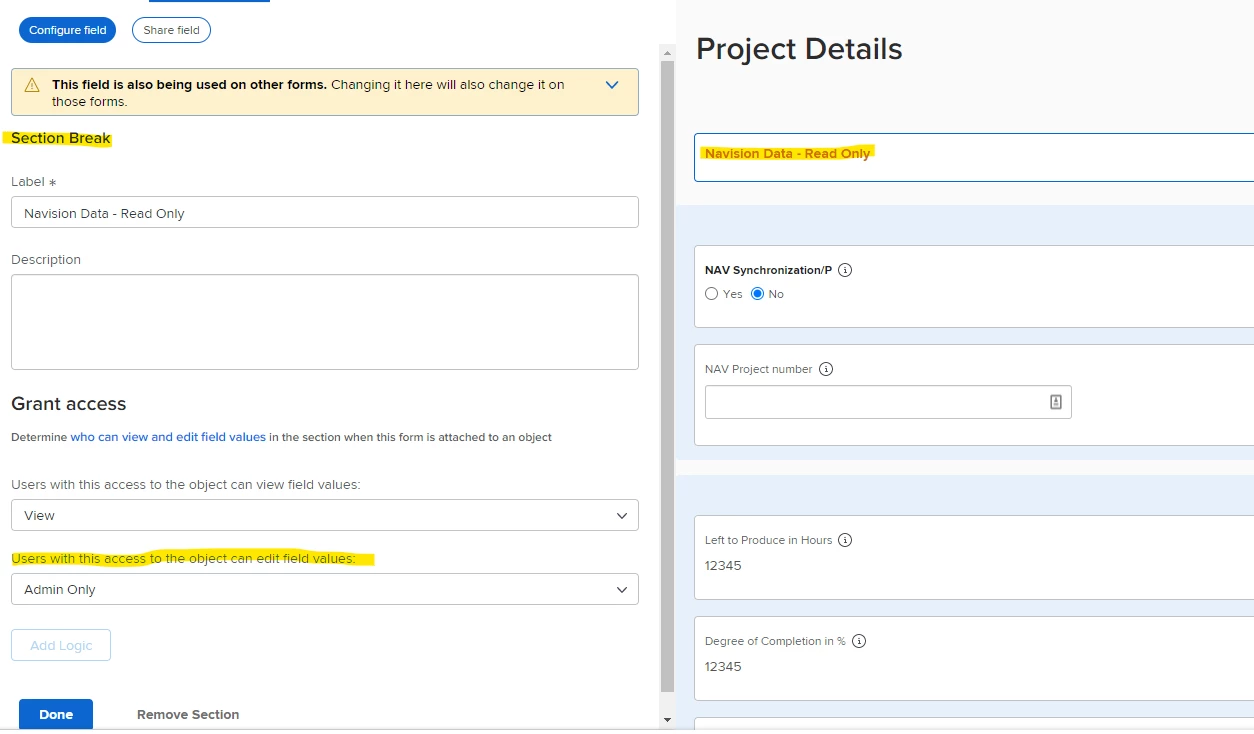
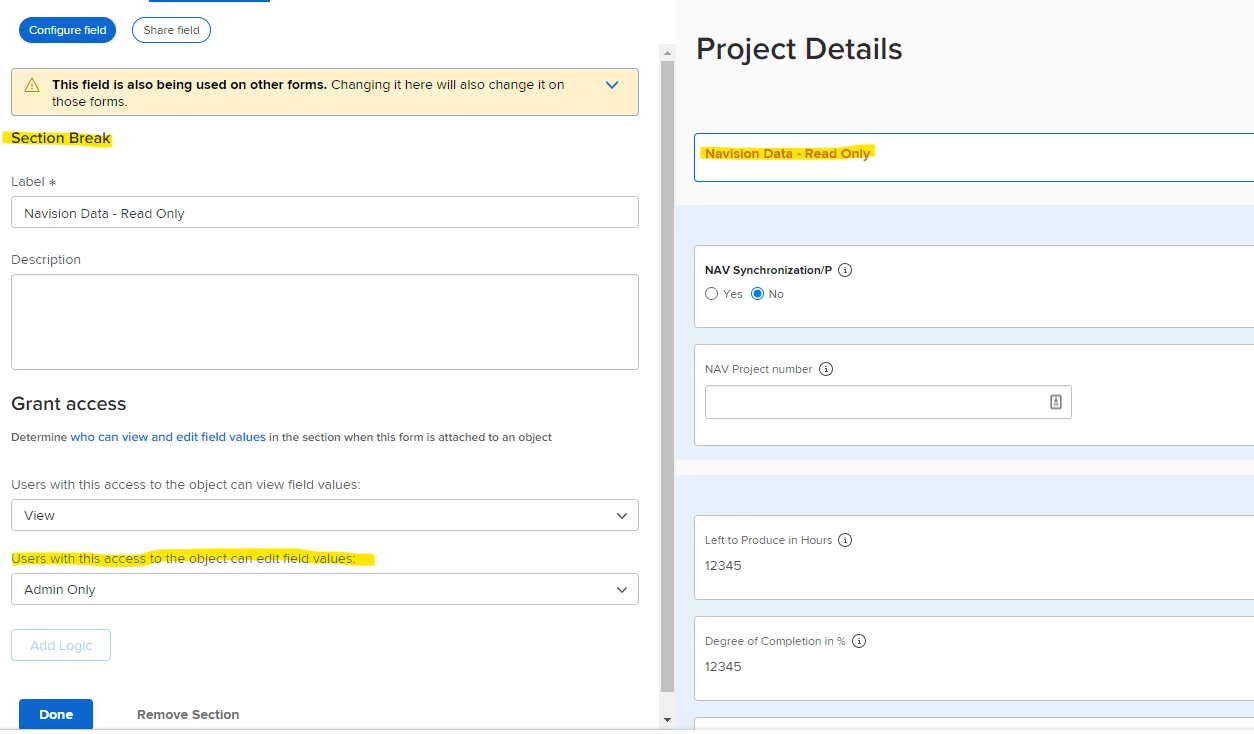
I'm looking at the Field sharing functionality now. Has anyone used this? What settings did you use? Will this accomplish what I'm trying to do? Hide a field from a requestor but make it viewable to the team intaking the request.
Appreciate any help. Thanks!