Access levels and license types
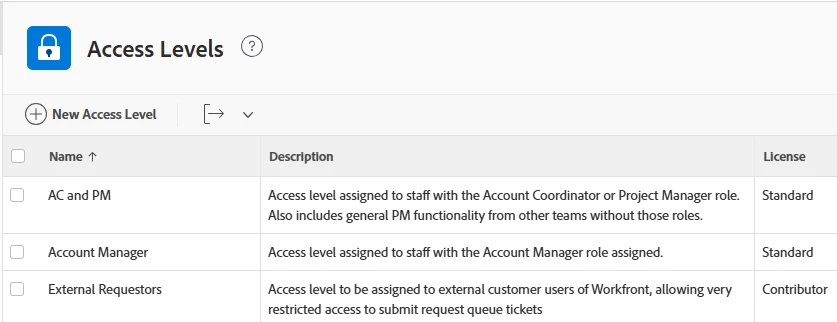
I only just realized that when license types changed to Standard/Light/Contributor/External many of our user's access levels changed to those default types as well. Prior to the change we had a lot of custom access levels set for various user groups, but it seems like those are no longer relevant. Are access levels and licences essentially the same thing now? Has anyone else experienced this?
Secondly, we want the bulk of our users to only have access to projects that they are involved with, but in my discussions with Workfront support it seems like the only way to do that is to grant them access to projects on an individual basis (see below). Does anyone know a way around this? We ideally by default only want users to be able to view their projects in the system and nothing else.
Thank you!
Workfront support response:
By default, Workfront access levels apply broadly, which means users with “View” access can potentially see all projects and documents. If you'd like users to only see the specific items they’re involved in (such as projects they’ve submitted or proofs they’ve been added to), here’s how you can set that up:
Recommended Approach:
Limit Default Access
Set the user's access level for Projects and Documents to “No Access” or “View” (if minimal visibility is acceptable).
Use Permissions for Specific Access
Grant access to individual projects or proofs by:
Adding the user to a project team
Assigning them a task
Including them in a proof workflow
Letting them submit a request
These actions will automatically give them the appropriate access to those specific items.
Project Settings
Ensure that your project settings are configured so that only invited users can access them. This helps prevent broad visibility.
Optional: Bulk Share or Use Templates
For existing items, you can bulk-share access. For new projects, consider using templates to share with the right users automatically.