Numeric Aggregator to roll up hour records at project level | Community
Skip to main content
Level 9
January 30, 2023
Solved

Numeric Aggregator to roll up hour records at project level

  • January 30, 2023
  • 1 reply
  • 6839 views

Hi Fusion Community,


I'm trying to build a path that looks at all of the hour records from tasks belong to various project, and aggregate the sum hours at the project level (in a custom field called Last Month's Revenue Hours).

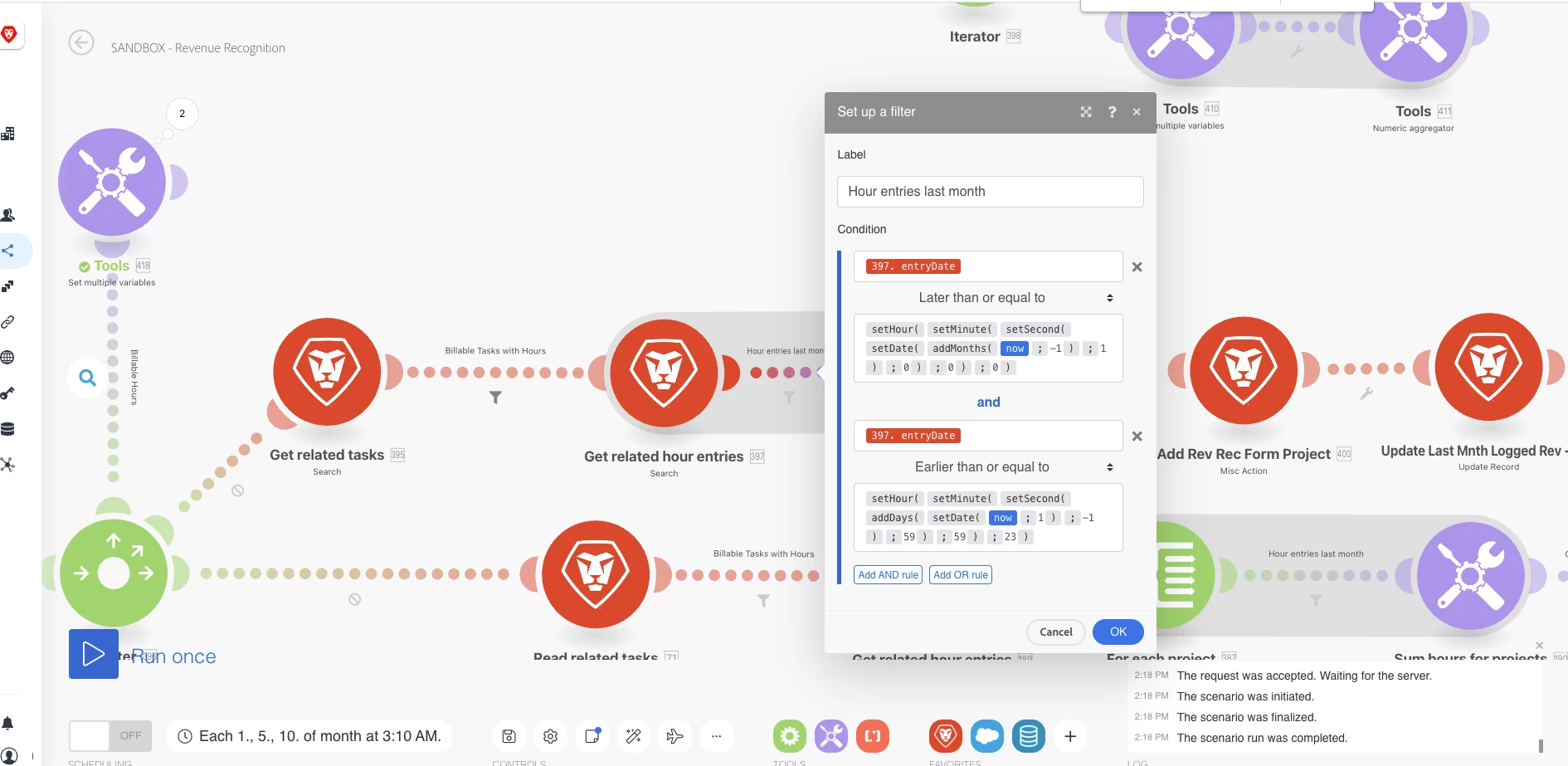
Here's what I've created, but for the life of me I can't get the hours to aggregate at the project level:
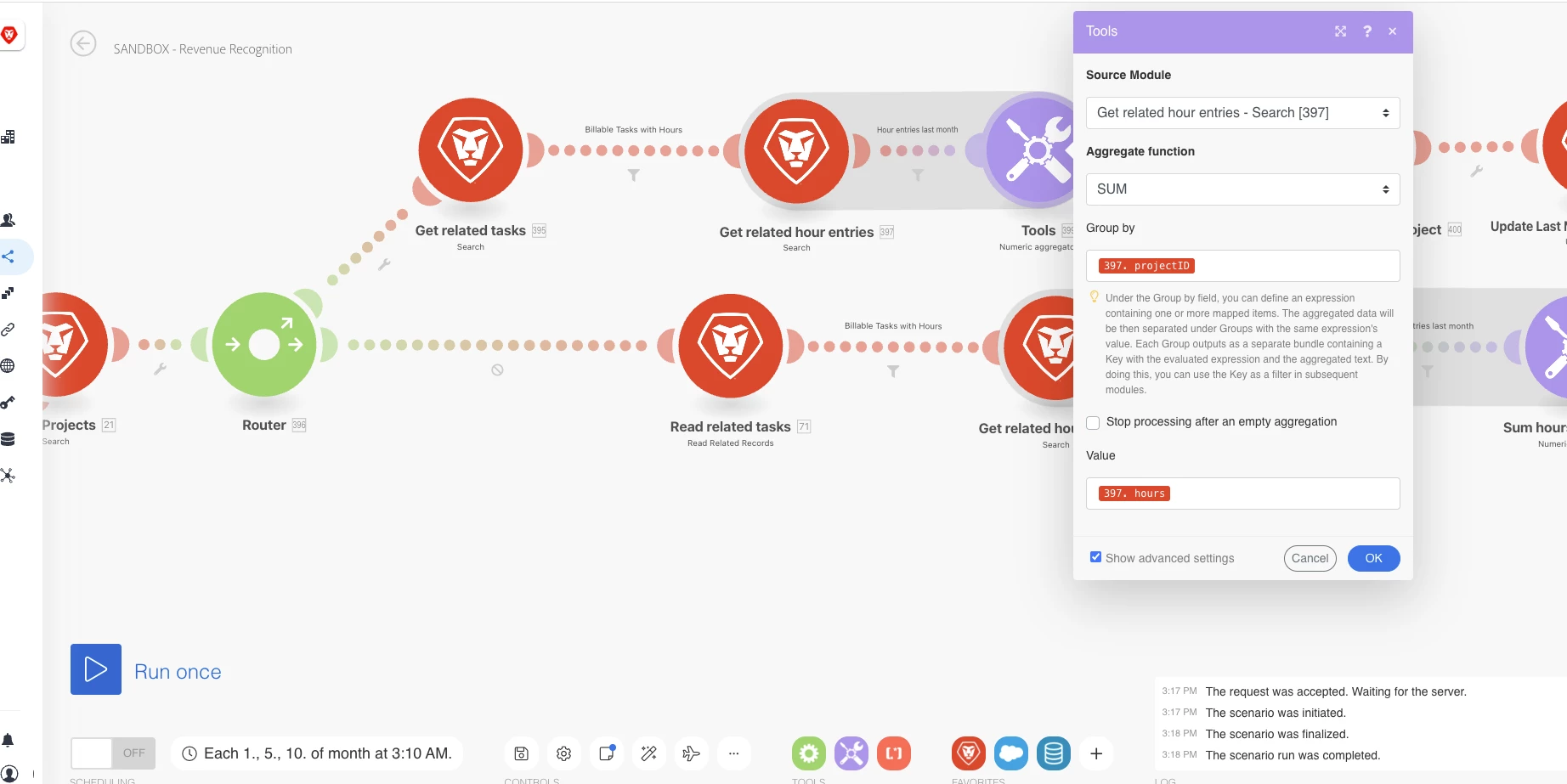
 

The result, below, just displays the number of hours records with the project ID associated to them.  I would expect the numeric aggregator would combine and sum the hour records, per projectID.  In the example below, I would expect to see 2 Operations in module 399's results: Key (projectID): 63d437500004910900788e21c9166c7e should be 75; and Key (projectID): 63d4385d0004ea53a2d4c487dbfa4ec5 should be 25.
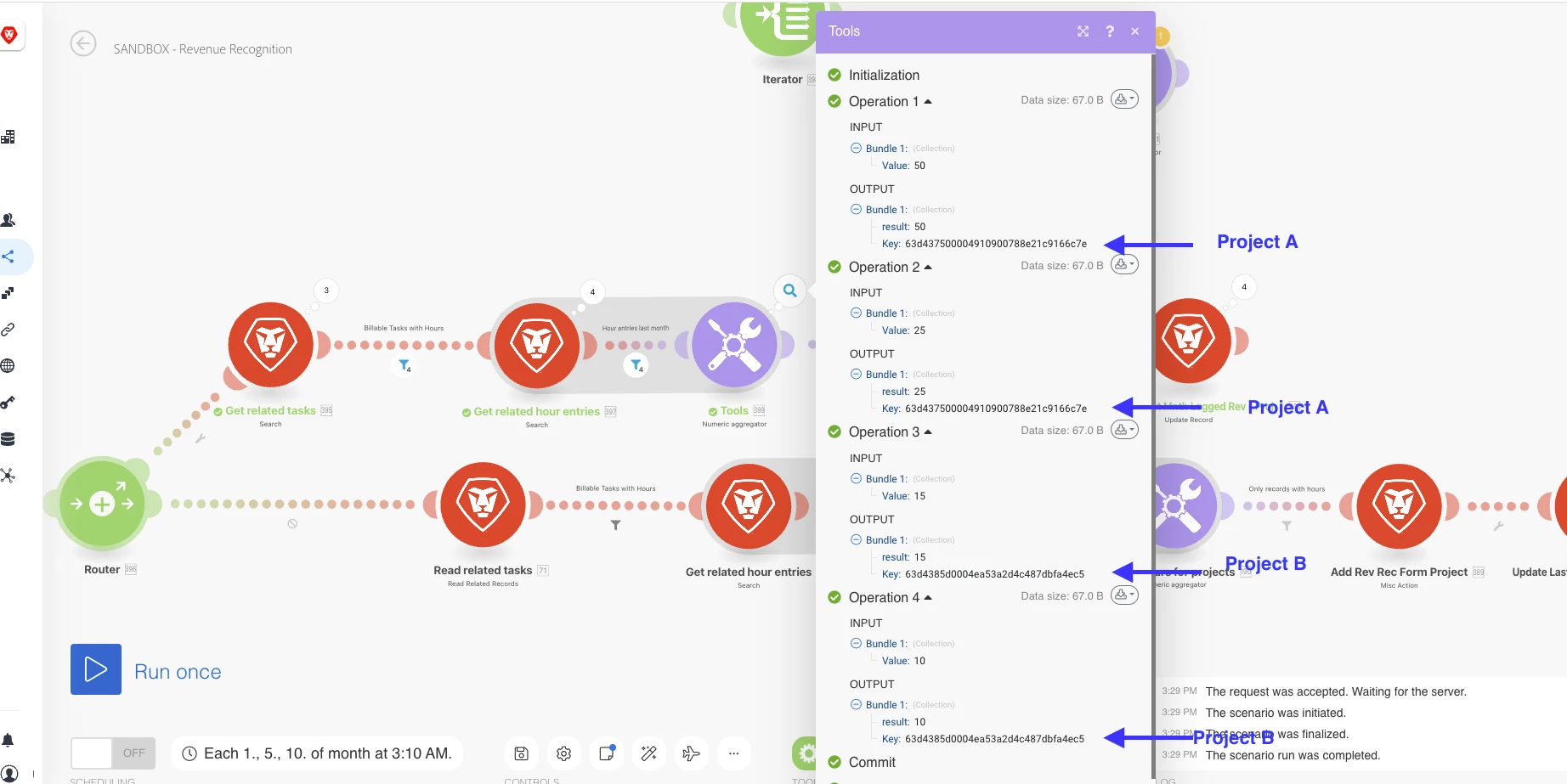


Does anyone know where I'm going wrong?
Thanks!
Nick
 

This post is no longer active and is closed to new replies. Need help? Start a new post to ask your question.
Best answer by ChrisStephens

That was helpful, thanks.
This works!  However, the two added layers I need to account for, that I was doing with my task and hours search modules, were these:

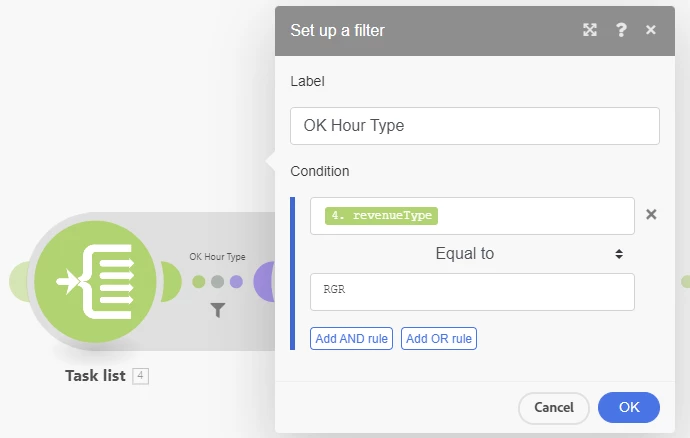
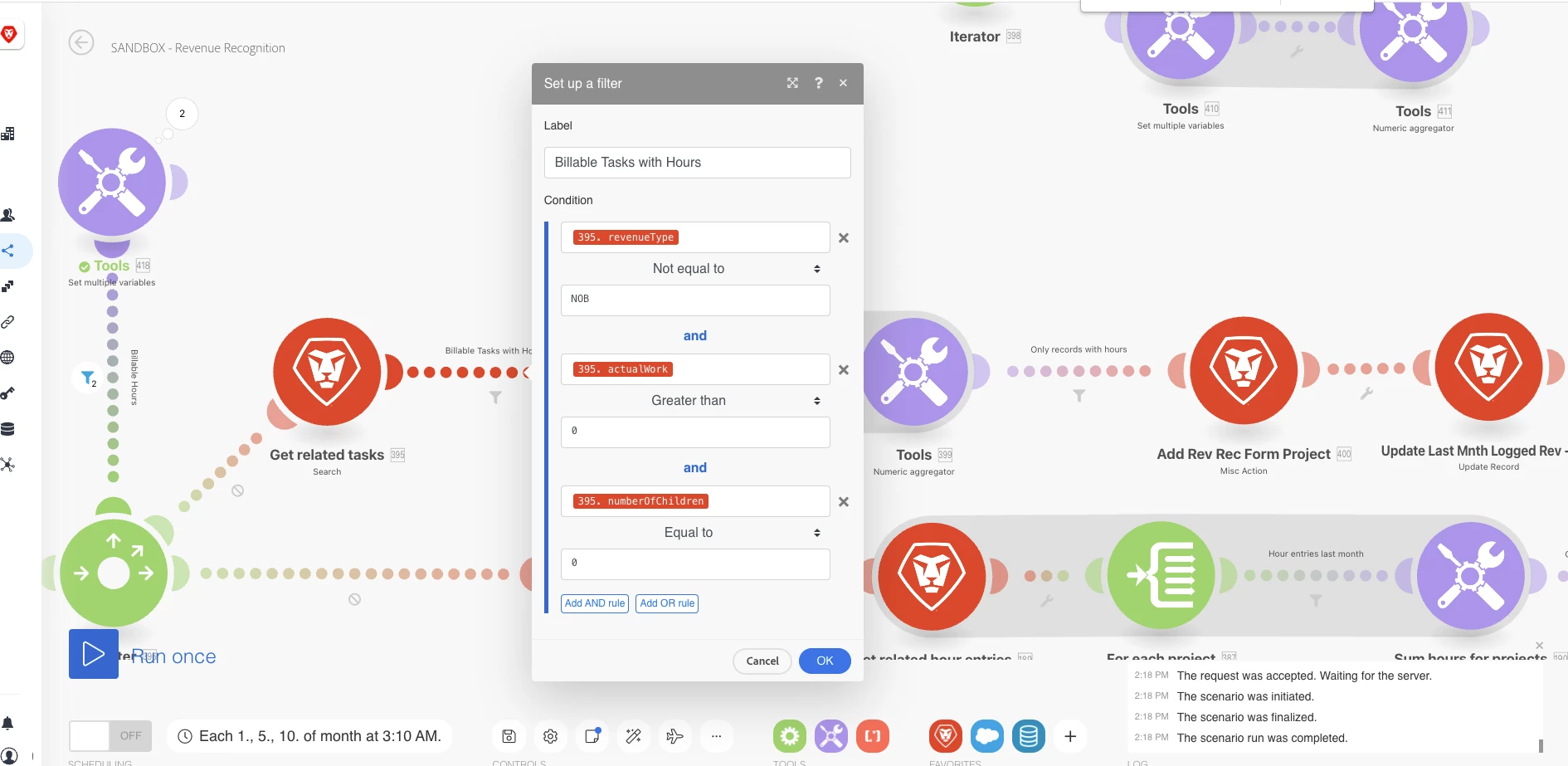
  1. Only look at tasks with a revenueType value not equal to Not Billable.  My filter here took care of this


  2. Sum hours from these tasks where the hour entryDate is last month.  My filter here took care of this


Is there a way to still incorporate these filters while doing aggregating the hours at the project level like you showed me?


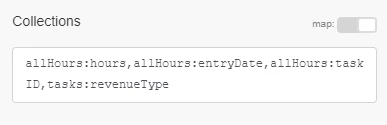
It's a little bit different, but here's how I would do it. On the project search pull in the list of tasks and hours, and on tasks pull in the revenue type, and on the hours pull in the entry date and the task ID.


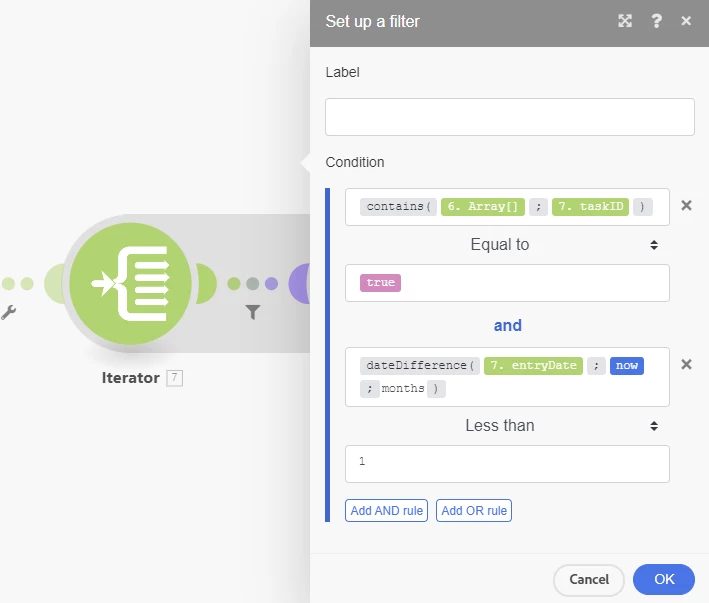
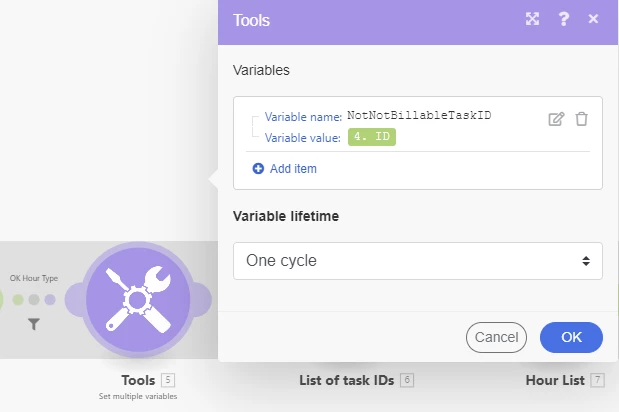
Then, iterate thru the task list, filtering out any tasks that you don't want to know the hours for, and aggregate it into a simple list of task ID's.


Then, iterate thru the hour entries, filtering out for entry date, as well as checking to see if the hour's task ID is in the list you created previously, and aggregate those into a list of hours.


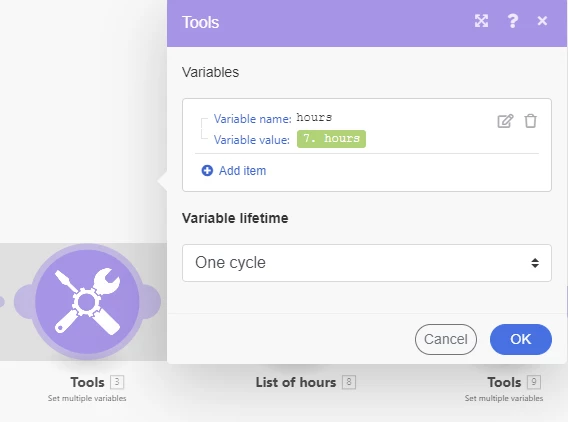
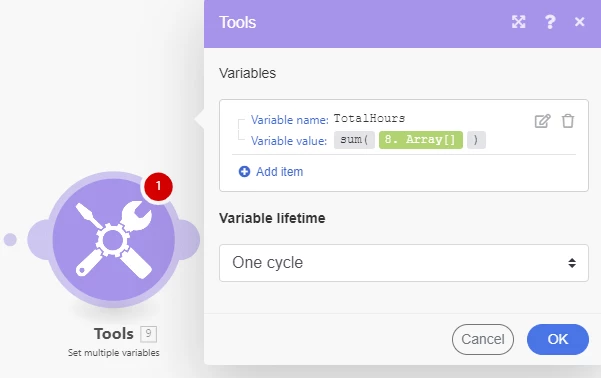
Then have a variable with sum({resulting hour list}).


This should give you the total number of hours that have been added onto tasks that are set to the revenue type(s) you want, and that were entered in the last month.

1 reply

ChrisStephens
Community Advisor
Community Advisor
January 31, 2023

What is your call on the module immediately prior to the aggregator, as well as the call prior to that (related hours/tasks)? I suspect what's happening is that it's not pulling all of those in at once. The 4 on the filter immediately prior tells me that you're making 4 distinct calls, as opposed to a single call.

NickVa7Author
Level 9
January 31, 2023

Hi Chris...


My call on the module immediately  prior to the aggregator is on the Hours object (module 397 - get related hour entries):


My call prior to the above the Tasks object (module 395 - get related tasks):


 My call prior to that is on the Projects object (module 21 - get projects):


My call prior to that is on the Programs object (module 1 - search programs).  This is the trigger event.


ChrisStephens
Community Advisor
Community Advisor
January 31, 2023

Thanks for the help, Chris!
Clarifying questions:

1. When you say "...add in map({hours collection from above};hours)"

  • Am I adding this to the Collections mapping on the project module?
  • When you say "{hours collection from above}", are you referring to "allHours:hours"
  • Essentially I would add this map({allHours:hours};hours) to the Collection mapping on the project module?

2. When you say "...to sum up the hours, put what you got from the map function into sum({array from previous})"

  • Is this sum happening in a new module?  If so, is it just an update module at the project level?

Thanks!
Nick


Sorry, should have been more specific. I would create a variable, and do the calculation in there, and then you can map the variable where ever you need it to go.