Creating a Web Proof in Fusion | Community
Skip to main content
Best answer by Sven-iX

@muup 


Use the Workfront Proof module "Create Proof"


The secret sauce from https://api.proofhq.com/home/creating-proofs/createproof.html

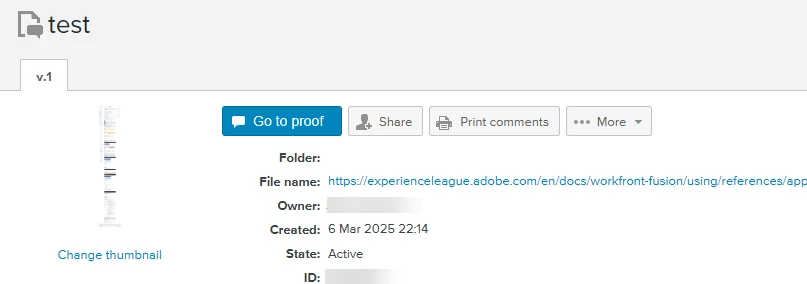
Web captures: If you are creating a web snapshot proof then the "Hash" parameter must contain the single string value "web" and the "SourceName" must contain the web source (URL).


Confirmed working
 

1 reply

Sven-iX
Community Advisor
Sven-iXCommunity AdvisorAccepted solution
Community Advisor
March 6, 2025

@muup 


Use the Workfront Proof module "Create Proof"


The secret sauce from https://api.proofhq.com/home/creating-proofs/createproof.html

Web captures: If you are creating a web snapshot proof then the "Hash" parameter must contain the single string value "web" and the "SourceName" must contain the web source (URL).


Confirmed working


MuuPAuthor
Level 2
March 7, 2025

Thank you, @sven-ix.

I was able to generate the proof. Do you know how I can add this proof to a Workfront project?

Sven-iX
Community Advisor
Community Advisor
March 7, 2025

That's a bit a pain in the behind. 

  • Proof allows you to just create a file (the web capture) but there's no way to DOWNLOAD that file
  • So we need to create a proof, get the source, upload it to WF, get the currentVersionID and then create a proof in WF (and remove that initial proof)
  • Proof creation (initial) can take quite a while (depends on how long the page is) and there's no ability to create a callback to a web endpoint (only email). So I first sleep 2 min, then try to download it; put a BREAK module as error handler if the initial proof is not ready yet.

Take a look at the attached JSON.


Note: Details how to configure the createProof call (Workfront CustomAPI) - hat tip to @frankfi1 

https://experienceleaguecommunities.adobe.com/t5/workfront-discussions/ho-to-create-a-proof-with-advancedproofing-options-in-workfront/m-p/726723/highlight/true#M3638