Hi Ivan,
That is correct. My proposed solution would embed the URL behind the clickable text "Click Here" in a view only. This is the simplest way to display a URL embedded behind clickable text.
If the URL needs to be displayed as "Click Here" on the custom form itselft, writing this value to a single line text field (or any plain text format) will not work. You cannot embed URL's in plain text fields, you can only display the URL in it's entirety (i.e., "https://experience.adobe.com/#/@f####/so:###Production/workfront/project/{{2.ID}}/overview ")
To meet the requirement of embedding the URL behind clickable text in the custom form itself, you would need to use a Rich Text field. Fusion would need to create a JSON string (with the applicable formatting tags for Rich Text) to populate the URL. You can read more on this here.
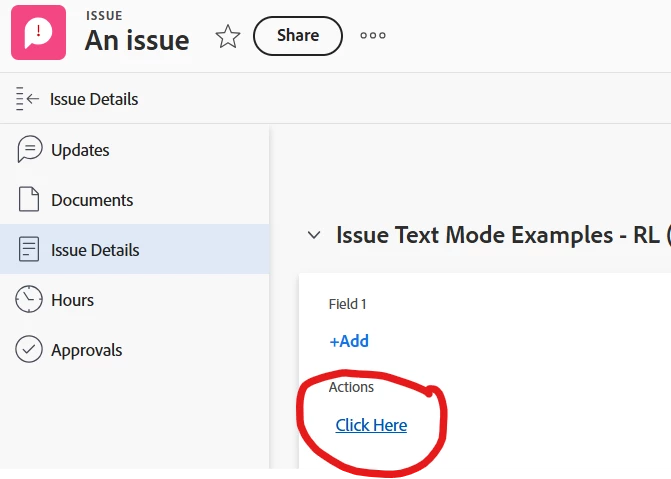
As a quick example, if I post the following JSON string to a Rich Text field called "Actions" using Fusion, the URL displays as clickable text.
{"blocks":[{"key":"1lcoc","text":"Click Here","type":"unstyled","depth":0,"inlineStyleRanges":[],"entityRanges":[{"offset":0,"length":10,"key":0}],"data":{}}],"entityMap":{"0":{"type":"LINK","mutability":"MUTABLE","data":{"url":"https://experience.adobe.com/#/@f####/so:###Production/workfront/project/{{2.ID}}/overview"}}}}
Best Regards,
Rich.