Creating a single csv file from multiple bundles
Hello,
I have a .csv file that feeds into my scenario and creates several new records in Salesforce. The output of the "Create new record in SF" is the ID for each newly created record.
When I am testing this out:
- 1 .csv file with 3 rows of data goes in.
- 3 new records with ID numbers are created in Salesforce.
I want the next step to be simply to create a new .csv, again with 3 rows, one for each contact and also showing the new ID number for each record. I cannot figure out where I am going wrong! The best I can get is creating 3 x csv files but I can't seem to combine them all into one place.
Any help is much appreciated. Thanks
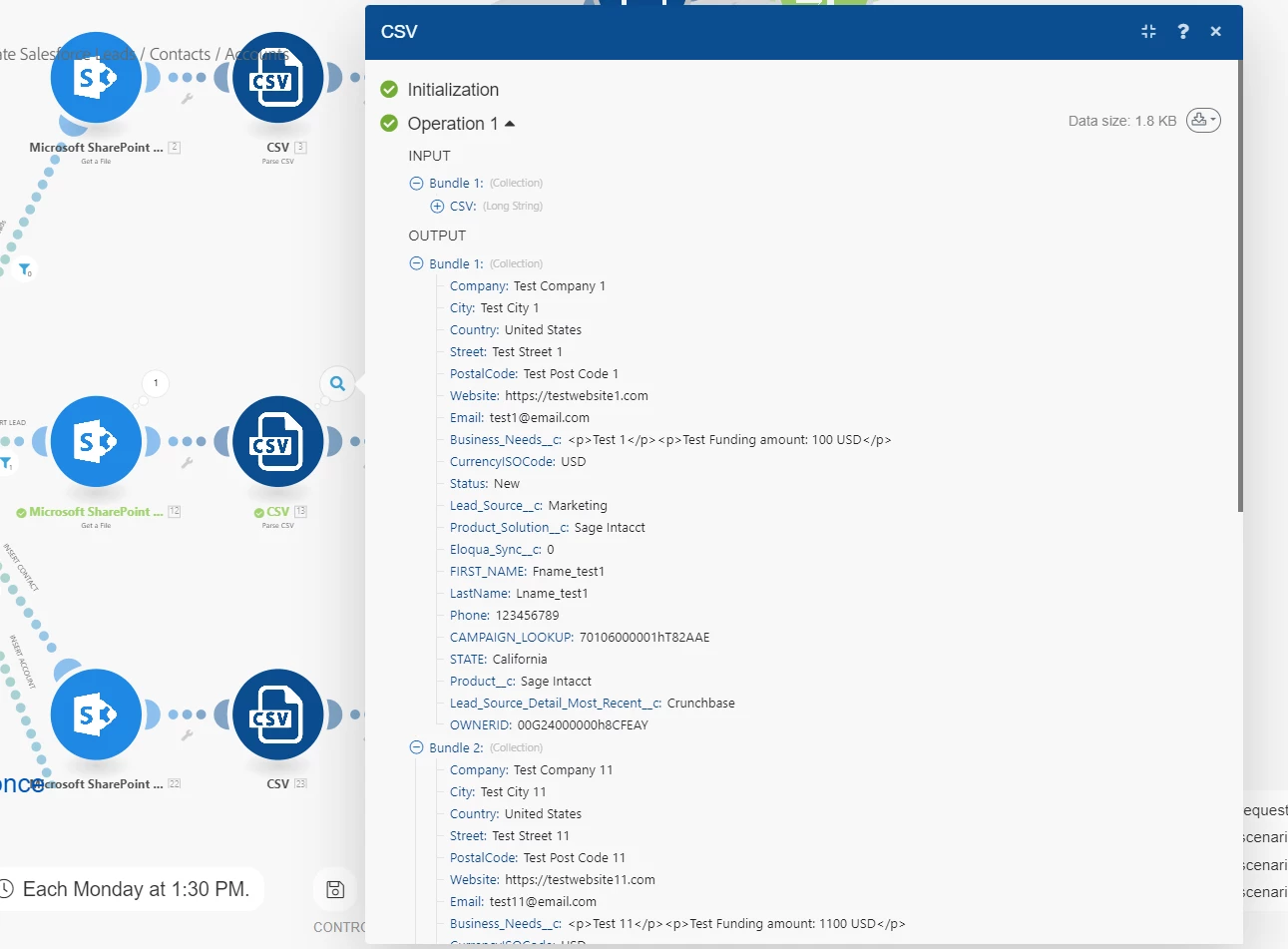
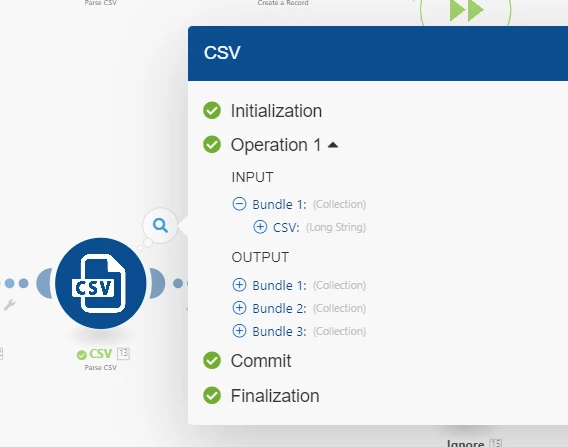
CSV is parsed producing 3 bundles from the 3 rows in the file.
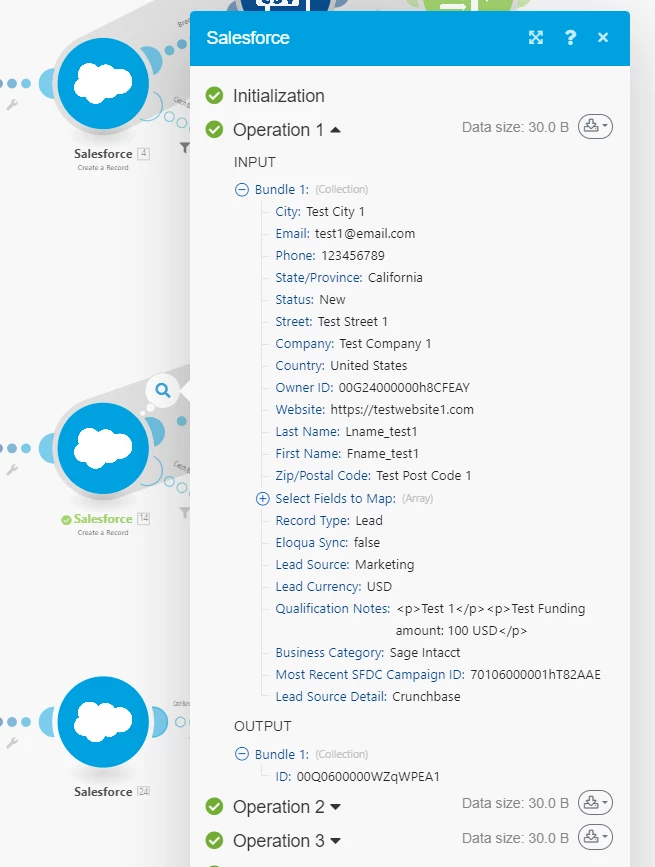
3 x SF records are created based on the data.
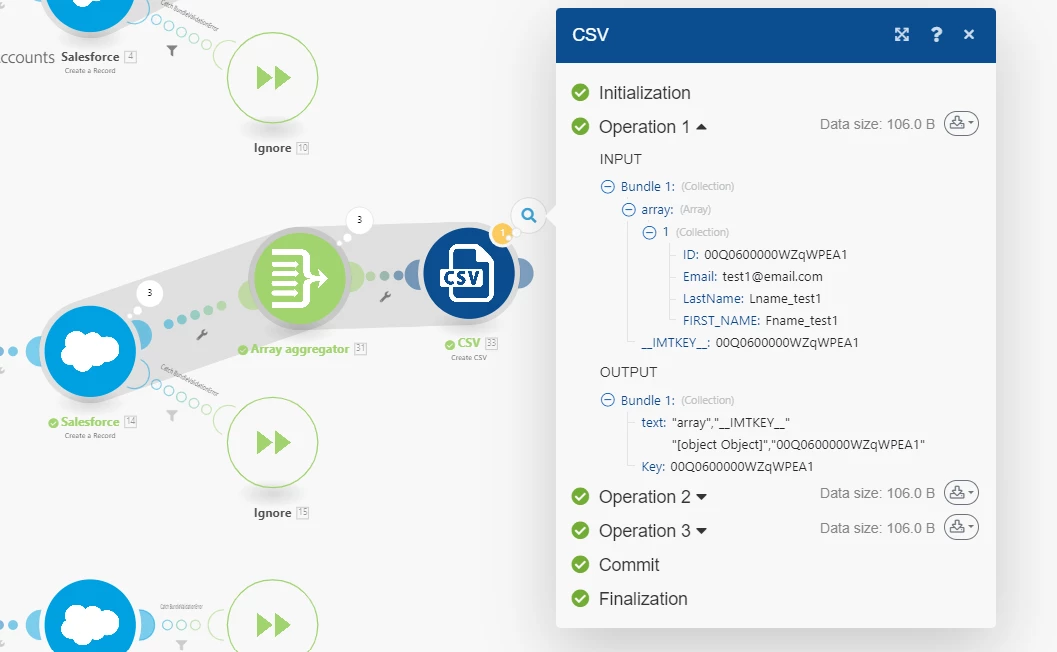
Trying Array aggregator but 3 operations are still produced
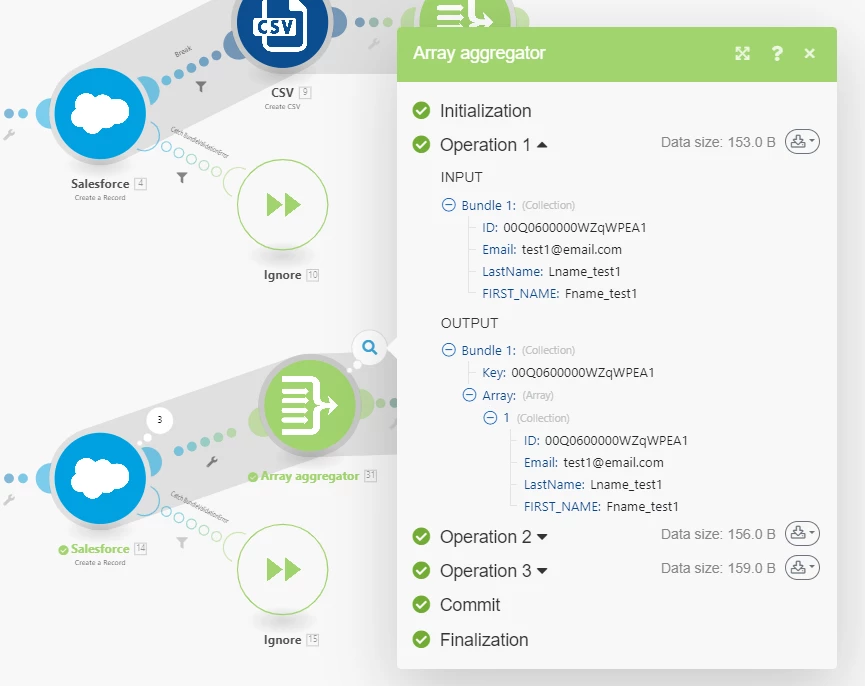
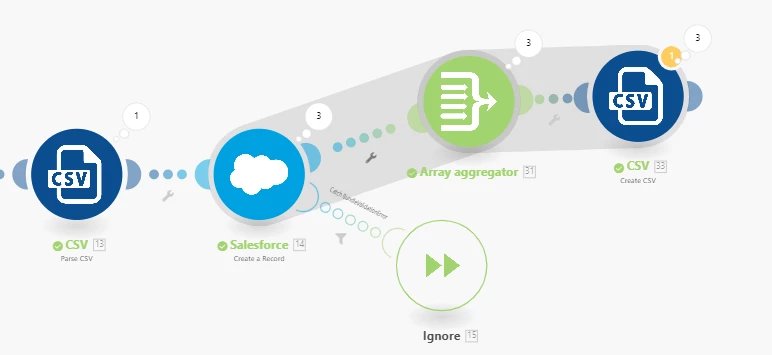
I want to aggreagate the 3 operations and include some data (first name, last name) from the original csv file but additionally have the ID number from the SF module as well.
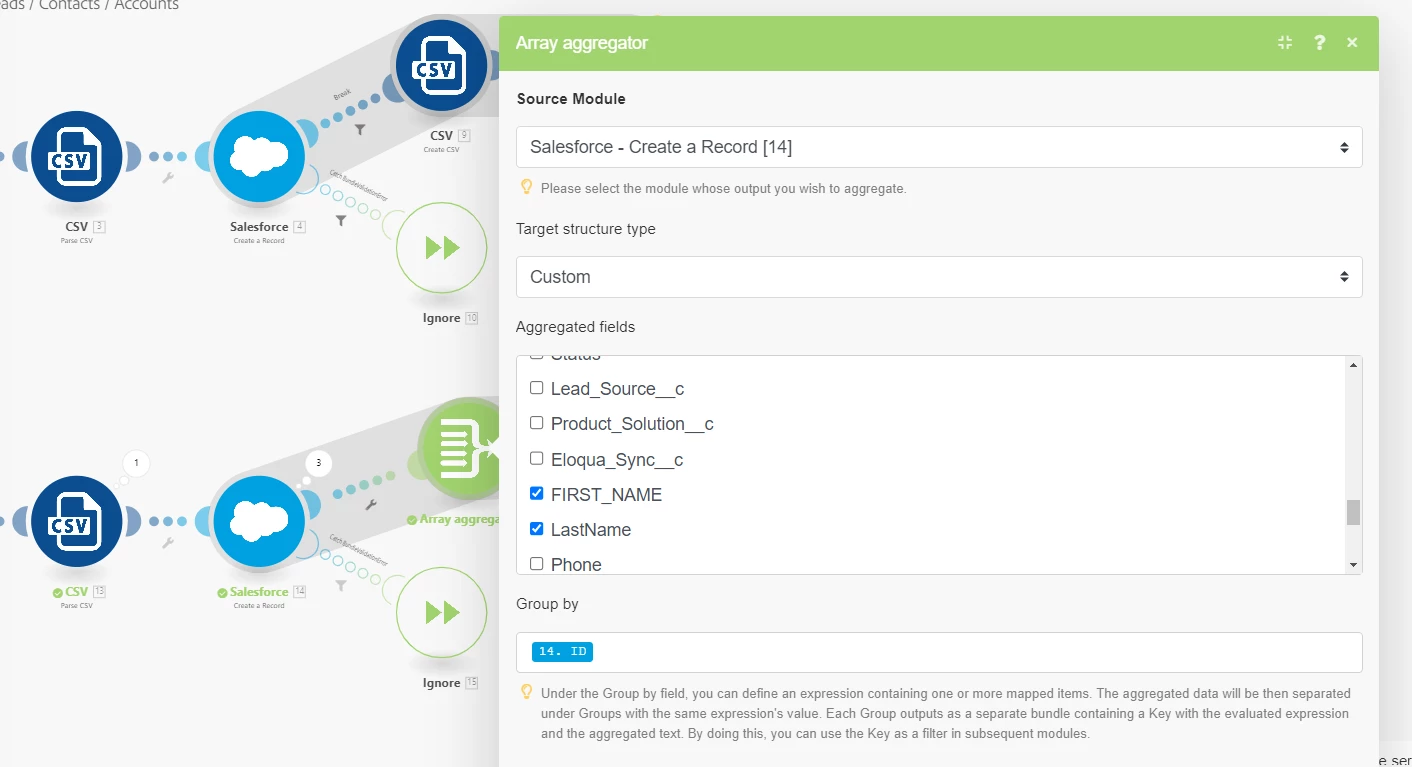
3 operations of the create csv module are run, instead of just 1 go with all the data from the 3 operations.