
Callback URL to create a connection to Salesforce | Community
Skip to main content
aearle
Adobe Champion
Adobe Champion
December 4, 2023
Question

Callback URL to create a connection to Salesforce

  • December 4, 2023
  • 2 replies
  • 1979 views

Can anyone help figure out where the callback URL for WF Fusion is? I am in my connectors tab of Fusion and am not seeing any information other than the Connectors already created through a Scenario. 


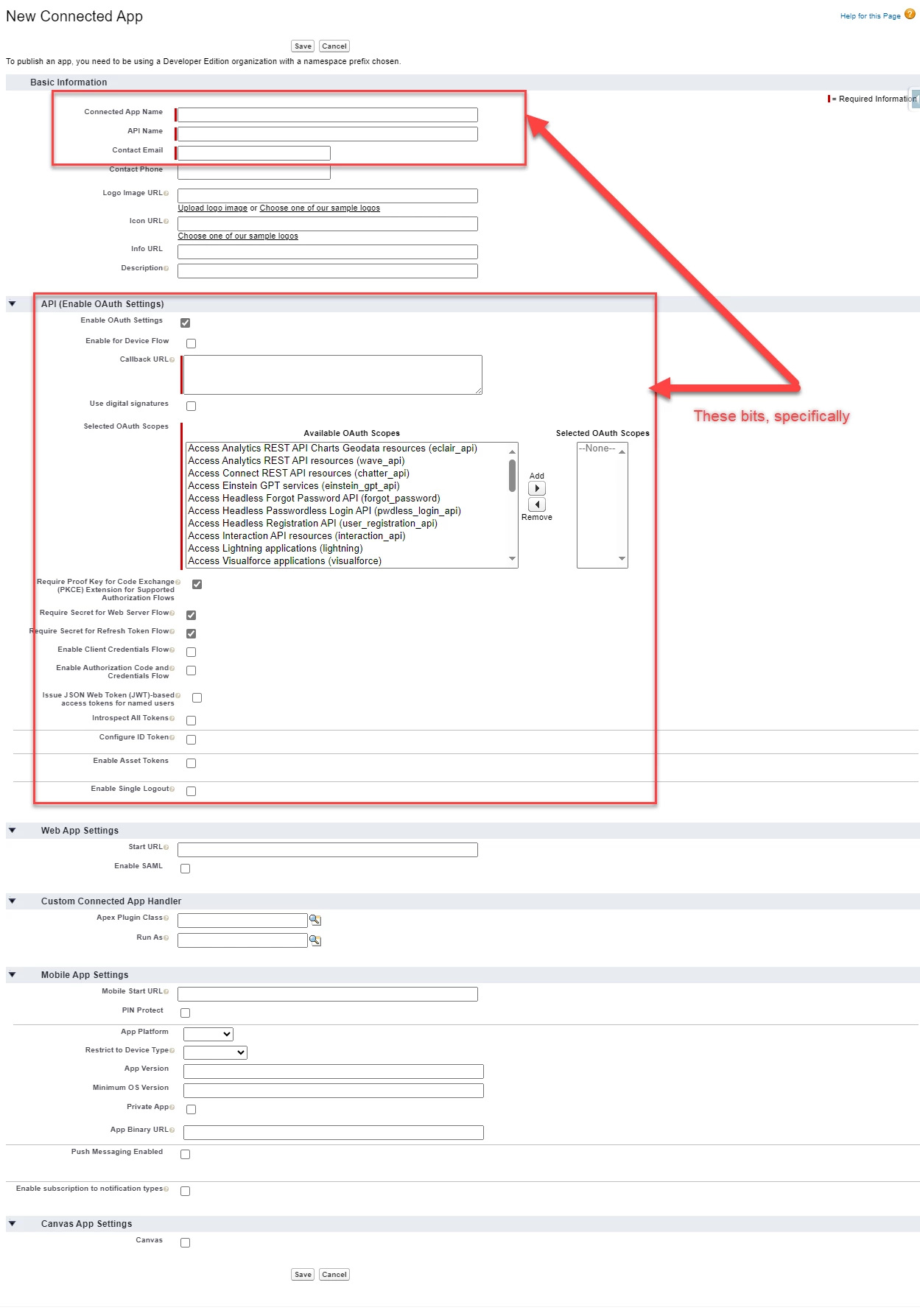
When I try to create the clientID for Salesforce, however, it requests this callback URL that I do not see in the connection setup screen (see steps from Adobe below)


Enter the Callback URL for your Adobe Workfront Fusion connection. This is the URL that Salesforce redirects the user to after they authorize the connection. You can find this URL in the Adobe Workfront Fusion connection setup screen.
 

This post is no longer active and is closed to new replies. Need help? Start a new post to ask your question.

2 replies

ChrisStephens
Community Advisor
Community Advisor
December 5, 2023

Are you trying to setup an outbound messaging service in Salesforce?


If so, you have to create your fusion scenario first, or at least the triggering Salesforce outbound messages module, and then once you've configured that module there will be a URL there.

aearle
Adobe Champion
aearleAdobe ChampionAuthor
Adobe Champion
December 5, 2023

Do you have an example screenshot of where the URL would be. I created the scenario, but I need to be able to add a client ID & client secret from Salesforce and to create that in Salesforce, I need the callback URL

ChrisStephens
Community Advisor
Community Advisor
December 5, 2023

Oh sorry, I misunderstood what you were trying to do.

aearle
Adobe Champion
aearleAdobe ChampionAuthor
Adobe Champion
January 9, 2024

For anyone who is looking for the answer in the future, here is the current callback URL for Workfront Fusion: 


https://app.workfrontfusion.com/oauth/cb/oauth2