Workfront 20.4 Release | Community
Skip to main content
Adobe Employee
November 11, 2020

Workfront 20.4 Release

  • November 11, 2020
  • 3 replies
  • 3075 views

This week we roll out our Workfront 20.4 release! You can find more information about the release on the new Product Release page, which includes downloadable content to share with your organization like the 20.4 Datasheet. Please reference the status.workfront.com page for the release timing for your instance. All functionality will be enabled by Friday, November 13th.

If you have questions that arise this week about any of the new features in the 2020.4 release, please comment below and I'll be sure to address them or get the right people here to respond.

This post is no longer active and is closed to new replies. Need help? Start a new post to ask your question.

3 replies

imgrund
Adobe Employee
Adobe Employee
November 12, 2020

Hi @Josh Boston‚ - one quick question: right now, Group (or Subgroup) Business Leader is just a metadata field for now. There is no special access or permissions given to the person right?

jbostonAdobe EmployeeAuthor
Adobe Employee
November 12, 2020

Hi @Anthony Imgrund‚ yes you are correct. Right now the Business Leader on groups does not have special access or permissions on the group they are added. Here is more information on the Business Leader capability on groups including a demo video.

imgrund
Adobe Employee
Adobe Employee
November 12, 2020

That's what I thought. One of my group admins interrupted the release notes like they were a group admin as well so just wanted to confirm. HAHAHA!

Thank you! :)

November 13, 2020

Question about the predecessor email notifications. It seems they changed during the release and now don't show the project name they're referencing. Is this something that will be changed?

November 16, 2020

The project name should be under the parent section.

November 17, 2020

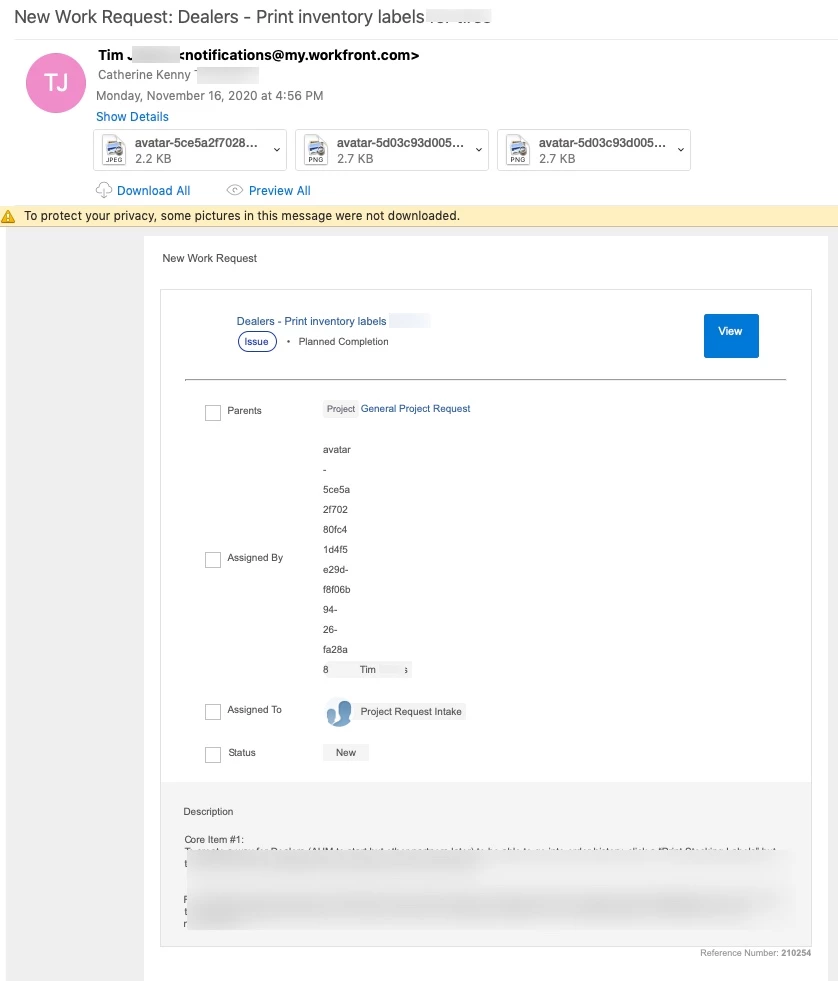
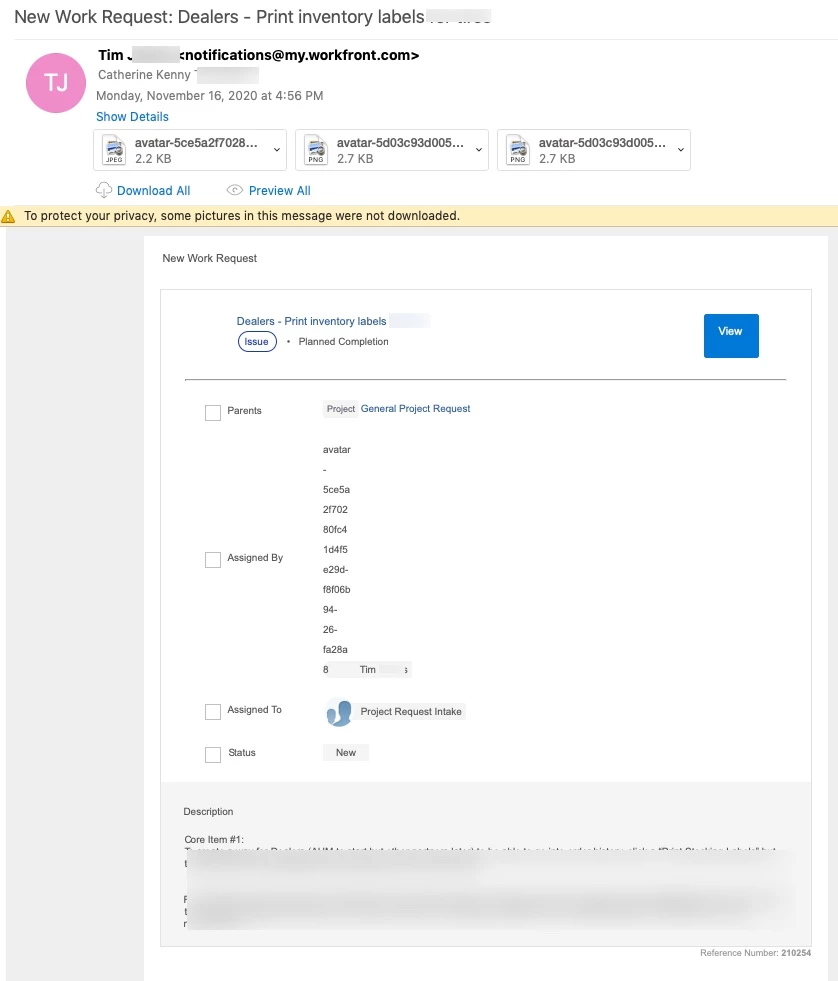
The format of the "New Work Request" notifications is not good. They are difficult to use and decipher the information. The avatars are not displaying, even after manually clicking on "Download pictures" in the email.

We are using Outlook.

November 17, 2020

We had issue with the template too and was wondering if we could revert back to the old template or customize it ourselves. UI is not great. The assignees are telling me the information is not useful for them. Please advise when the fix will be done. Thanks!

November 18, 2020

Thanks for following up, @Patrick Muir - inactive‚.

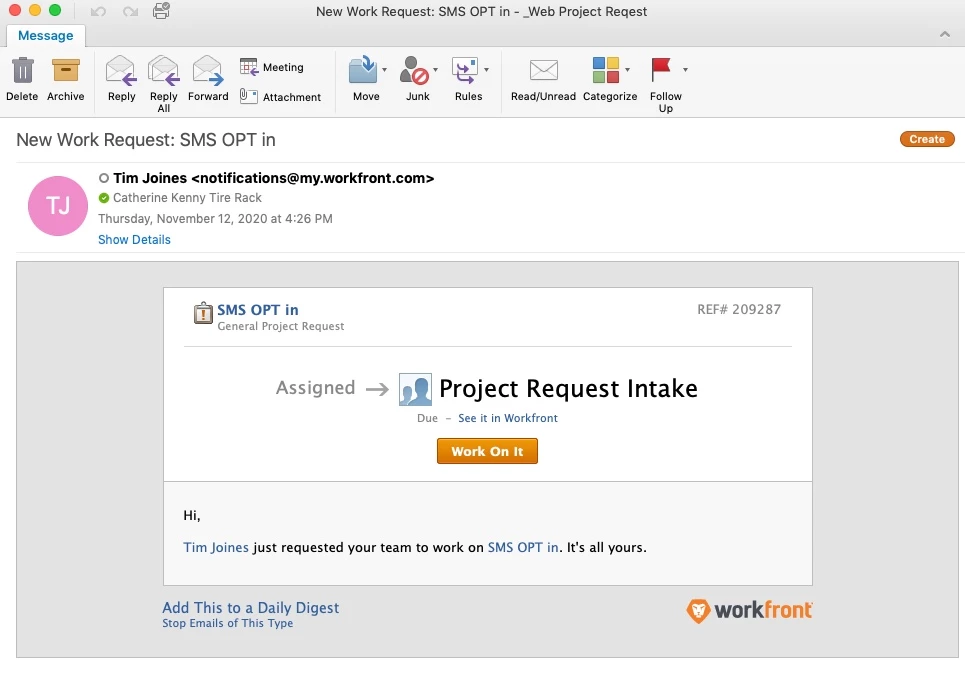
As seen in my original post above (I'll copy here, too) the new format is very spread out, the avatars don't show, and for us the main thing we want to see on a new request email is the name of the request, and the team that is assigned to it. We have to scroll down to see the team.

On the old format, it was very concise with pertinent information showing with no scrolling needed.

New format work request:

Old format work request: