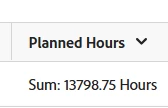
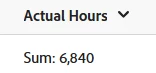
Below is the current text mode for the Planned Hours column in my project report and how it is showing when I run the report. Is there a way I can update the code to have it show 13,798.75 (which adds a comma and removes the word 'Hours')?? The Actual Hours column shows the format I want without changing the code (added this image below as well) but I can't seem to figure out the code to get the Planned Hours to show the format I want.
Yes, that code worked for the field within the Details tab on the report. However, I'm trying to get that field column settings to 'Summarize this column by:' = 'sum' for the Summary tab on the report. Any suggestions for code to get it to sum all the data?? 🙂
Hi, not sure I'm following. In the advanced options of that hrs column in details view, do you have it on sum? I don't think you can modify the language in the Summary tab of the report if that's what you're asking? If you summarize it by Sum in details, it should sum in Summary too.
If this helped you, please mark correct to help others : )
Hi Kurt - that doesn't seem to work. What Madalyn said above about not being able to modify the language of the summary tab is most likely the culprit. I've tried a whole bunch of code and can't seem to find a way to just add a comma and remove the word 'hours' on the aggregator language but it isn't the end of the world - just doesn't look at pretty 🙂
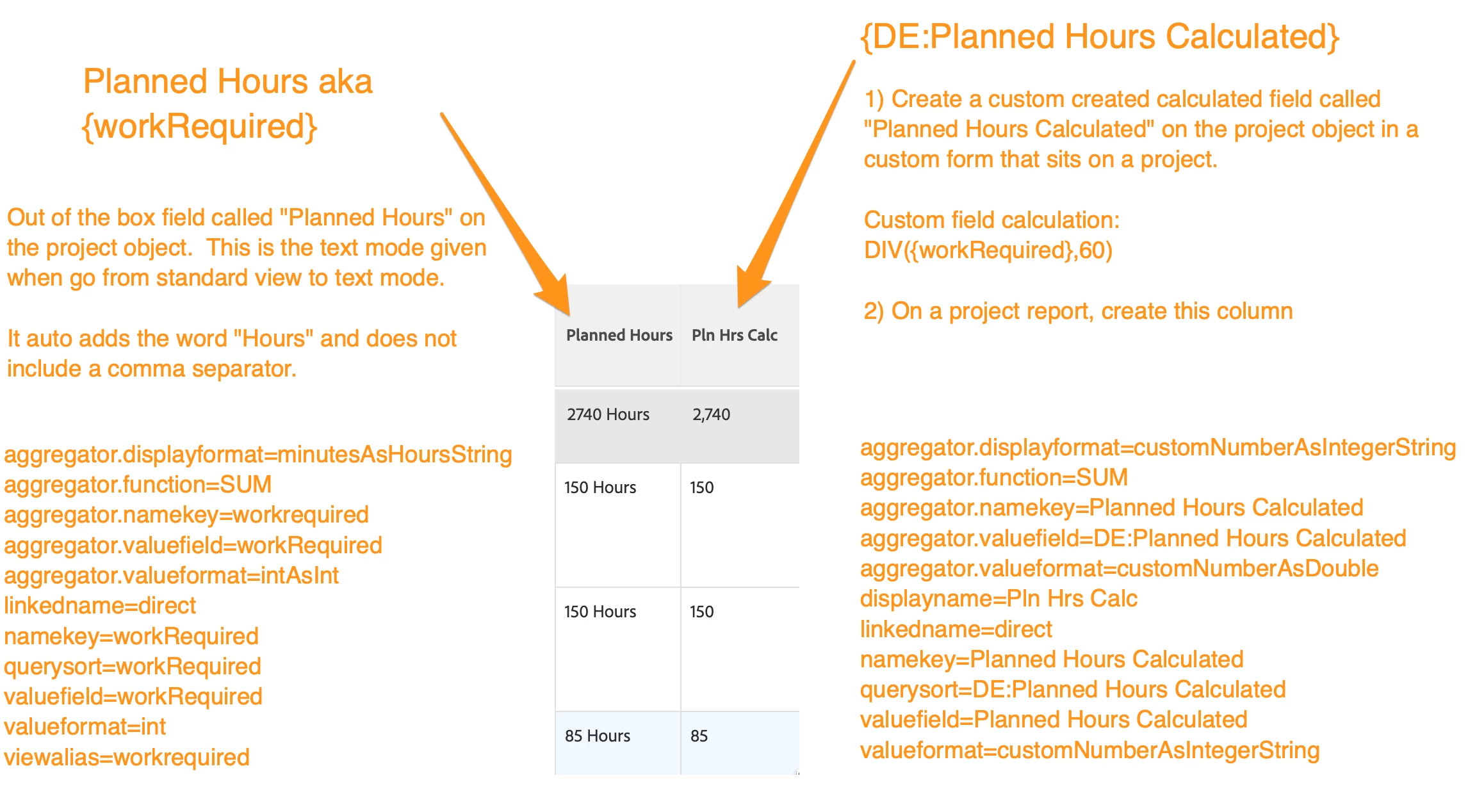
FYI, here is an option for you in case you are still wondering. I also was a bit frustrated with the out of the box “planned hours” field. So I created a custom field on the project object to change the minute value “planned hours” into hours. Then in my report, I use my custom calc field in the column.
Here’s what you get out of the box “Planned Hours”:
Out of the box field called "Planned Hours" on the project object. This is the text mode given when go from standard view to text mode.
It auto adds the word "Hours" and does not include a comma separator.