Solved
Unable to see baseline tab in the Open Map Dashboard view in AEM Guides Cloud SDK
Unable to see baseline tab in the Open Map Dashboard view in AEM Guides Cloud SDK
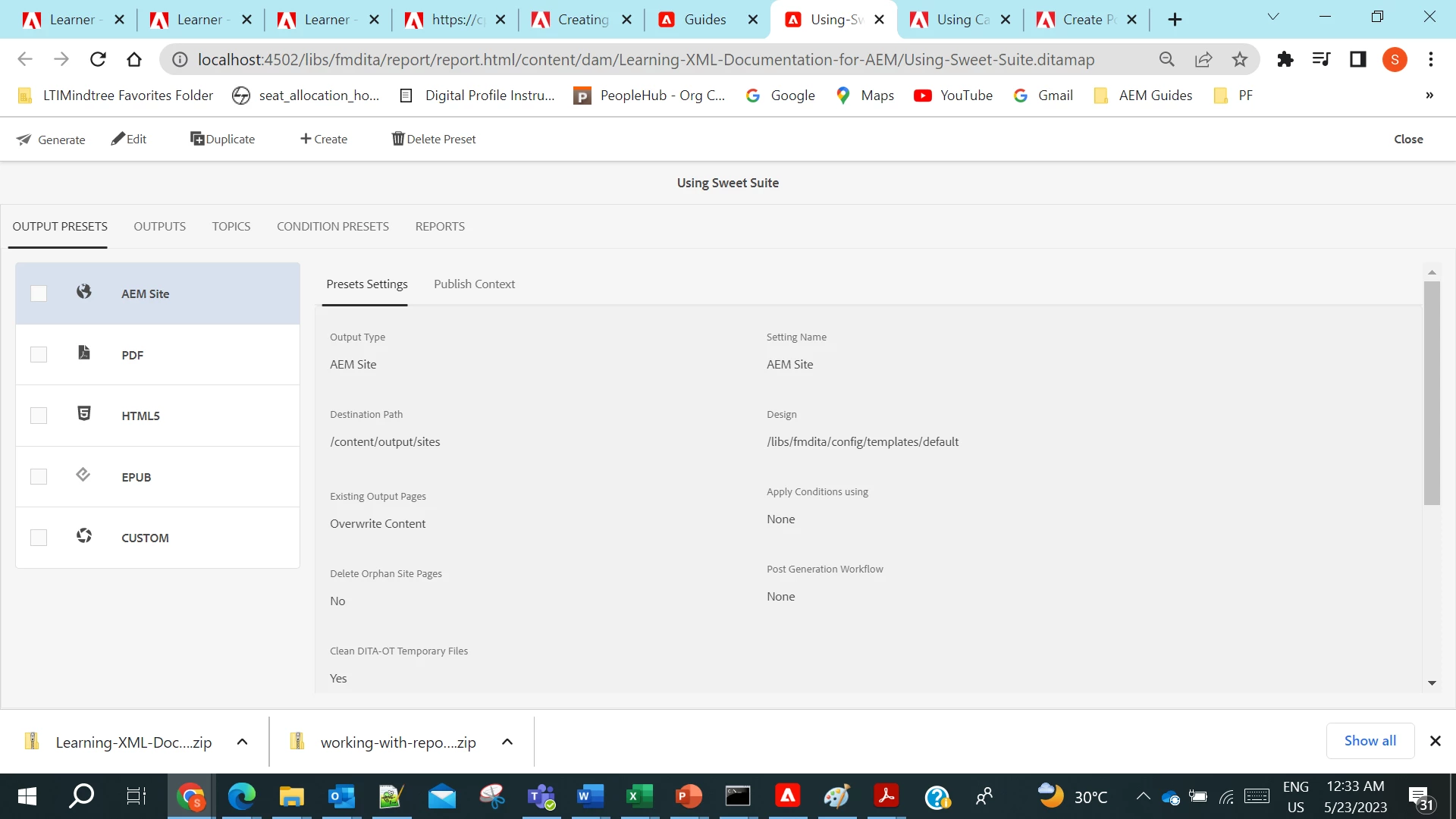
thanks,
SK
Unable to see baseline tab in the Open Map Dashboard view in AEM Guides Cloud SDK
thanks,
SK
Sorry I am unable to find the path "/system/console/configMgr/com.adobe.fmdita.config.ConfigManager" to disable the property "Hide Baseline Tab". Hope I am looking at the right tree structure being relatively new to AEM / Guides?
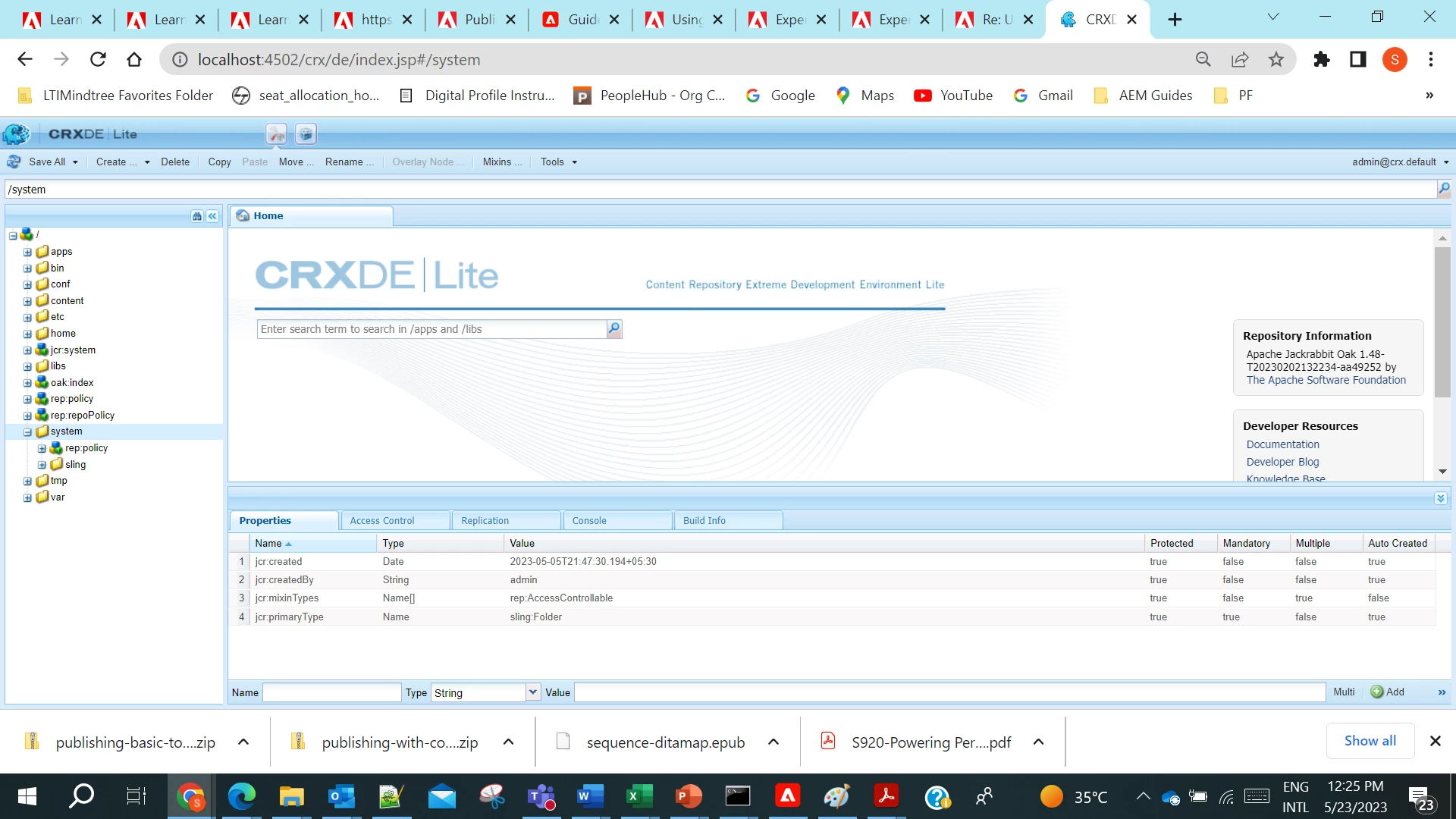
@skumar-2023 try this in osgi/felix console: http://localhost:4502/system/console/configMgr/com.adobe.fmdita.config.ConfigManager
The baseline tab on map dashboard is hidden because we have a improved UI for baseline available within webeditor itself - check this page for details
Enter your E-mail address. We'll send you an e-mail with instructions to reset your password.