Permission for Folder profiles in XML Documentation | Community
Skip to main content
Level 2
August 13, 2021
Question

Permission for Folder profiles in XML Documentation

  • August 13, 2021
  • 1 reply
  • 2823 views

Hi,


we are trying to provide XML documentation permission to a different user other than admin.


As per the document it says as below (https://helpx.adobe.com/content/dam/help/en/xml-documentation-solution/3-8-6/XML-Documentation-for-Adobe-Experience-Manager_Installation-Configuration-Guide_EN.pdf)

To give a user permission to use the XML Documentation solution’s all capabilities and generate output in a specific format, you can add that user to the Publishers group created by XML Documentation solution. This ensures that the user has full access to all XML Documentation solution publishing functionalities.


After adding the "publishers", the user is able to edit most of the functionalities, but below are a few functionalities which are not working as expected:

I have verified that the user have folder profiles path access (Read & Write)


For testing purposes, I have tried different groups like Authors, Reviewers. also tried providing permissions to the entire /content and tried full permissions at root "/", but no luck.


The user is able to add/edit above functionalities only if he is in administrative group. Could you please let us know if we are missing anything from our end to get the above functionalities work for a non-admin user?


Thanks,

sudheer

This post is no longer active and is closed to new replies. Need help? Start a new post to ask your question.

1 reply

DivrajSingh
Adobe Employee
Adobe Employee
August 20, 2021

Hi @dvnsudheer ,


Providing edit rights on the folder profiles to a non-admin user - an administrator has to add those users to the Folder Profile as admin user. To do so:

  • Login as administrator
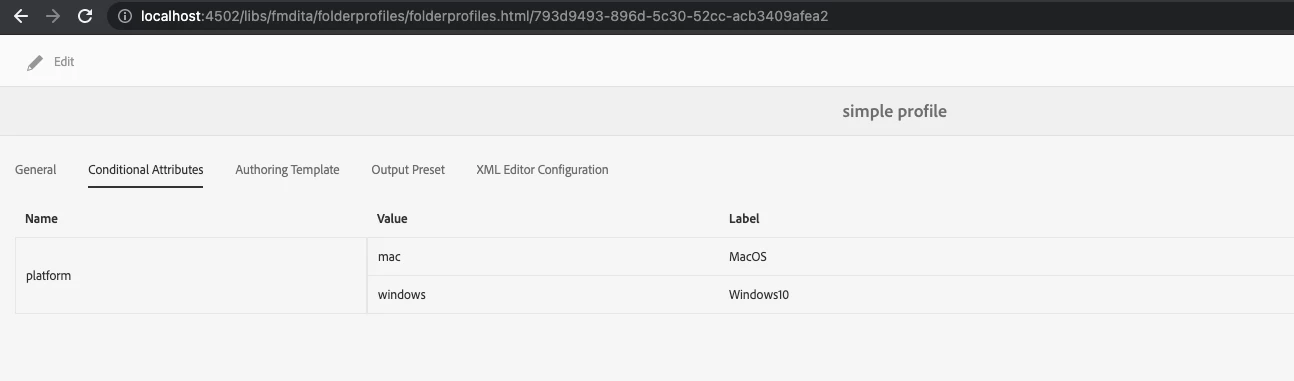
  • Browse to the folder profile (Tools > XML Documentation > Folder Profiles > Open the profile you are validating)
  • Click "Edit" on the General tab, where you will notice "Admin Users" field, you can add the publisher user you mentioned and save the change
  • Now, login as the publisher user and try to edit the Folder Profile - you should be able to do this now

This is also documented in the section "Create and configure a folder-level profile" of Installation and Configuration Guide (page 63, refer step #8) 


For editing the snippets in web editor - what is the use case where Publisher has to edit the Snippets? (snippets are meant for authors to author the content) - if that is the intent the Publisher should really be assigned to Authors group.


I hope this answers your queries.

August 20, 2021

Thank you for the steps @divrajsingh , The above steps did not work for me.

Please find the steps I followed for the permissions

  • Create a new user
  • Add the user to publishers group and provide access to the /content/dam folders ( I have provided full access to /content/dam)
  • Navigate to the folder profiles
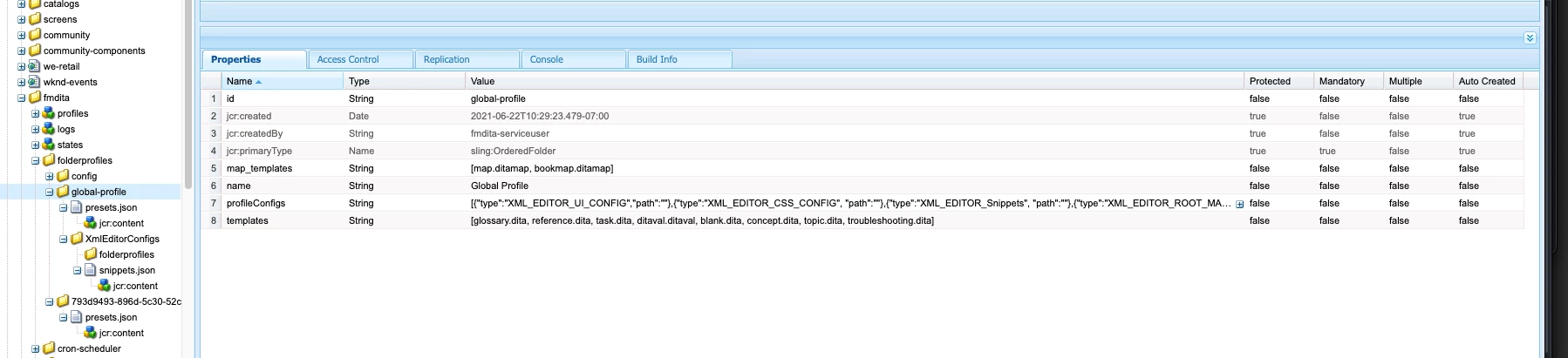
  • I am not able to see the general tab under global profile (even logged in as admin in my local environment)
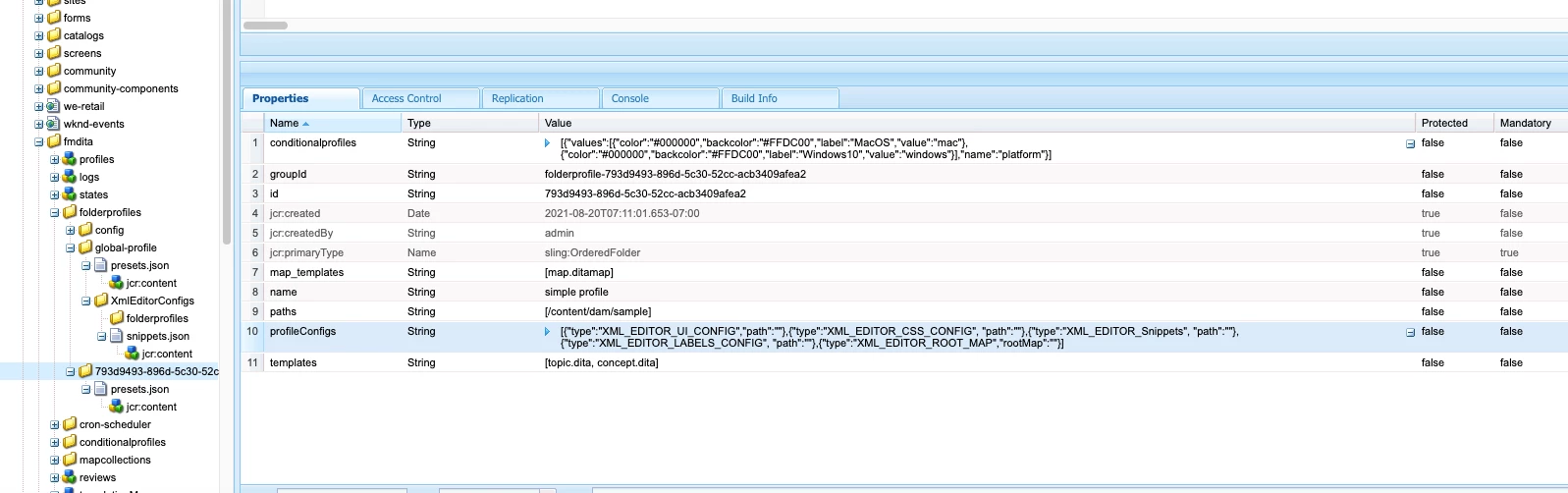
  • Created a new Folder profile with path as "/content/dam/sample"
  • Edit the profile
  • Navigate to the admin users and add "sample_user" and save the changes
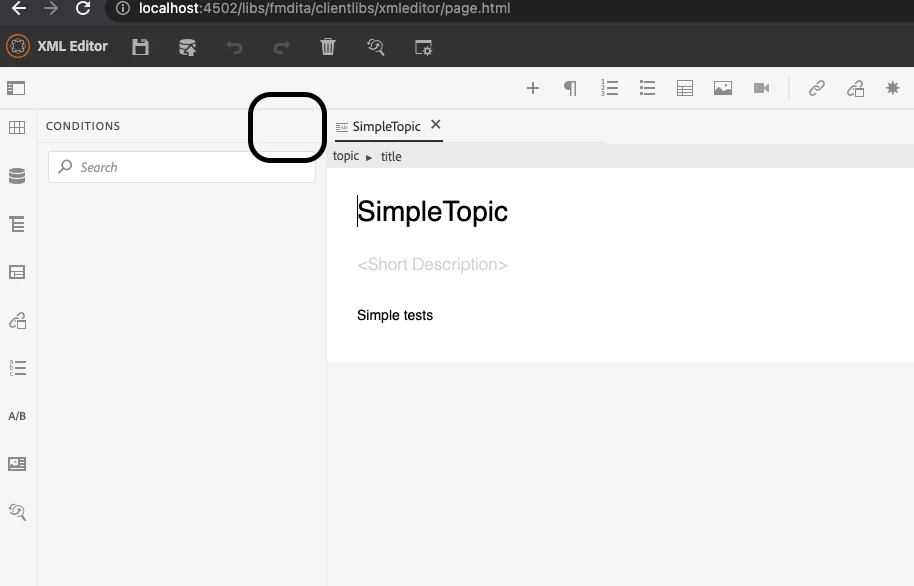
  • Log back in with the newly created user and still not able to see an option to add conditions and snippets


Regarding the snippets editing, most of the users are both authors and publishers, so we are using publishers to get all the access.


Could you please let me know if we are missing anything from our end?


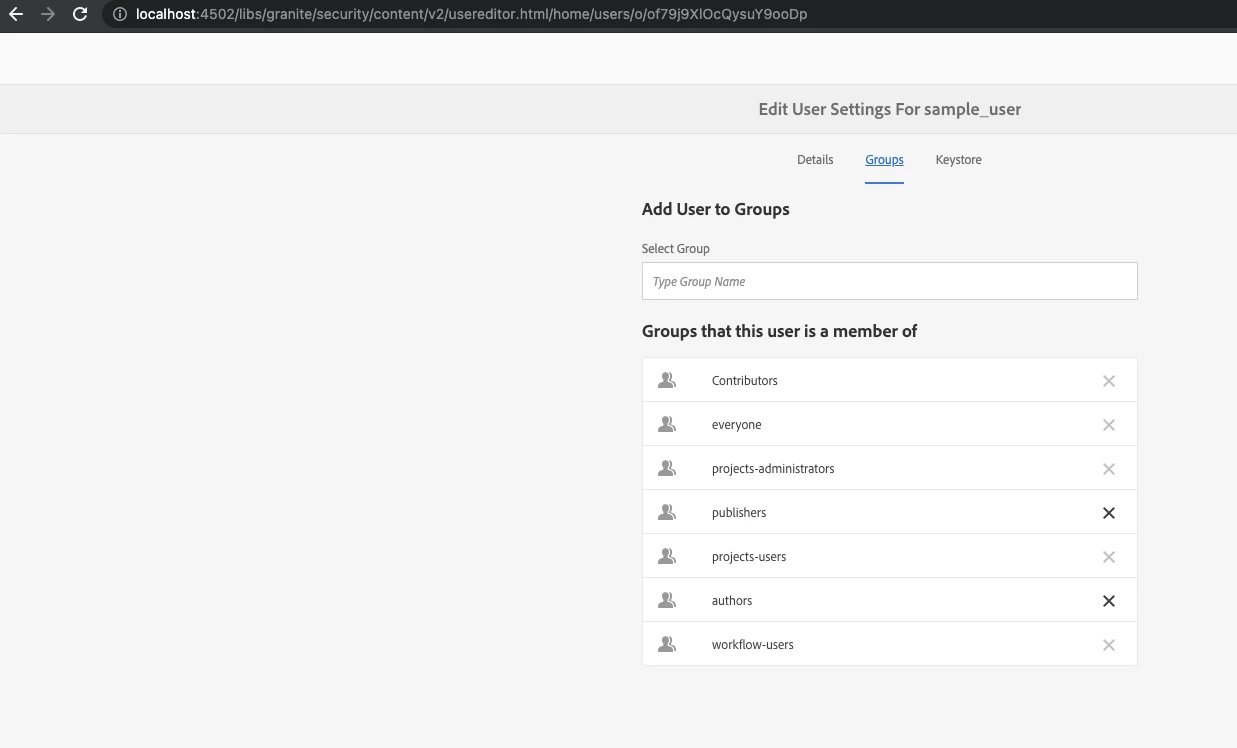
Attached screenshots for reference: (Groups assigned to the user)

Folder Profiles admin users


Snippets:

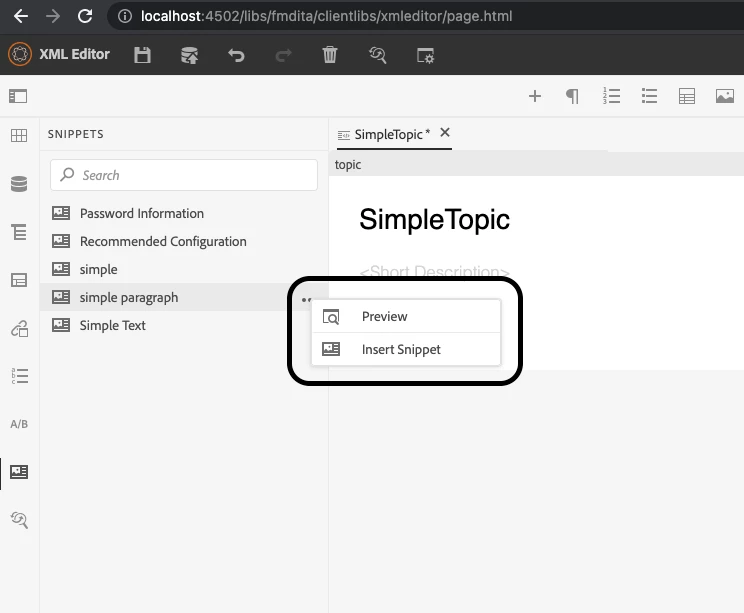
Only create snippet from the topic editor is available, once the snippet is created, we cannot modify it. Also we are not able to see a "+" symbol on the snippets to create snippets on fly (admin was able to do this - If this is restricted only to admin users, is it possible to apply this feature for a specific user)

Conditions: we are still only able to apply conditions which are already created by the admin user, but we are not able to create new conditions.


Thanks,

Sudheer