Issues with PDF Annotation UI
- July 25, 2023
- 2 replies
- 1438 views
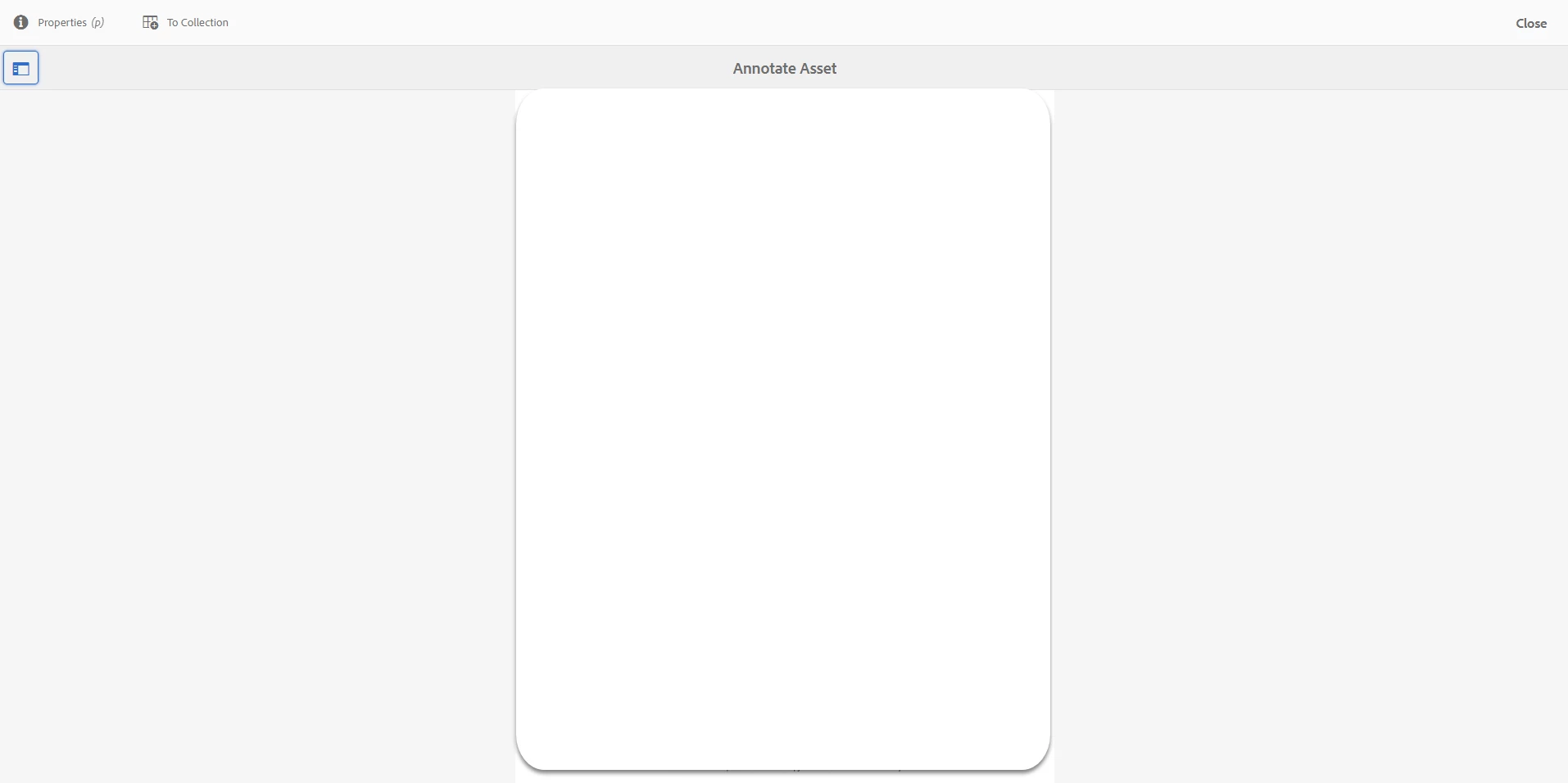
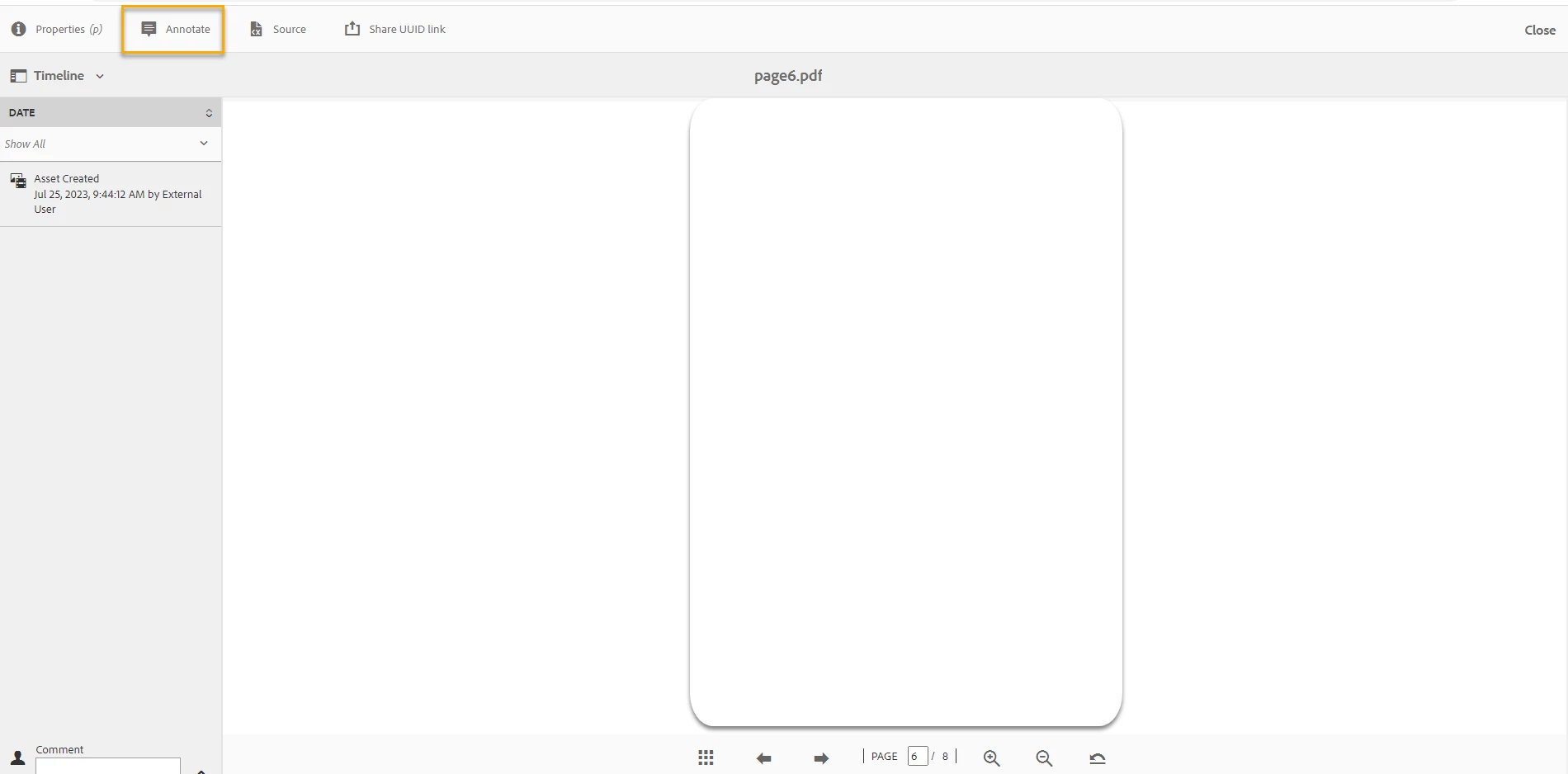
When clicking View pages a reviewer can navigate through the pages, however, after annotating one page there is no option to go to the next page directly, when a reviewer tries to close the annotated page:
-a weird characters are displayed on the page and the page won't close.
-Sometimes, the reviewer has to click the Close button twice to close the page.
-after closing, the tool takes a reviewer back to the first page of the document, not to the same annotated page.
This experience causes issues for reviewers that have to go through voluminous documents of several hundred pages as they need to close each page twice or sometimes the page just doesn't close and then navigate to the next page as they are being thrown back to the beginning of the document after every annotation.
I hope this clarifies the issue a bit, please let me know if you need any additional information.
Steps to reproduce the issue:
1. Create a General task for PDF
2. Assign a Reviewer
3. Verify if email is received by the Reviewer
4. Reviewer opens the PDF (either from AEM Inbox Notification or from email link) to review and add comments/annotations.
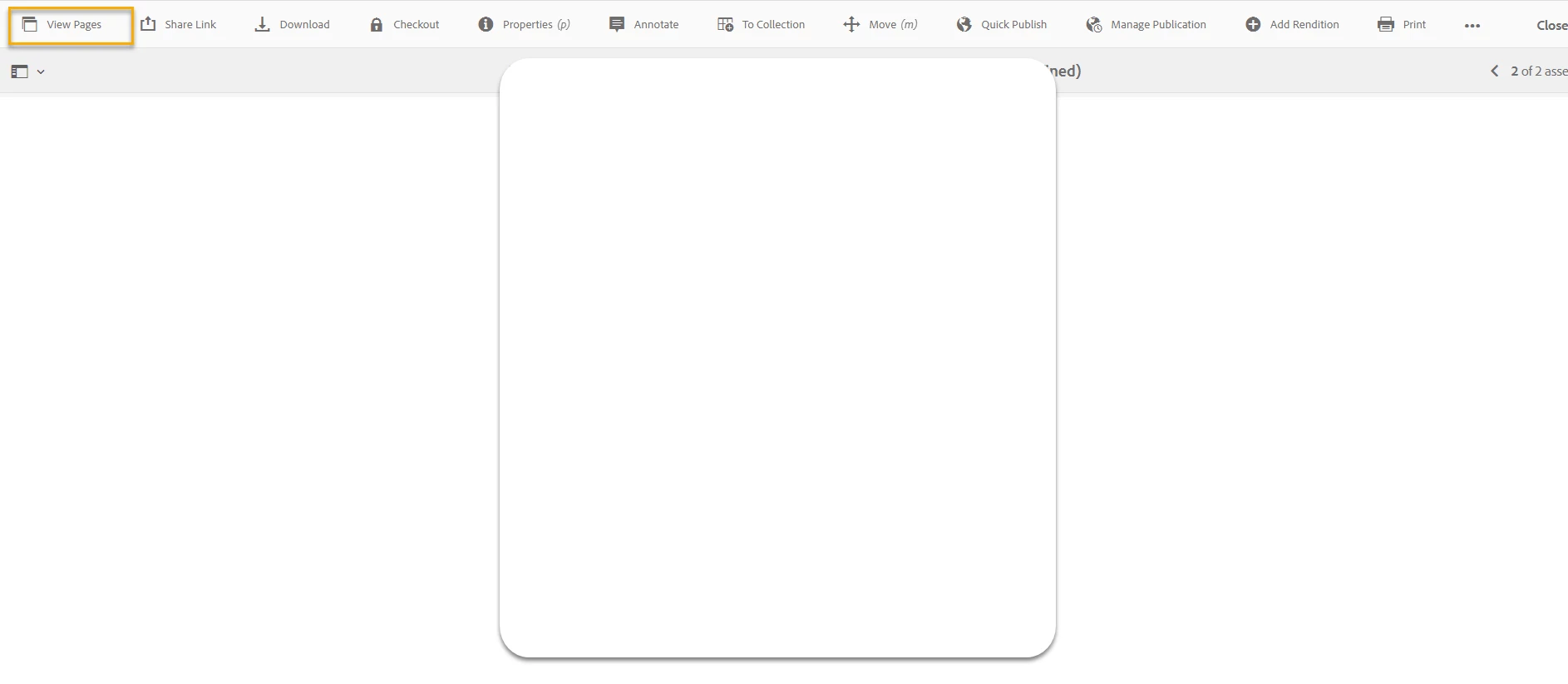
6. Click on View Pages tab on the top left corner
5. Reviewer is not able to move to the next pages in the pdf file.