Hi,
I am genuinely unsure, sorry. I usually work with the out of the box configuration options of AEM, so I'm not super deep into solutions using code deployment.
I can make some educated guesses though 😉
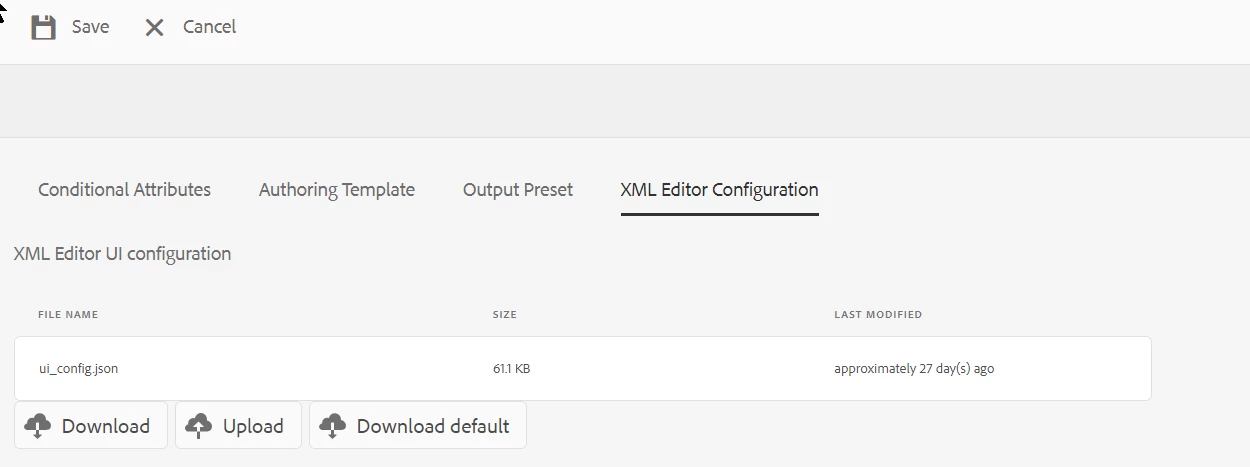
If I understand the standard behaviour of Guides correctly, the config in the folder profile will always be active, thus overwriting your config in the apps folder.
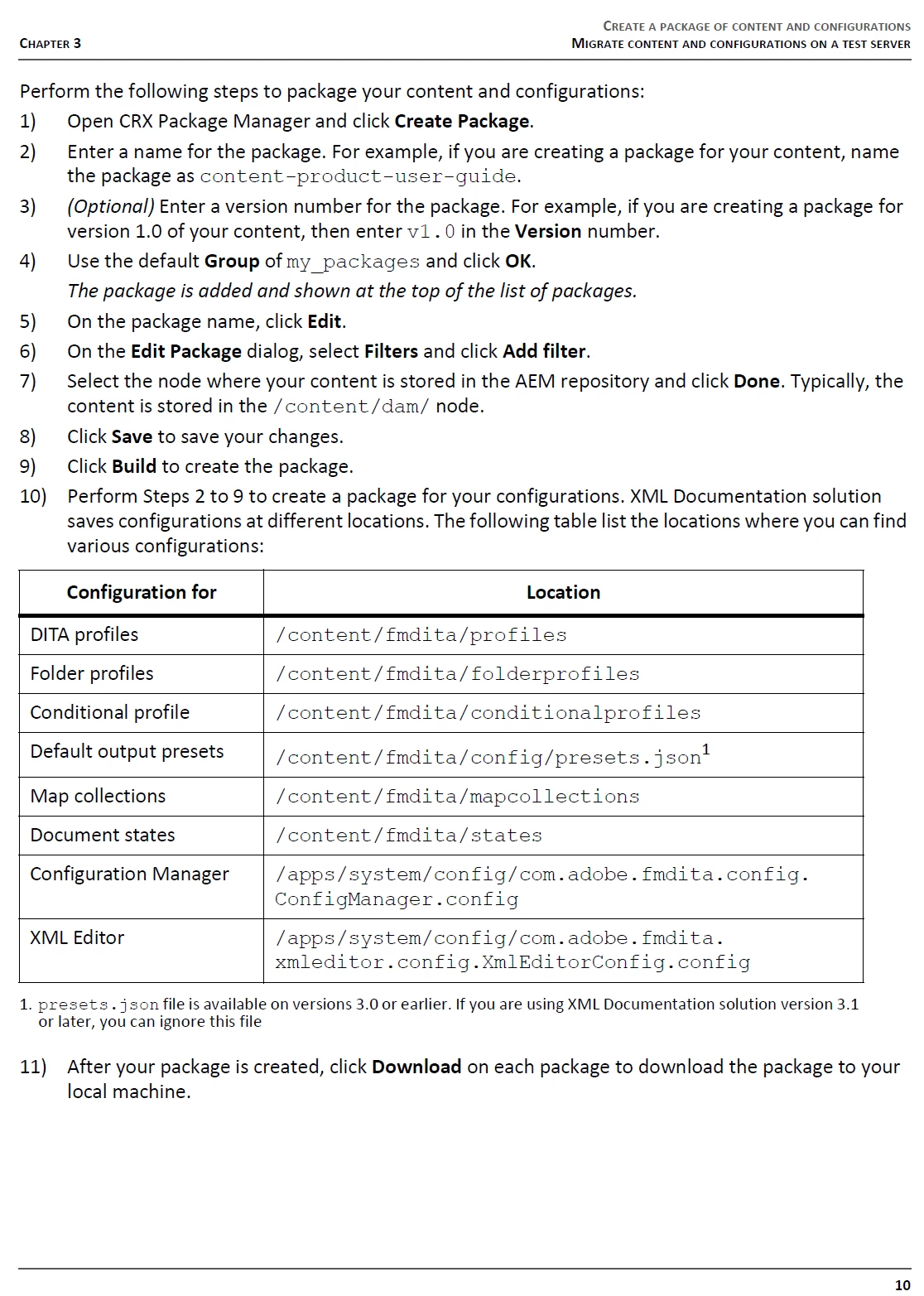
Maybe you could modify your folder profile through your code build. However, I haven't been able to figure out at which node those are stored so far, so some detective work would be needed. If you can locate the node at which the folder profiles are stored, maybe something can be done there.
Sorry that I can't be of more help here.
All Best,
Lukas
@beaula123 @lukas307478337x42 : the folder profile data is stored under /var/dxml/folderprofiles under which you will find the folder profile you want to target - each folder profile is given a unique id like "c7310376-89e4-e9b6-1874-d40100cdd566" under which ui_config.json can be found at "XmlEditorConfigs/ui_config.json", hence the path would be:
/var/dxml/folderprofiles/c7310376-89e4-e9b6-1874-d40100cdd566/XmlEditorConfigs/ui_config.json
So yes, you can use folder profile to override the ui_config.json - and to deploy it via code you can target the abovesaid node

 Hi Divraj,