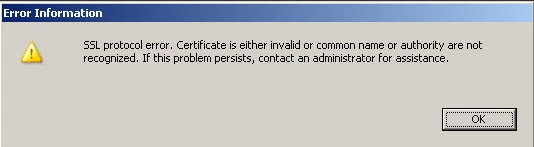
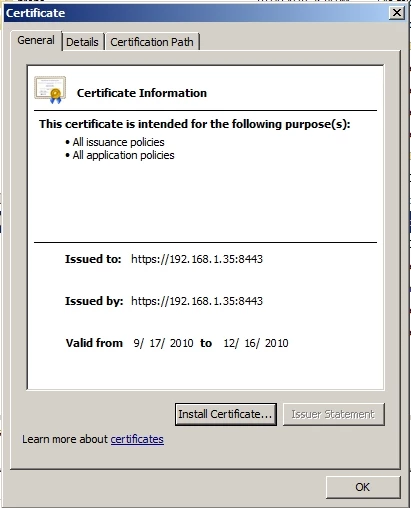
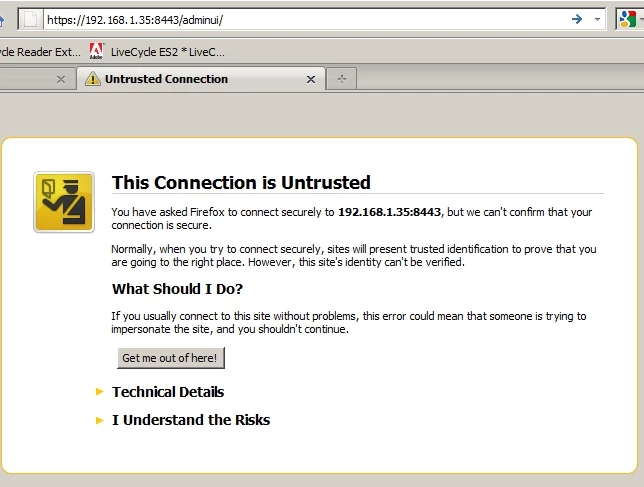
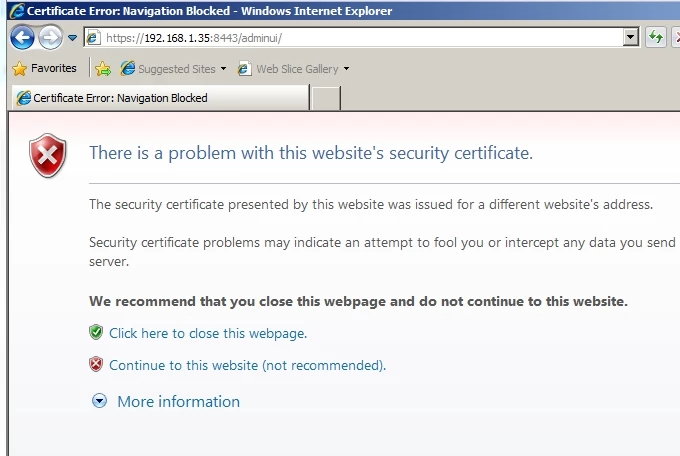
In this case CN means "Common Name", which is the externally accessible name of the server running LC RM
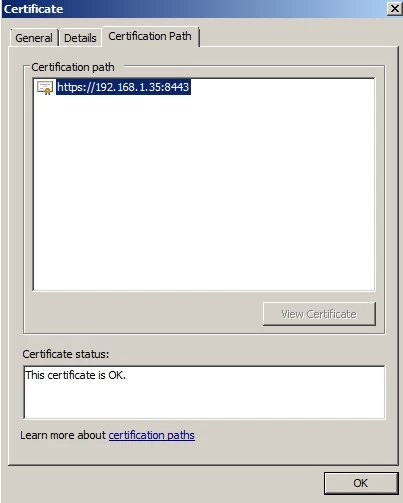
In order to establish a secure connection between the client (Acrobat or Reader) and the server (LiveCycle RM), there has to be a trusted relationship. This is done by installing a certificate on the server that is known and trusted by the client.
If there is anything "funny" about the certificate, the client will not trust it and the secure connection cannot be made. If the CN is not perfect, then the certificate will not be accepted.
For example: If I have a server called myserver, running in the mynetwork.com domain that is running LC. I may create the certificate with a short version: CN=myserver. The problem is if I try to access it from a client with the full address http://myserver.mynetwork.com.
The client looks at the certificate and immediately says there is a problem: myserver != myserver.mynetwork.com. Then the trust relationship cannot be established. I have to make sure that the CN= myserver.mynetwork.com.
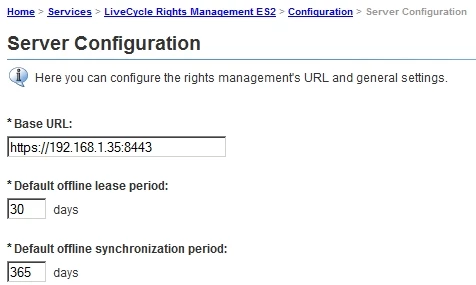
I suspect that there is something wrong with the SSL certificate itself or the RM Base URL configuration in that they don't excactly match. You can check the RM settings using the LiveCycle adminui by looking at:
Home > Services > LiveCycle Rights Management ES2 > Configuration > Server Configuration