"empty CSRF token - rejecting" when calling servlet (POST) from a browser | Community
Skip to main content
jayv25585659
Level 8
September 28, 2025
Question

"empty CSRF token - rejecting" when calling servlet (POST) from a browser

  • September 28, 2025
  • 2 replies
  • 556 views

as above.


I am testing something on my local and I am getting the following errors in my logs when the browser tries to fetch some data from a servlet.


some info:

  • I am using AEMaaCS jar as my local instance.
  • I am login to my local author in another browser tab.
  • I'm using the fetch Javascript function to call the servlet.
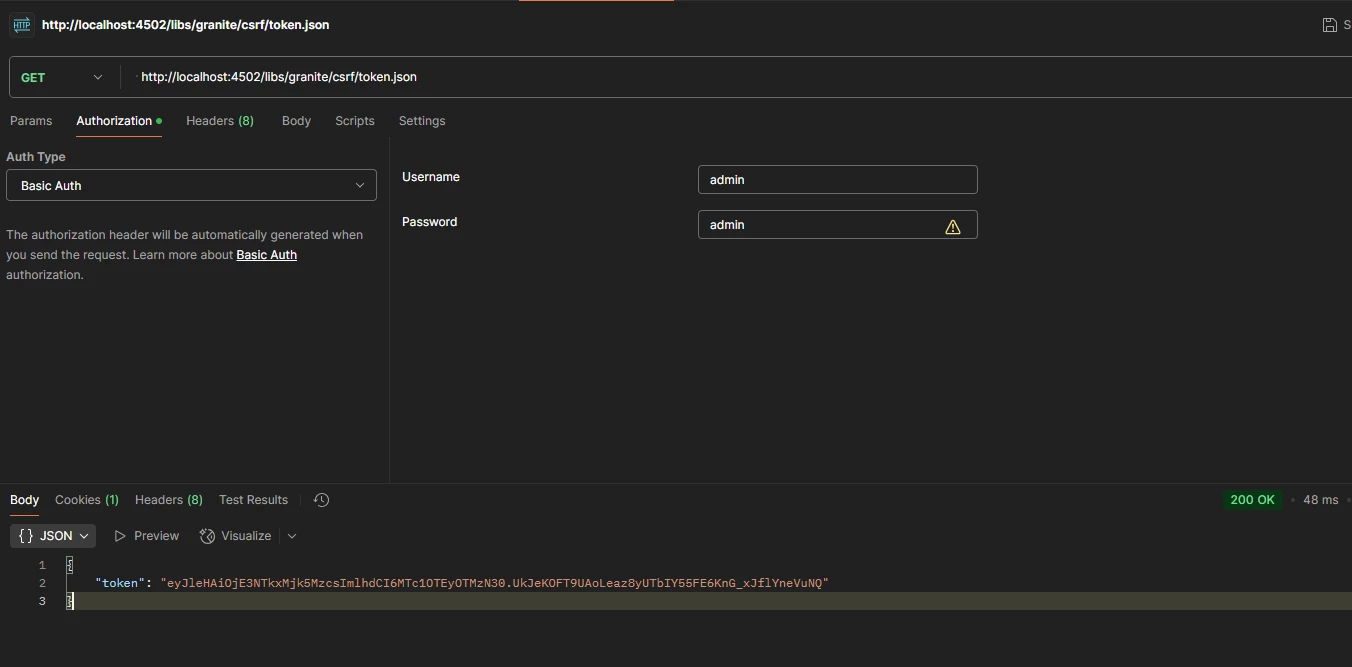
  • When I visit http://localhost:4502/libs/granite/csrf/token.json, I can see the value of token.json
  • I tried the same thing using postman (the only extra thing I did in postman is to pass admin/admin in basic auth) and I don't get the same issue.
  • I don't get the same issue when I submit the form that's been published in AEMaaCS.

Any ideas? thanks!
2 replies

Level 2
September 29, 2025

Hi jayv25585659


I tried access  http://localhost:4502/libs/granite/csrf/token.json using postman. It works for me.
Have you updated any filters to block the request from localhost in your aem instance?


arunpatidar
Community Advisor
Community Advisor
September 29, 2025

Hi @jayv25585659 

if you are using POST request then you need to add CSRF-Token header, example


async function getCsrfToken() { const response = await fetch('/libs/granite/csrf/token.json'); const json = await response.json(); return json.token; } const response = await fetch(SERVLET_PATH, { method: 'POST', headers: { 'Content-Type': 'application/json', 'CSRF-Token': await getCsrfToken() }, body: JSON.stringify({ path: path1 }) });


Arun Patidar
giuseppebaglio
Level 10
September 29, 2025

When submitting a form, you can use the code provided on the official page here.

This code snippet illustrates how to fetch the CSRF token from AEM upon form submission and add it to a form input named [input_name]. Since the CSRF token has a short lifespan, it's advisable to retrieve and set the token just before the form is submitted to ensure its validity.


// Attach submit handler event to form onSubmit document.querySelector('form').addEventListener('submit', async (event) => { event.preventDefault(); const form = event.target; const response = await fetch('/libs/granite/csrf/token.json'); const json = await response.json(); // Create a form input named ``:cq_csrf_token`` with the CSRF token. let csrfTokenInput = form.querySelector('input[name=":cq_csrf_token"]'); if (!csrfTokenInput?.value) { // If the form does not have a CSRF token input, add one. form.insertAdjacentHTML('beforeend', `<input type="hidden" name=":cq_csrf_token" value="${json.token}">`); } else { // If the form already has a CSRF token input, update the value. csrfTokenInput.value = json.token; } // Submit the form with the hidden input containing the CSRF token form.submit(); });

