After Integrating with Dynamic media , My AEM assets are not syncing | Community
Skip to main content
Level 3
September 8, 2020
Solved

After Integrating with Dynamic media , My AEM assets are not syncing

  • September 8, 2020
  • 2 replies
  • 1841 views

Dear All,


I am following below adobe guideline and integrated dynamic media with my AEM local


https://docs.adobe.com/content/help/en/experience-manager-65/assets/dynamic/config-dms7.html


1) I have created dynamic cloud config , as shown below.
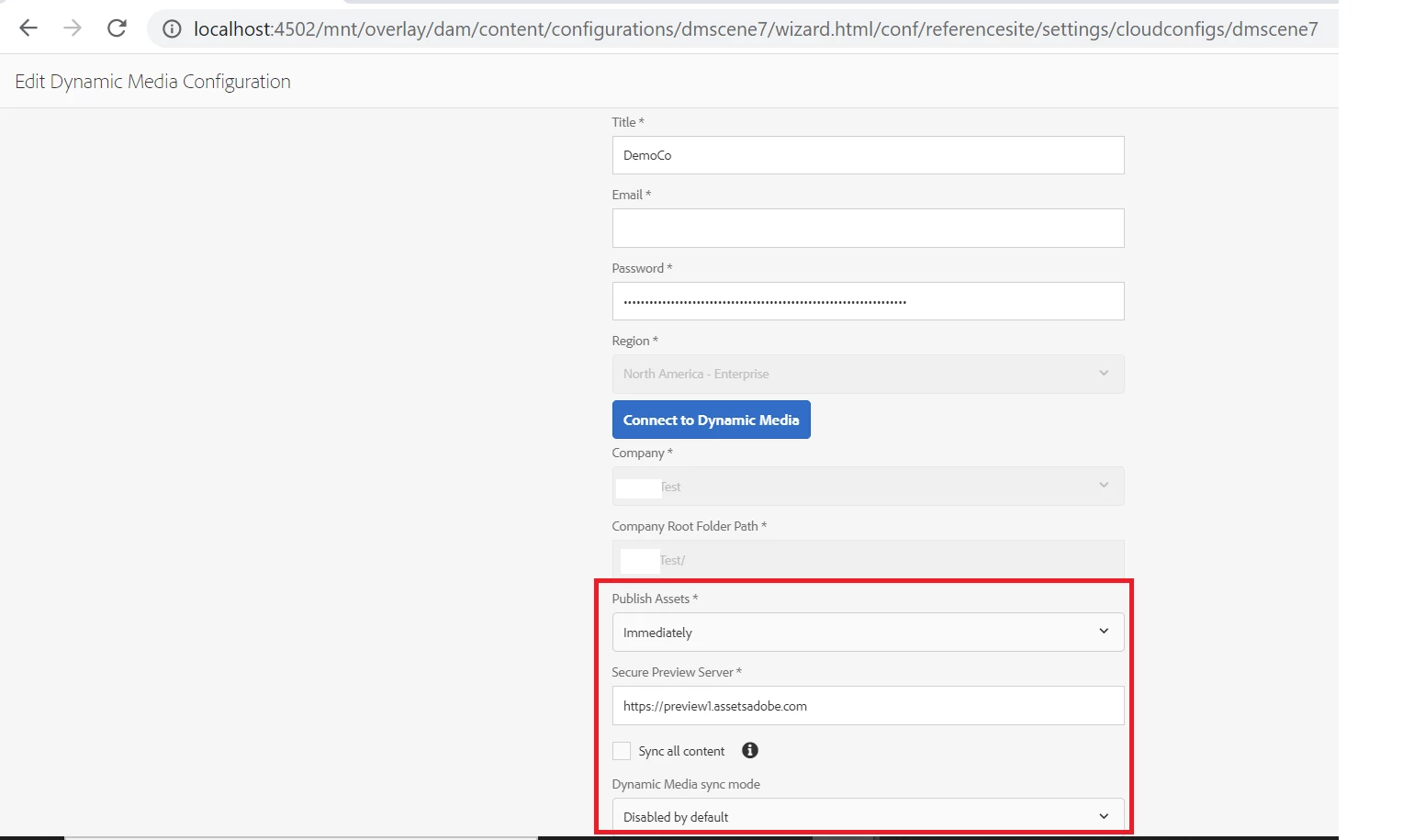


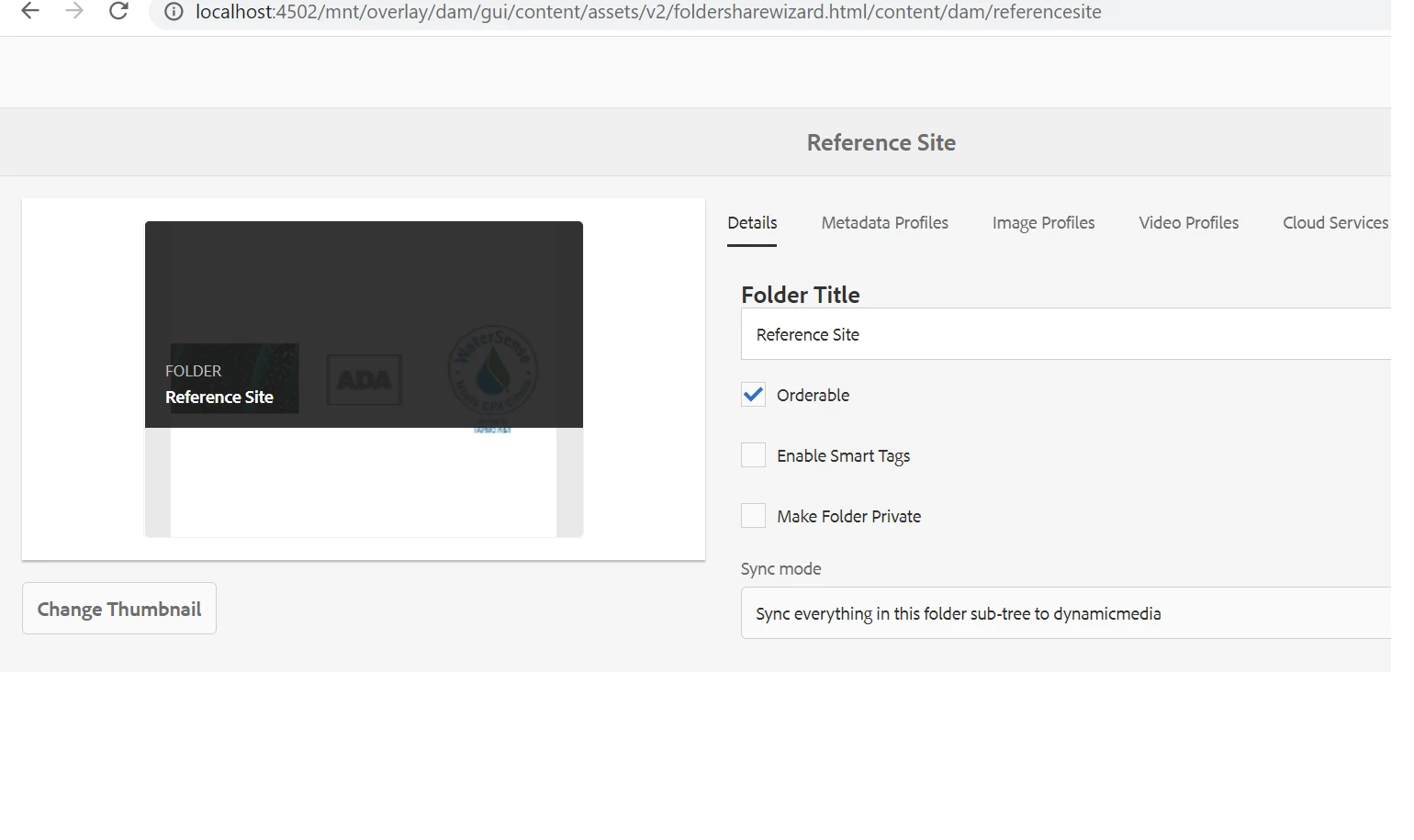
2) Then I have selected sync everything in this sub folder to dynamic media, as shown below.
 

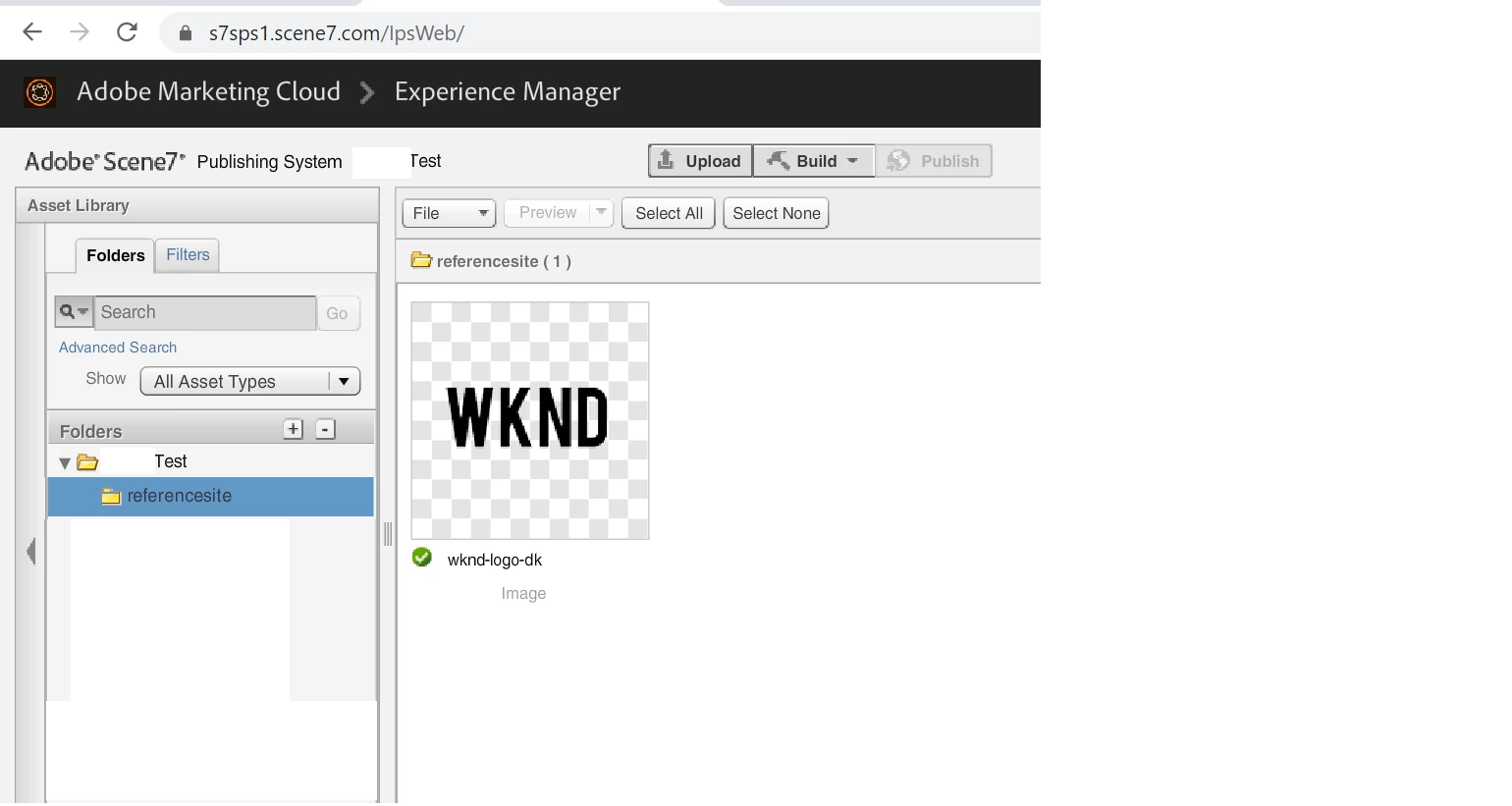
3) But the images are not syncing in my dynamic media , as shown below.


Is that something , I am missing. Please let me know.

This post is no longer active and is closed to new replies. Need help? Start a new post to ask your question.
Best answer by Shashi_Mulugu

@dipu2 sync to dynamic media will happen via a process step inside DAM Update Asset workflow.. you have to upload new assets inside the sync folder to make the assets sync.. it will not work for existing assets. If required run the workflow manually and check.

2 replies

Shashi_Mulugu
Community Advisor
Shashi_MuluguCommunity AdvisorAccepted solution
Community Advisor
September 9, 2020

@dipu2 sync to dynamic media will happen via a process step inside DAM Update Asset workflow.. you have to upload new assets inside the sync folder to make the assets sync.. it will not work for existing assets. If required run the workflow manually and check.

dipu2Author
Level 3
September 16, 2020

@232100, In the below response from you which one is the Sync folder,,sorry I did not get this one. Because I am looking here how to sync folder to dynamic media "or" in more detail...I have one folder called sunitatest in AEM asset and how can i sync this folder to dynamic media "or" Can I create the folder name as test (same name as given in dynamic media) to sync ?


@dipu2 sync to dynamic media will happen via a process step inside DAM Update Asset workflow.. you have to upload new assets inside the sync folder to make the assets sync.. it will not work for existing assets. If required run the workflow manually and check.

dipu2Author
Level 3
September 16, 2020

@232100, In the below response from you which one is the Sync folder,,sorry I did not get this one. Because I am looking here how to sync folder to dynamic media "or" in more detail...I have one folder called sunitatest in AEM asset and how can i sync this folder to dynamic media "or" Can I create the folder name as test (same name as given in dynamic media) to sync , as shown in the screenshot in my first post  ?


@dipu2 sync to dynamic media will happen via a process step inside DAM Update Asset workflow.. you have to upload new assets inside the sync folder to make the assets sync.. it will not work for existing assets. If required run the workflow manually and check.