Sample|Populating Adaptive form text field based on FDM initialized drop-down
Let's have a look at the one of the most common use case "Populating Adaptive form text field based on FDM initialized drop-down value".
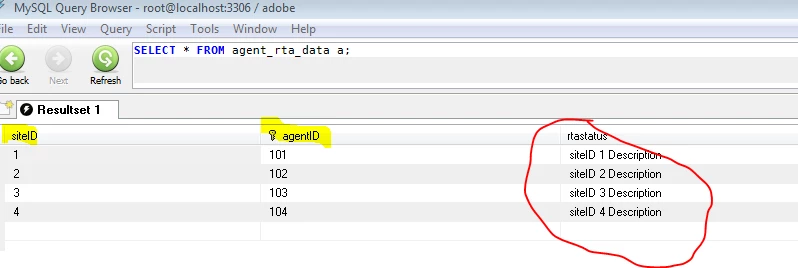
Consider a database table agent_rta_data that has 3 columns siteID, agentID and rtastatus, on form initialize I want to initialize a drop-down with the list of agent IDs fetched from the database and based on the user selection of agent ID we will set another field in the form with rtastatus assigned to the selected agent.
Sample Table: agent_rta_data
Let's Begin
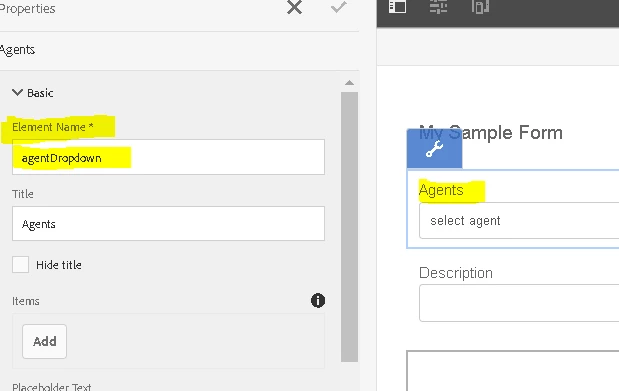
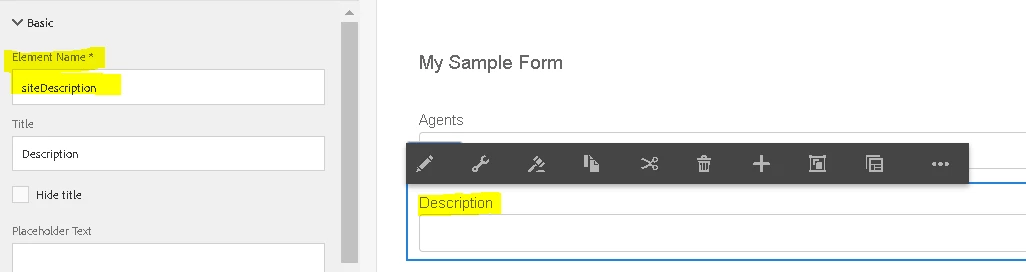
Step 1: Create a Adaptive form that has a drop-down (element name: agentDropdown) and a text field( element name siteDescription)
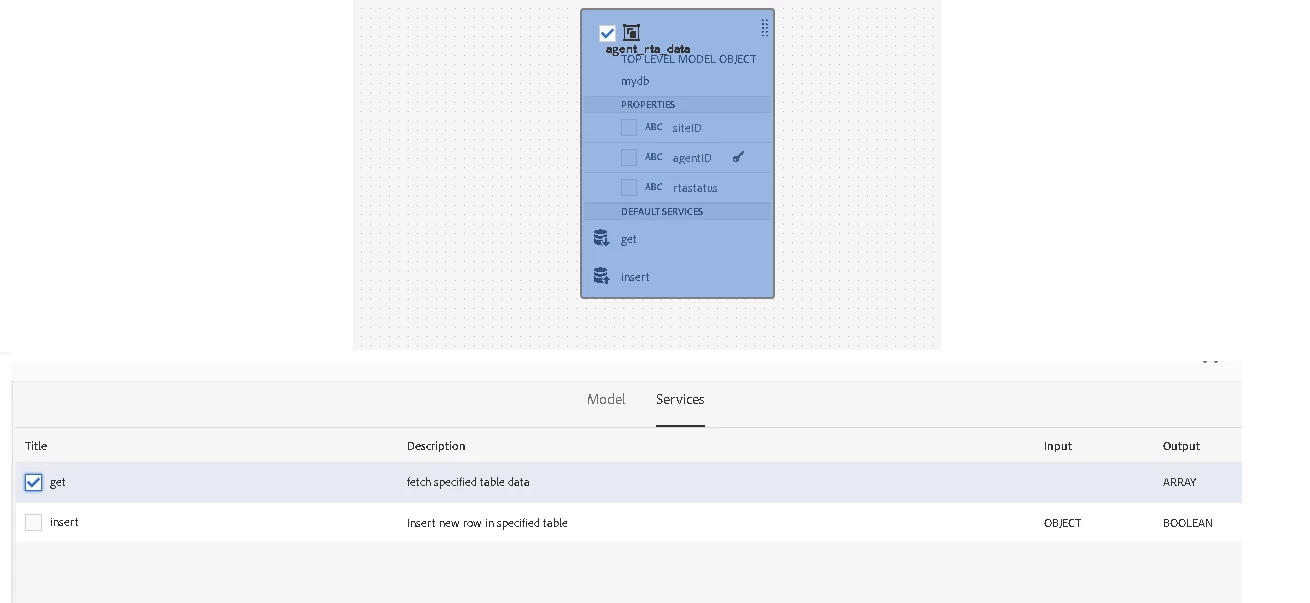
Step 2: Configure a JDBC based form data model as shown in Setting up JDBC Data Source in AEM Forms and make sure the GET service is returning an ARRAY as output.
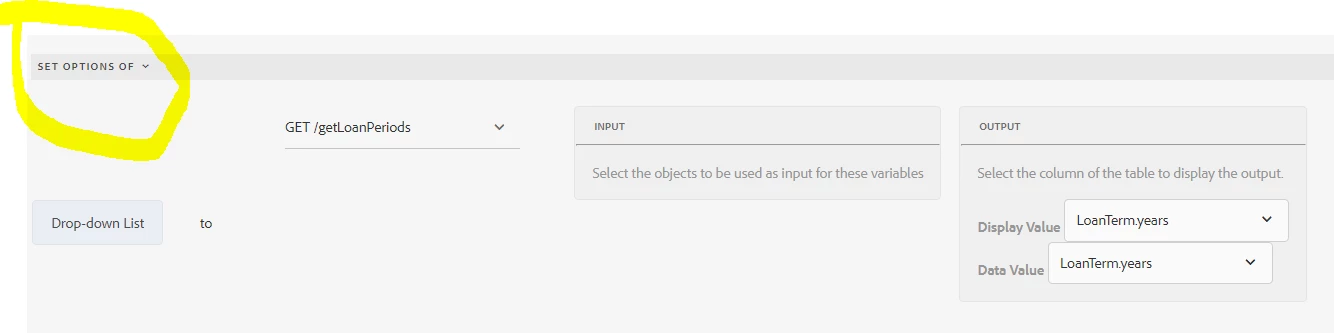
Your FDM GET service should look like this:
Step 3: Go to the sample form created at step 1 and open the code editor for the panel and place the below script on the initialize event.
Note: Make sure you update the FDM operation info as per your FDM. In case you are unaware of the same just create a invoke service action in the visual editor for the FDM and navigate to code editor after that and you will get the FDM operation info.
window.map1 = new Map();
function initializeDropdown(jsonResult) {
var arrAllNaics = JSON.parse(jsonResult);
var arrDropDownItems = [];
for ( var i=0; i<arrAllNaics.length; i++ )
{
var oNaics = arrAllNaics[i];
var sDescription = oNaics.agentID;
arrDropDownItems.push(sDescription);
console.log(arrDropDownItems);
map1.set(oNaics.agentID,oNaics.rtastatus);
}
agentDropdown.items = arrDropDownItems;
}
var operationInfo = {
"formDataModelId": "/content/dam/formsanddocuments-fdm/fdm2",
"operationTitle": "get",
"operationName": "get_15671949377350"};
var inputs = { };
var outputs = { };
guidelib.dataIntegrationUtils.executeOperation(operationInfo, inputs, outputs, initializeDropdown);
On the preview of the form, you should see the drop-down initialized with the agent List fetched via FDM service,

Step 4: Navigate back to authoring mode and go to the drop-down field code editor and place the below script on the value commit event.
siteDescription.value=(map1.get(this.value));
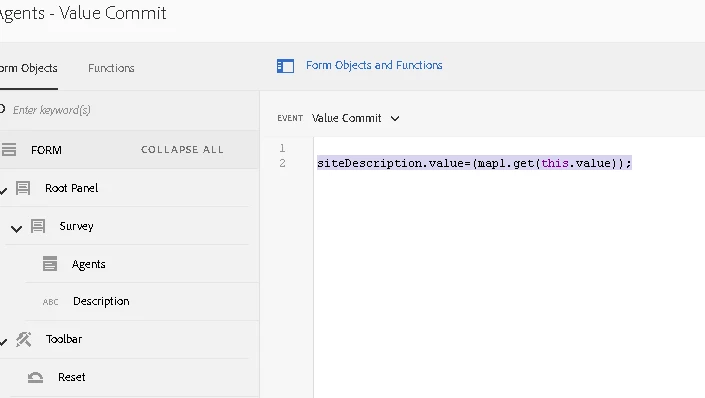
Preview the form and select the Agent ID. You should be able to see the description populated in the Description text field.