new instalation with ssl and no icons?? | Community
Skip to main content
ayecona
Level 5
July 31, 2019
Solved

new instalation with ssl and no icons??

  • July 31, 2019
  • 11 replies
  • 6856 views

I installed AEM 6.4.5 and the forms bundle … then I install SSL
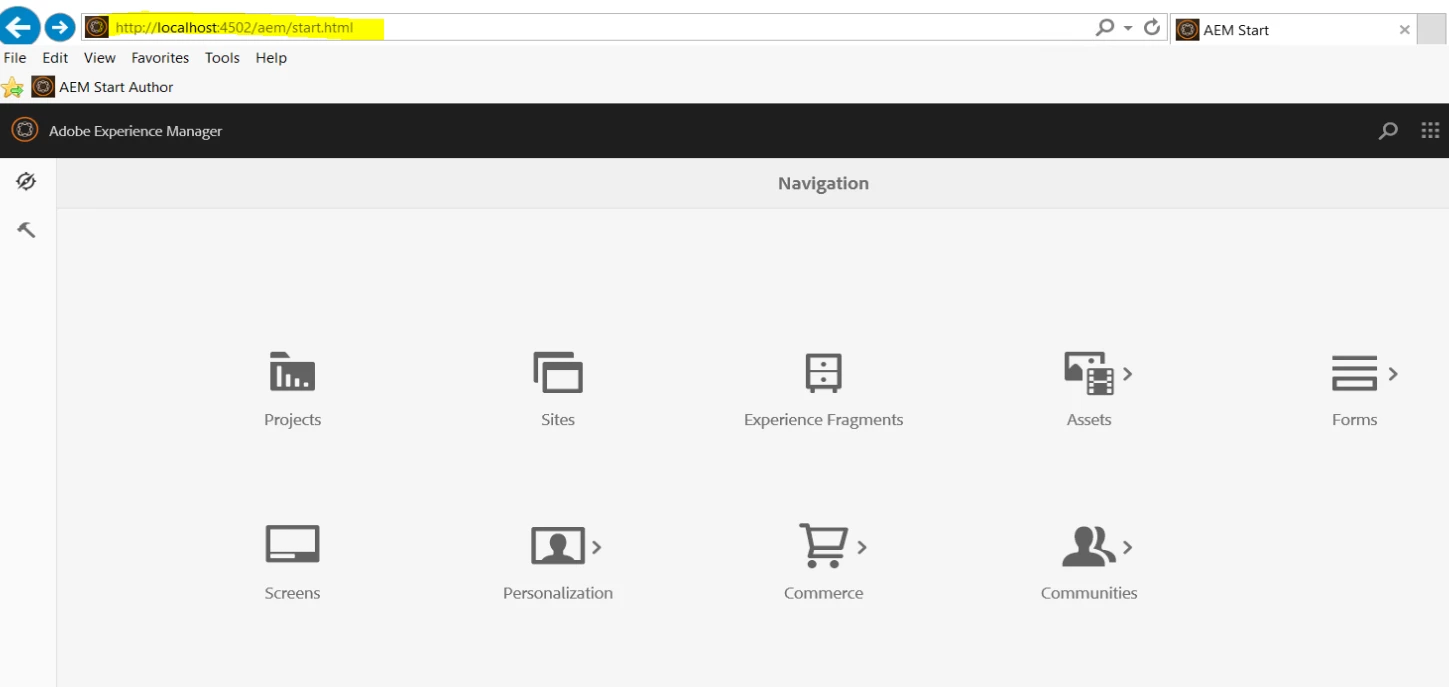
with SSL
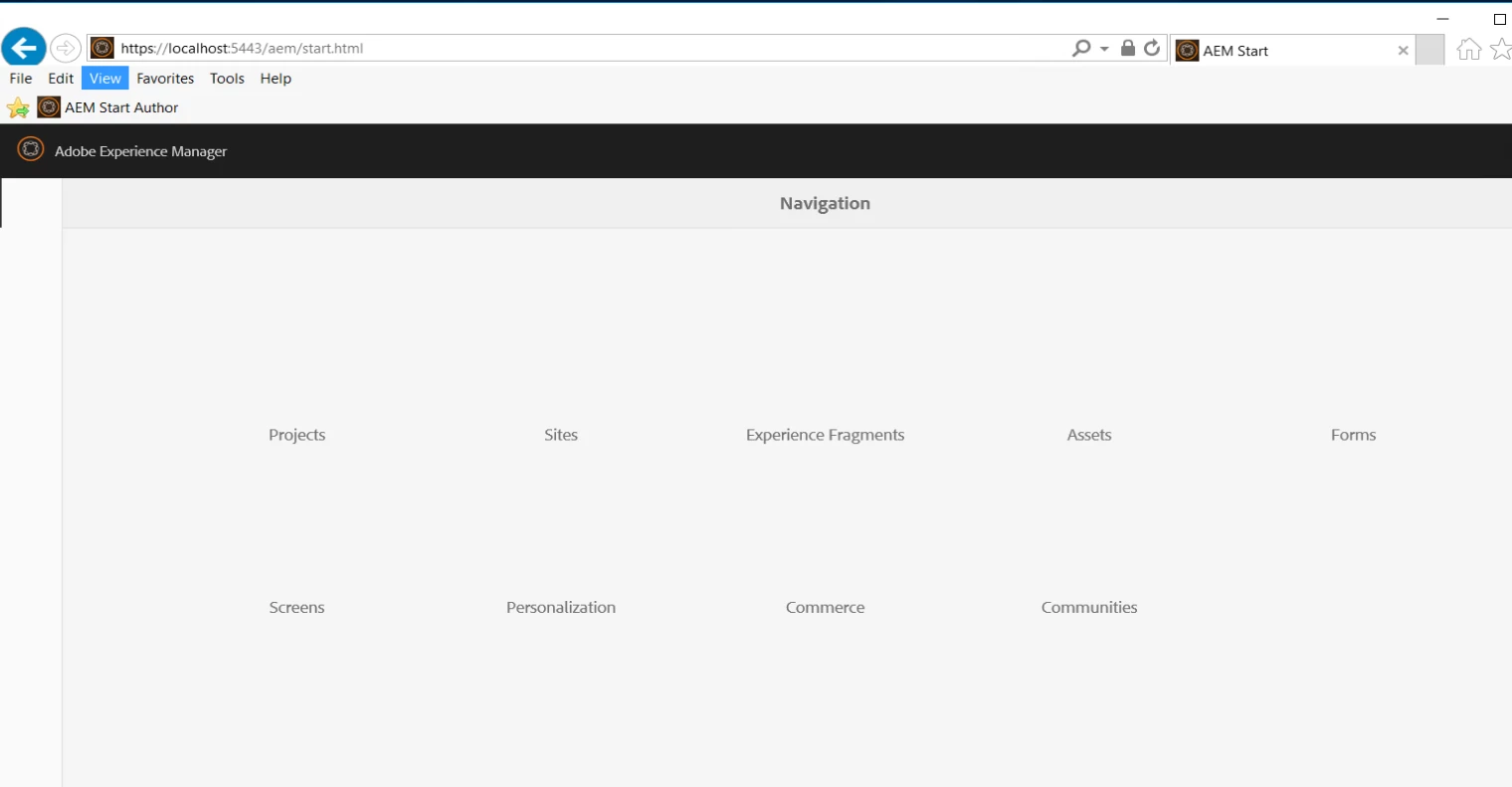
what went wrong

This post is no longer active and is closed to new replies. Need help? Start a new post to ask your question.
Best answer by Mayank_Gandhi

The steps are correct.  You have to make sure that even when the forms package is installed you need to wait for error.log to stop rotating before restarting the server.  I cannot see the Tools option either on the left.

11 replies

Mayank_Gandhi
Adobe Employee
Adobe Employee
July 31, 2019

Can you confirm how did you apply SSL? Have you tried restarting the server and clear the browser cache

ayecona
ayeconaAuthor
Level 5
July 31, 2019

Mayank Gandhi

I follow this videos to create the certificate

http://www.jetteroheller.com/implementing-ssl-on-aem/

and this one to install them

https://www.youtube.com/watch?v=p2B0BhZMSuo&t=162s

just restarted the server and clear the cache it is the same no icons on ssl

Mayank_Gandhi
Adobe Employee
Adobe Employee
July 31, 2019

Are the icons visible on a non-https port?

ayecona
ayeconaAuthor
Level 5
July 31, 2019

Mayank Gandhi​ yes just like you see on my original post

Mayank_Gandhi
Adobe Employee
Adobe Employee
July 31, 2019

What's the AEM version? I will test this on my local

ayecona
ayeconaAuthor
Level 5
July 31, 2019
Mayank_Gandhi
Adobe Employee
Adobe Employee
July 31, 2019

The approach is correct. Try to use the certificate available at Adobe Experience Manager Help | Using the SSL Wizard in AEM

ayecona
ayeconaAuthor
Level 5
July 31, 2019

Mayank Gandhi​ installing the certificates from the link you gave me did not make a difference still no icons.

I installed

AEM_6.4_Quickstart.jar

then the service pack for aem 6.4.5

then the adobe-aemfd-win-pkg-5.1.66.zip  (AEM-Forms-6.4.5.0-WIN)

did I do anything wrong with it should I start over?

Mayank_Gandhi
Adobe Employee
Mayank_GandhiAdobe EmployeeAccepted solution
Adobe Employee
July 31, 2019

The steps are correct.  You have to make sure that even when the forms package is installed you need to wait for error.log to stop rotating before restarting the server.  I cannot see the Tools option either on the left.

ayecona
ayeconaAuthor
Level 5
July 31, 2019

ok magically I waited and now it started working with icons on it. but I have a new problem that I will log next. thank you