how to upload a new custom DOR | Community
Skip to main content
ayecona
Level 5
August 5, 2019
Solved

how to upload a new custom DOR

  • August 5, 2019
  • 7 replies
  • 6318 views

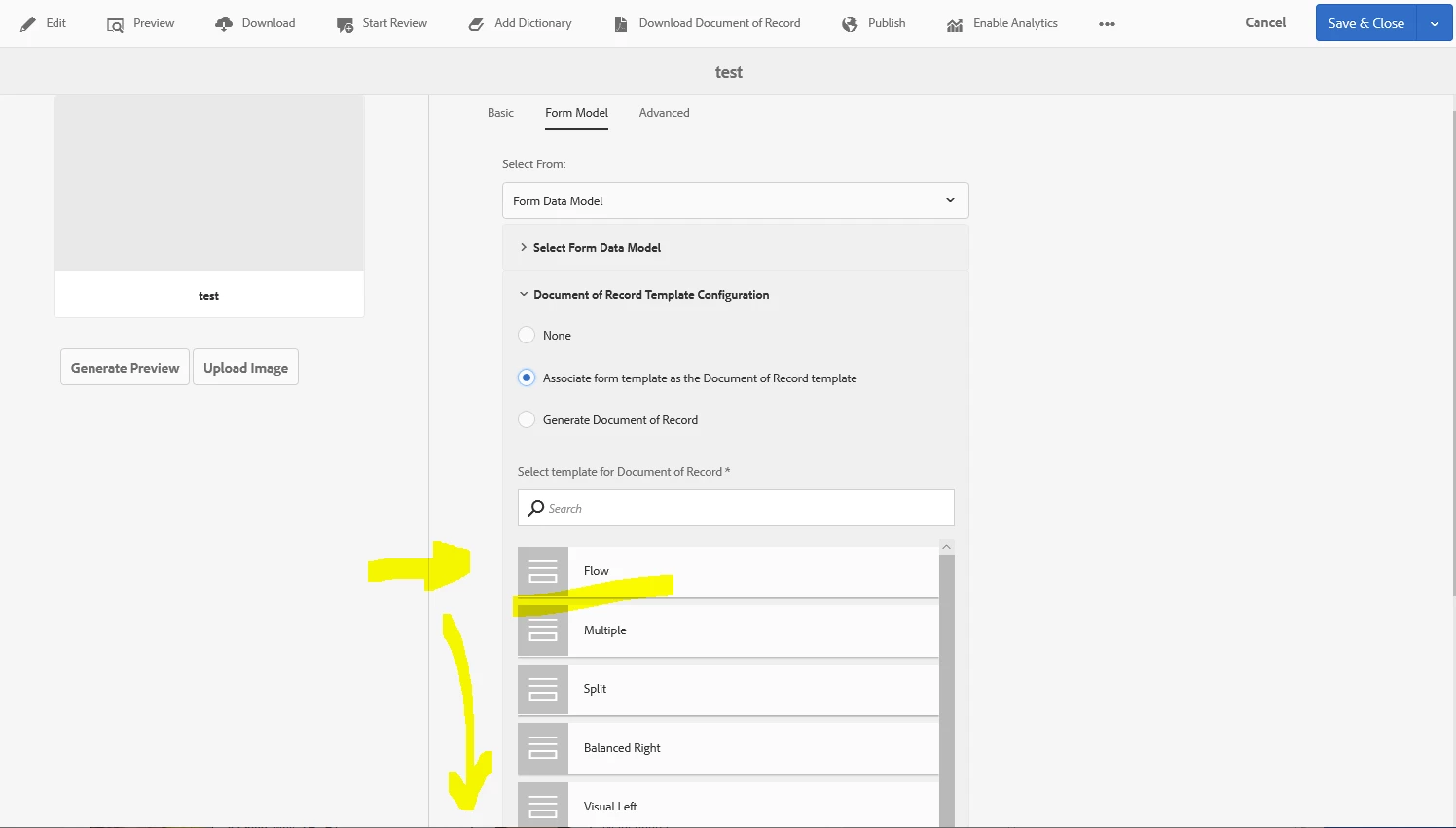
I see that the templates to create a document of record are under
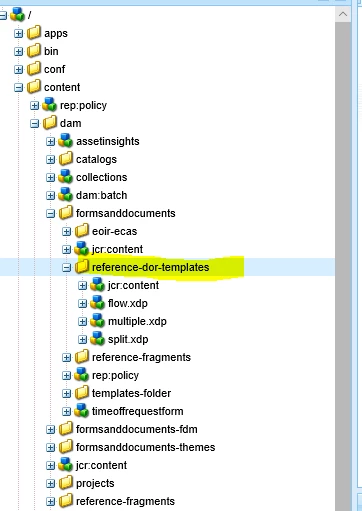
I installed AEM forms designer and created a Custom DOR for my needs now I just need to know how to place it in here so that I can use it with my new forms?

This post is no longer active and is closed to new replies. Need help? Start a new post to ask your question.
Best answer by Mayank_Gandhi

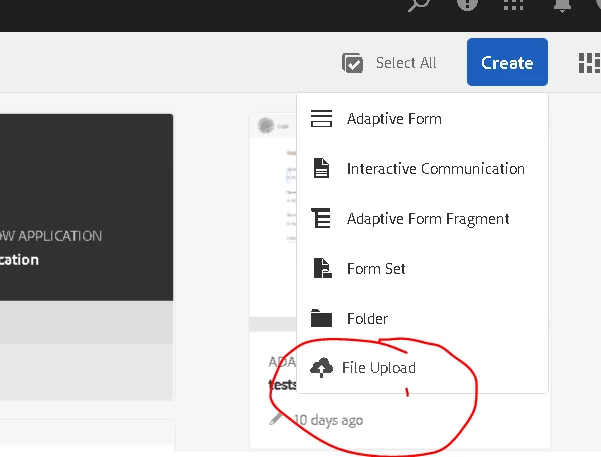
Upload it anywhere on the forms portal(where you see all other adaptive forms) using the file upload option of forms portal.

7 replies

Mayank_Gandhi
Adobe Employee
Adobe Employee
August 5, 2019

You want to replace the default DOR?

ayecona
ayeconaAuthor
Level 5
August 5, 2019

Mayank Gandhi​ no I want to be able to choose my own custom DOR, I will make a few of them and I believe I would like to choose from where I highlight below

Mayank_Gandhi
Adobe Employee
Adobe Employee
August 5, 2019

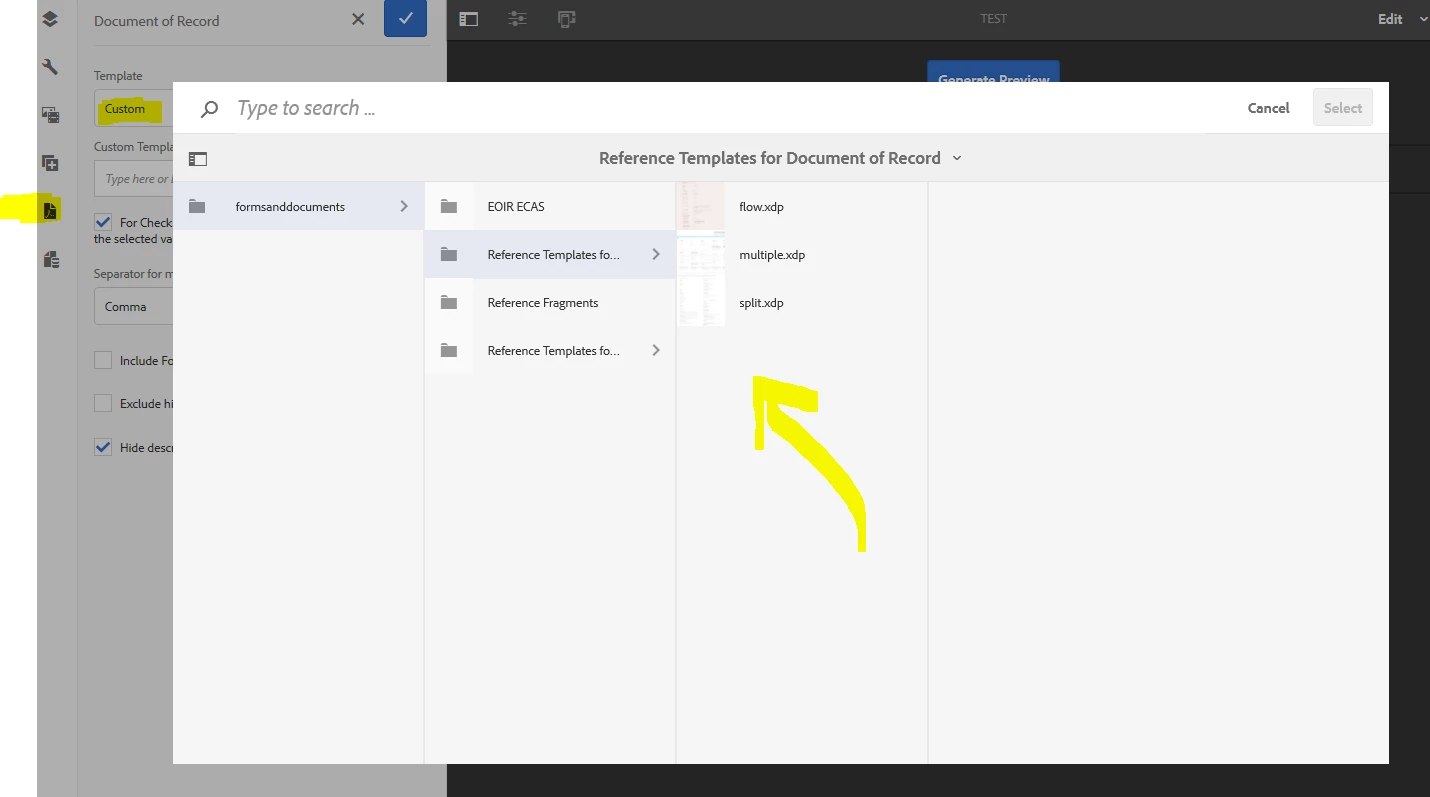
you can map the DOR from the form properties. Just below the form data model.

ayecona
ayeconaAuthor
Level 5
August 5, 2019

Mayank Gandhi​ yes that is the question I made how do I upload the new customs DOR into that location so that I can choose them

Mayank_Gandhi
Adobe Employee
Mayank_GandhiAdobe EmployeeAccepted solution
Adobe Employee
August 5, 2019

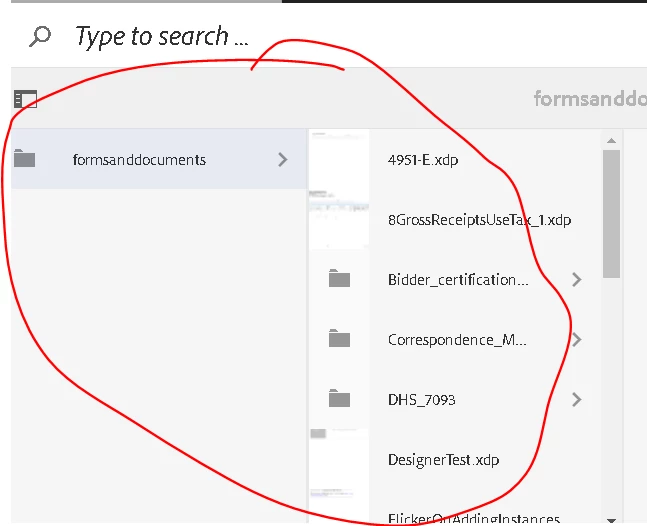
Upload it anywhere on the forms portal(where you see all other adaptive forms) using the file upload option of forms portal.

Khushwant_Singh
Adobe Employee
Adobe Employee
August 5, 2019

See, Adobe Experience Manager Help | Getting XDP and PDF documents in AEM Forms for information on how to upload xdp or other files.

Mayank_Gandhi
Adobe Employee
Adobe Employee
August 5, 2019

Depending on where you upload you can search any xdp