Document Of Record tables | Community
Skip to main content
Level 3
September 4, 2020
Solved

Document Of Record tables

  • September 4, 2020
  • 5 replies
  • 3722 views

OS: CentOS7

AEM Forms: 6.5


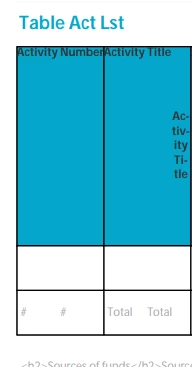
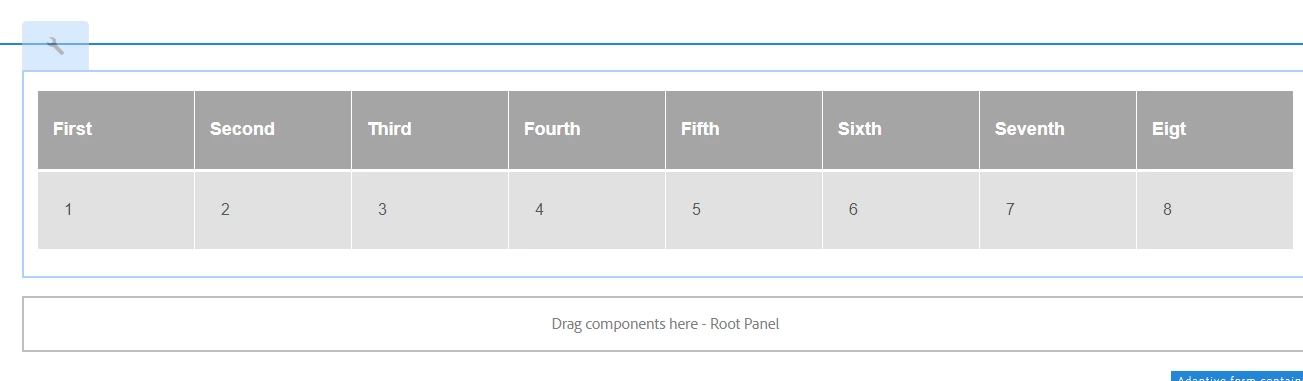
I have a form with several tables. The PDF Generated using

com.adobe.aemds.guide.addon.dor.DoRService

is ugly. See attached snippet.

Note I am new to this.

Suggestions?


Other team members have suggested Forms and tables are ugly to use. 


Thanks

Joel 


This post is no longer active and is closed to new replies. Need help? Start a new post to ask your question.
Best answer by workflowuser

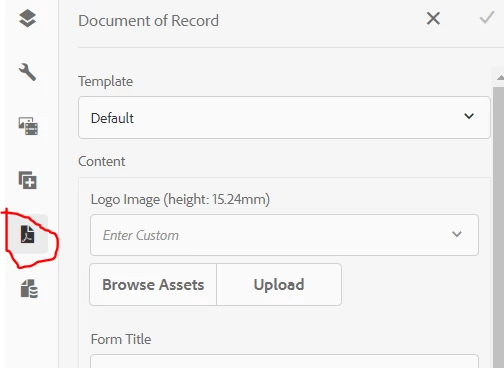
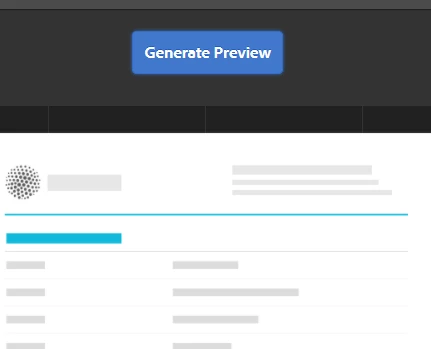
what happens when you click on generate Preview  from the DoR tab using the UI from the Adaptive Form itself


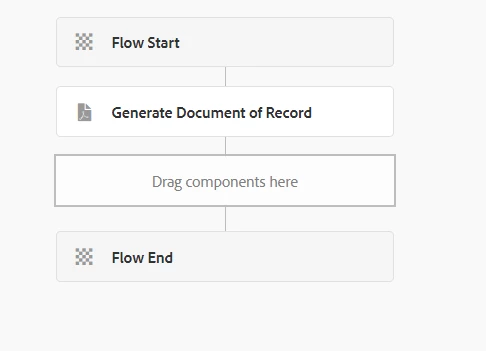
you do not need to have workflow


5 replies

Level 8
September 4, 2020

Please upload a screen shot of your AF table


Level 3
September 4, 2020
See my attachment. Not sure how much more I am allowed to share. Headings are displayed top and right side
Level 8
September 4, 2020

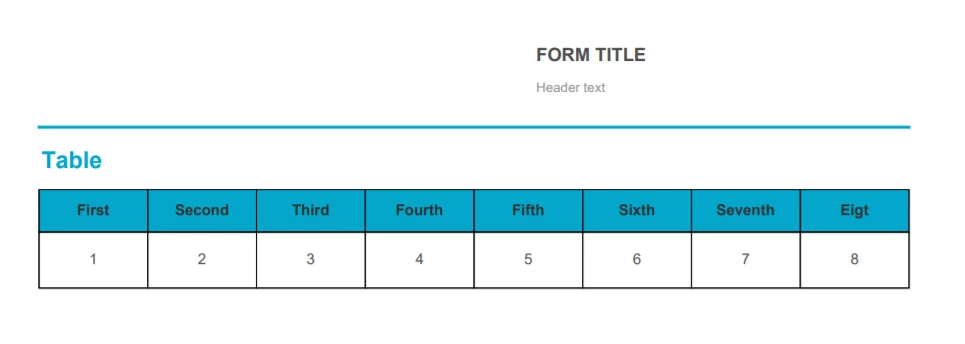
Can you try with a simple table with 4 columns and see if that is generated correctly in the DoR

you can use the Preview DoR feature in the AF 

Level 8
September 4, 2020

Btw- how many columns in your table? And what is your cell

type in the columns

Adobe Employee
September 4, 2020
Level 3
September 8, 2020
Can you do this _without_ a workflow with 8 columns? with @3214626 private DoRService dorService;
workflowuserAdobe EmployeeAccepted solution
Adobe Employee
September 8, 2020

what happens when you click on generate Preview  from the DoR tab using the UI from the Adaptive Form itself


you do not need to have workflow


Level 3
September 10, 2020
yum install expat curl uuid libXext nss-softokn-freebl fontconfig libICE openssl libicu libX11 libXinerama freetype libXau libXrandr zlib glibc libSM libxcb libXrender