Detect field value change in adaptive forms | Community
Skip to main content
November 22, 2021
Solved

Detect field value change in adaptive forms

  • November 22, 2021
  • 4 replies
  • 2464 views

Hello,


Is there a way to determine if the value of a field has been changed in an adaptive HTML form other than having a hidden field with the initial value in it that gets compared when the Value Commit event is triggered?


This post is no longer active and is closed to new replies. Need help? Start a new post to ask your question.
Best answer by radzmar

Hi, you can add event listeners to various events. As an example: This script in the initialize event of the guide root panel will cause, that every change in your form is reported into the console of the web browser.


guideBridge.on("elementValueChanged" , function(event, payload) {
     console.log("The value of object '" + payload.target.name + "' has been changed from '" + payload.oldText + "' into '" + payload.newText + "'.");
});

4 replies

radzmar
radzmarAccepted solution
November 22, 2021

Hi, you can add event listeners to various events. As an example: This script in the initialize event of the guide root panel will cause, that every change in your form is reported into the console of the web browser.


guideBridge.on("elementValueChanged" , function(event, payload) {
     console.log("The value of object '" + payload.target.name + "' has been changed from '" + payload.oldText + "' into '" + payload.newText + "'.");
});
November 23, 2021

payload.oldText returns 'undefined' for every change. I was trying to avoid using hidden fields, but I guess I don't have much of a choice. 

November 23, 2021

I was able to set some variables for the original values in the guide panel init that persisted when the event fired. This works great, thanks!

Pulkit_Jain_
Adobe Employee
Adobe Employee
November 22, 2021

@seanlapointe 

Usually button clicks or field exit events can be used to validate the rules so you can check for the  (field value change AND value of the field against the set default value of the hidden field) here.


Mayank_Tiwari
Adobe Employee
Adobe Employee
November 23, 2021

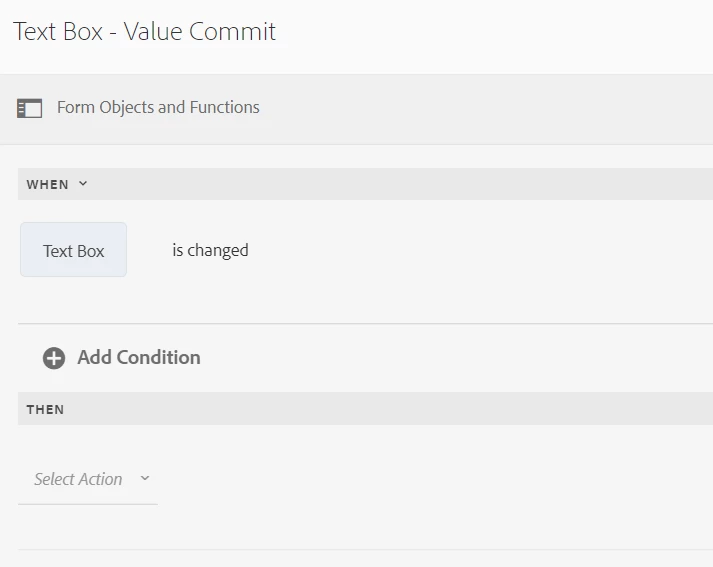
Use this:


Mayank_Gandhi
Adobe Employee
Adobe Employee
December 1, 2021

@seanlapointe  You can go with what @radzmar  suggested or you can create custom listener as well. 


const input = document.querySelector('input');
const log = document.getElementById('yourFieldID');

input.addEventListener('change', updateValue);

function updateValue(e) {
  log.textContent = e.target.value;
}