@mayank_tiwari Actually, I've been adding this in Designer under File > Form Properties. I have not ever added this directly to the PDF through Adobe Acrobat. So is adding the _pagezerocontent code in Designer under File > Form Properties the same as adding it to the XDP template level first as you stated above? If so, then that's what I'm doing. If its different can you please explain the process a little more? Thanks!!
I did not use Acrobat to add the property.
1. I just opened the XDP in Designer.
2. Added the _pagezerocontent code in Designer under File > Form Properties.
3. Saved as Dynamic PDF.
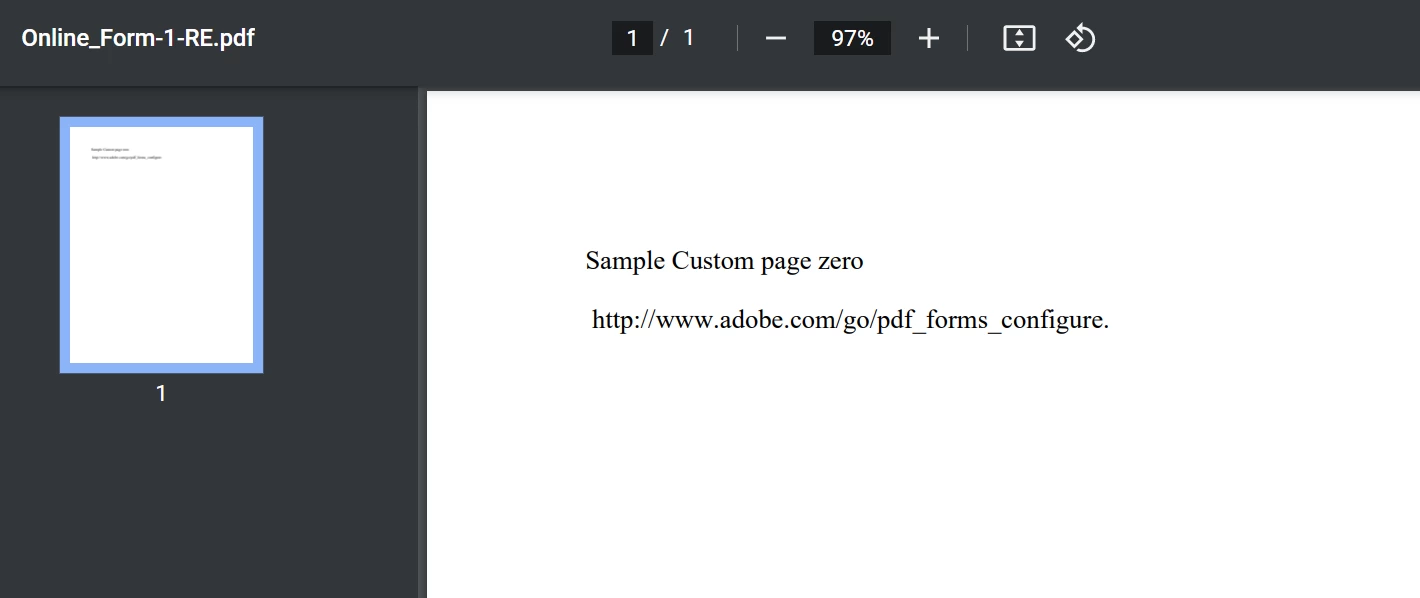
4. Opened the saved PDF with Chrome. It works fine and the custom message appears.
5. Reader Extended the PDF.
6. Opened it in Chrome again, and it still works fine.
this is my XDP with the property added:
https://drive.google.com/file/d/1IffHA_-ZuQjJ0pOKkSCvjaG6C3Z7-sQo/view?usp=sharing
This is my Reader Extended PDF:
https://drive.google.com/file/d/1WDYKNUQ1Rw5CJG_KwodPWnnzHwX4cRpW/view?usp=sharing