Configure folder for cloud service configurations issue | Community
Skip to main content
Level 2
September 6, 2021
Solved

Configure folder for cloud service configurations issue

  • September 6, 2021
  • 4 replies
  • 1557 views

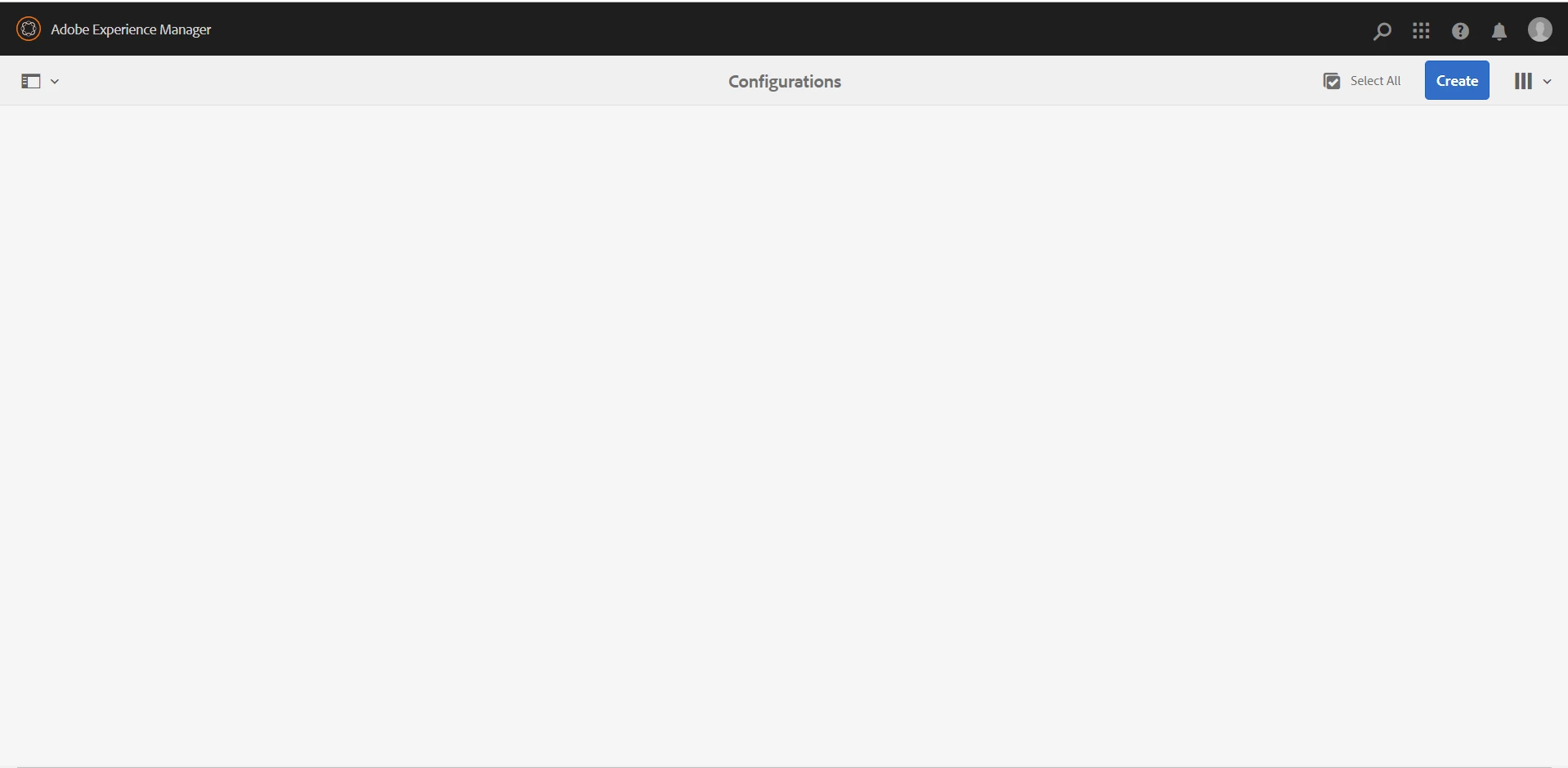
I am unable to see the folder and unable to create under below path.

Tools > Cloud Services > Data Sources.

I have followed the below steps:

To configure the folder for cloud service configurations:

1.Go to Tools > General > Configuration Browser.

   See the Configuration Browser documentation for more information.
2. Do the following to enable the global folder for cloud configurations or skip this step to create and           configure another folder for cloud service configurations.

   a. In the Configuration Browser, select the global folder and tap Properties.

   b. In the Configuration Properties dialog, enable Cloud Configurations.

   c. Tap Save & Close to save the configuration and exit the dialog.

3. In the Configuration Browser, tap Create.

4. In the Create Configuration dialog, specify a title for the folder and enable Cloud Configurations.

5. Tap Create to create the folder enabled for cloud service configurations.


Could you please help me out ?.
This post is no longer active and is closed to new replies. Need help? Start a new post to ask your question.
Best answer by GirishBedekar

Looks like you are doing everything correctly 

please reach out to support 


4 replies

Mayank_Gandhi
Adobe Employee
Adobe Employee
September 6, 2021

@a920_X You might want to check permission on the logged in user and check with CSE for the forms add on.

A934_XAuthor
Level 2
September 7, 2021

I am using the admin user and i think admin user has all the privileges and permission.
could you please suggest me ?.

Mayank_Gandhi
Adobe Employee
Adobe Employee
September 7, 2021

@a920_X  This is aem forms cloud instance?

A934_XAuthor
Level 2
September 8, 2021
This is an on-premise installation
Mayank_Gandhi
Adobe Employee
Adobe Employee
September 9, 2021

@a920_X Please check if forms add on package is installed

GirishBedekarAccepted solution
Level 8
September 8, 2021

Looks like you are doing everything correctly 

please reach out to support 


Mayank_Tiwari
Adobe Employee
Adobe Employee
October 6, 2021

I tried exactly the same steps, and I can see the folders, as shown below:

Please try accessing http://server:port/libs/fd/fdm/gui/components/admin/fdmcloudservice/fdm.html/conf/ and check the result. Also, please check /conf/ folder in crx/de, if all the folders are visible there.