Anonymous Access Not Enabled Need to Log Into AEM To View Public Content | Community
Skip to main content
Level 2
September 13, 2019
Question

Anonymous Access Not Enabled Need to Log Into AEM To View Public Content

  • September 13, 2019
  • 18 replies
  • 12452 views

Hi,

We have an iFrame that points to a AF Form, and we are running into the issue of always having to log in to see the form.  We tried going to the form directly from a machine that's not localhost and we get the log in prompt before we can access any page.
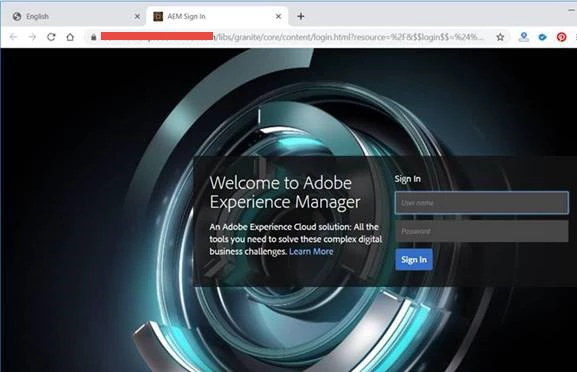
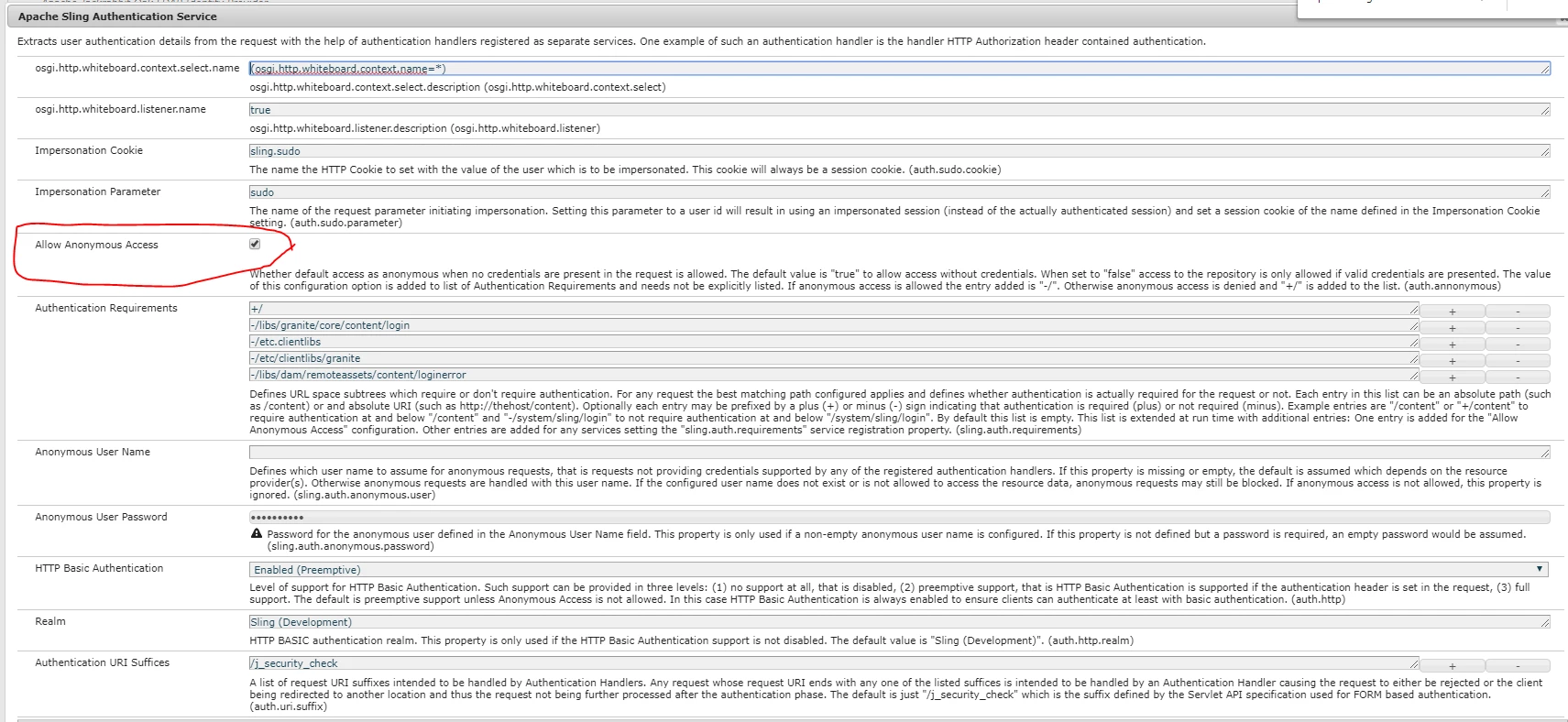
What we want is to have anonymous access so that the iFrame won't be prompted for a log in, the form is meant for public access.  We've already set sling Authentication Service to allow Anonymous access, but it still doesn't work.  Please advise.
This post is no longer active and is closed to new replies. Need help? Start a new post to ask your question.

18 replies

Level 2
September 16, 2019

We've resolved the anonymous access issue.  Author and Publish were both using port 443, we thought that by using a combination of hostname + port AEM would be able to distinguish between the two instances but that's not the case.  We resolved the issue by assigning the Author instance to port 444 and now anonymous access works.  However, we have another issue in which we are unable to publish contents to the Publish instance from the Author instance especially Adaptive Forms.  Any ideas on why this is happening?

Adobe Employee
September 16, 2019

did you configure publish instance from the author

http://localhost:4502/etc/replication/agents.author/publish.html

settings Transport tab URI pointing to your publish server. (or create a new publish agent and add the configurations pointing to your publish server)

Level 2
September 16, 2019

Thank you for pointing us in the right direction.  We were able to get the publish agent working again and now the publishing works in Author. Although we did struggle with the adaptive forms not publishing on the publish instance.  We got to work after we import the forms on both the Author and the Publish instance.  Is that the best way to do it?  We thought that when we publish the form in Author it would automatically publish it in Publish.  But that did not occur until we manually imported the form in Publish.  Please clarify thanks.

Mayank_Gandhi
Adobe Employee
Adobe Employee
September 16, 2019

Since you have corrected the replication now, please try pushing the form again. Both the approaches are ok but using replication to publish is the preffered one.

devarajn
Level 2
September 17, 2019

We tried it did not work. Once we imported the forms manually to publisher instance then we published the same forms on the author then it worked. Are we missing something here? or there any different replication settings we need to do for forms to replicate from Author to Publisher.

When we publish the page replicates fine but not the linked form in that page.

Thanks,

Devaraj

Adobe Employee
September 17, 2019

Create a simple form on author and publish it

check to see if it works

devarajn
Level 2
September 17, 2019

Per your suggestion, I created a sample form on Author and published. See the screenshot below.

If I preview the form in the author it looks fine. See thescreenshot below:

and it published the page to the publisher, see below

when I click on the above page, it returns a blank page.

Mayank_Gandhi
Adobe Employee
Adobe Employee
September 23, 2019

Can you send your test package? Also, what's your aem forms version?