AEM is not starting | Community
Skip to main content
Level 2
June 5, 2017
Solved

AEM is not starting

  • June 5, 2017
  • 9 replies
  • 9938 views

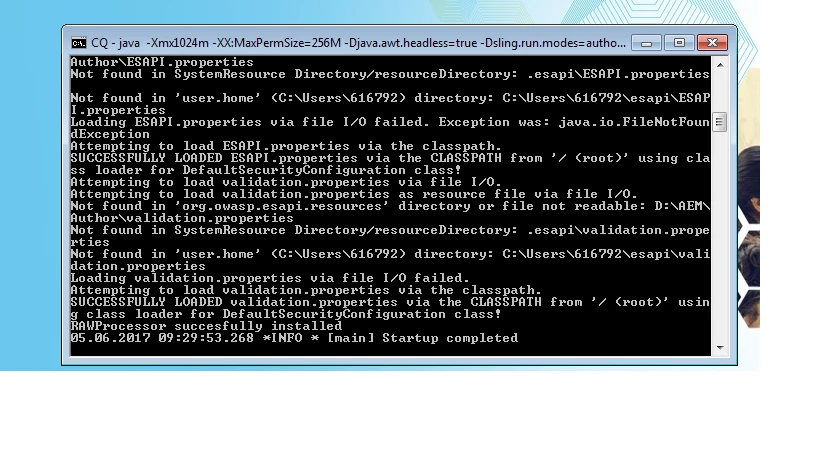
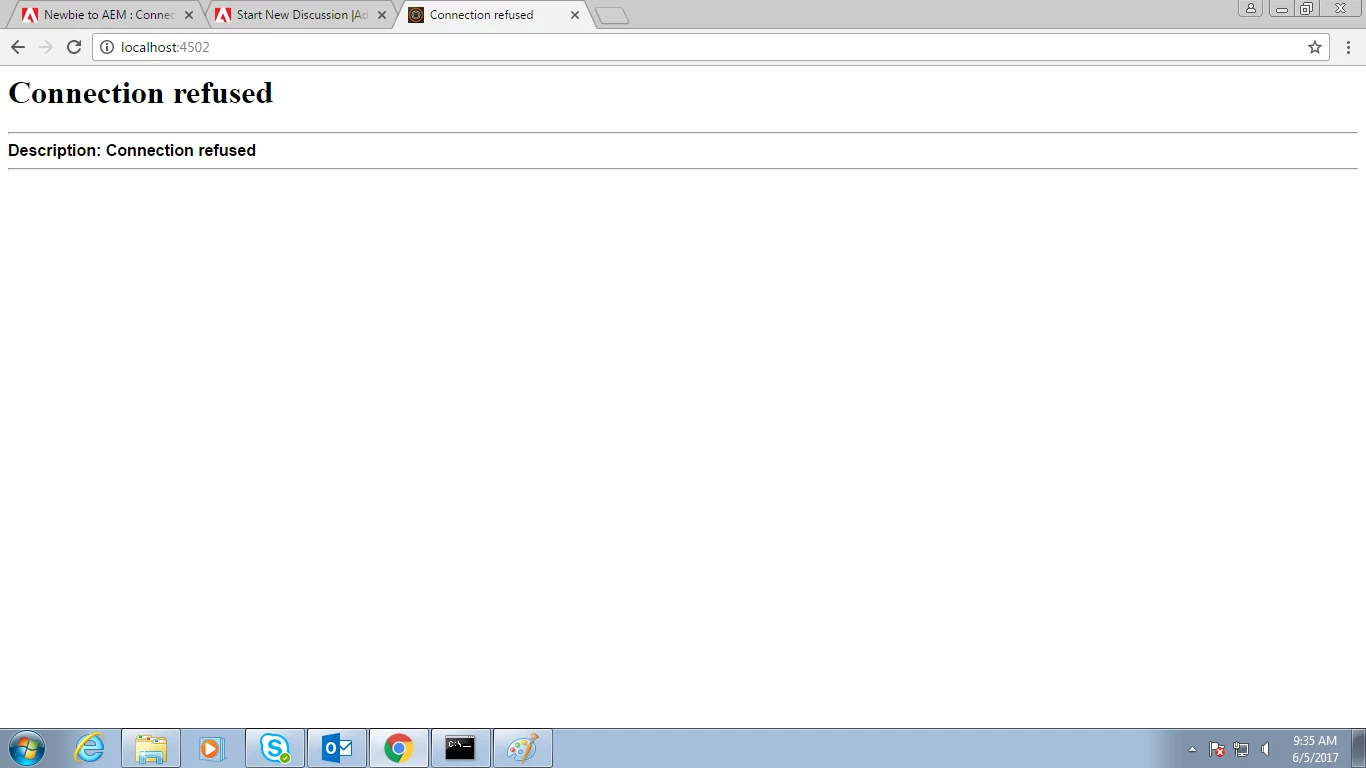
I started the AEM author instance by the start.bat ( crx-quickstart > bin > start.bat ), there the server is showing the startup complete but when i am hitting on link localhost:4502 it is showing connection refused ??
This post is no longer active and is closed to new replies. Need help? Start a new post to ask your question.
Best answer by VeenaVikraman

In your office network if you are using a proxy network, this issue can happen in chrome . We have faced this issue due to the proxy settings in chrome browser. Could you check the below

If you are using Chrome. Can you go to settings --> Change proxy settings --> if the bypass proxy is unchecked , please check it....
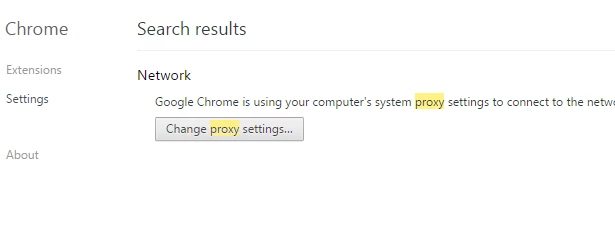
Since I dont have proxy settings, below image is only for demonstration
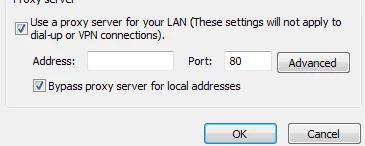
Let me know if this worked

Thanks

Veena

9 replies

cquser1
Level 7
June 5, 2017

Hi,

Are you able to open crxde[http://localhost:4502/crx/de/index.jsp ] or explorer or system console[http://localhost:4502/system/console/configMgr ].

Also, can you check for anything suspicious in error/startup log file.

Sh1ju
Level 4
June 5, 2017

Are you able to view bundles from felix console  http://localhost:4502/system/console/bundles  ? Any issues from  Error.log ?

Level 2
June 5, 2017

I am not even able to hit the login page of AEM, and i am not able to find anything suspicious in error.log,

Later i realized that i am able to work in explorer but not in chrome so i got ip of my system and from that i accessed AEM

(<ip address>:4502) but not when i hit localhost:4502, Why so?

Sh1ju
Level 4
June 5, 2017

Add following line in your hosts file (location ....\Windows\System32\drivers\etc)

127.0.0.1       localhost

joerghoh
Adobe Employee
Adobe Employee
June 5, 2017

Hi,

please check your error.log for the string "4502". Looks like your AEM instance is not bound to this port (for whatever reason). Can you check "http://127.0.0.1:4502/" as well (just to make sure, that your local Windows isn't broken)?

kind regards,
Jörg

VeenaVikraman
Community Advisor
VeenaVikramanCommunity AdvisorAccepted solution
Community Advisor
June 5, 2017

In your office network if you are using a proxy network, this issue can happen in chrome . We have faced this issue due to the proxy settings in chrome browser. Could you check the below

If you are using Chrome. Can you go to settings --> Change proxy settings --> if the bypass proxy is unchecked , please check it....

Since I dont have proxy settings, below image is only for demonstration

Let me know if this worked

Thanks

Veena

Level 2
June 6, 2017

Thanks

Level 2
June 6, 2017

Thanks @shiju for the concern but changing proxy settings worked for me, as i am working office network so no admin rights is there

Level 2
June 6, 2017

Thanks @Jorg i searched the port number string in log it showed the result, and the loopback link "http://127.0.0.1:4502/" also was not working, but thanks for the help