AEM Form attachment - change file name in rule editor | Community
Skip to main content
Level 2
March 4, 2024
Solved

AEM Form attachment - change file name in rule editor

  • March 4, 2024
  • 2 replies
  • 619 views

Hi Community,


I am wondering if AEM Form rule editor is able to change a file name uploaded to the Form (whether instantly or after submitting the form).


My AEM Form has multiple attachment, so I cannot use Power Automate to change the attachment name without also changing other documents'.

I also need a prefix for specific attachment, so the RPA can identify different attachments. For example, "ev_id".
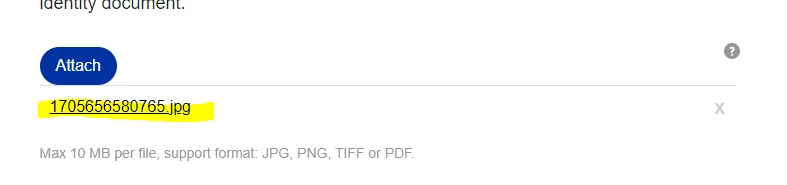
I asked ChatGPT but no luck.
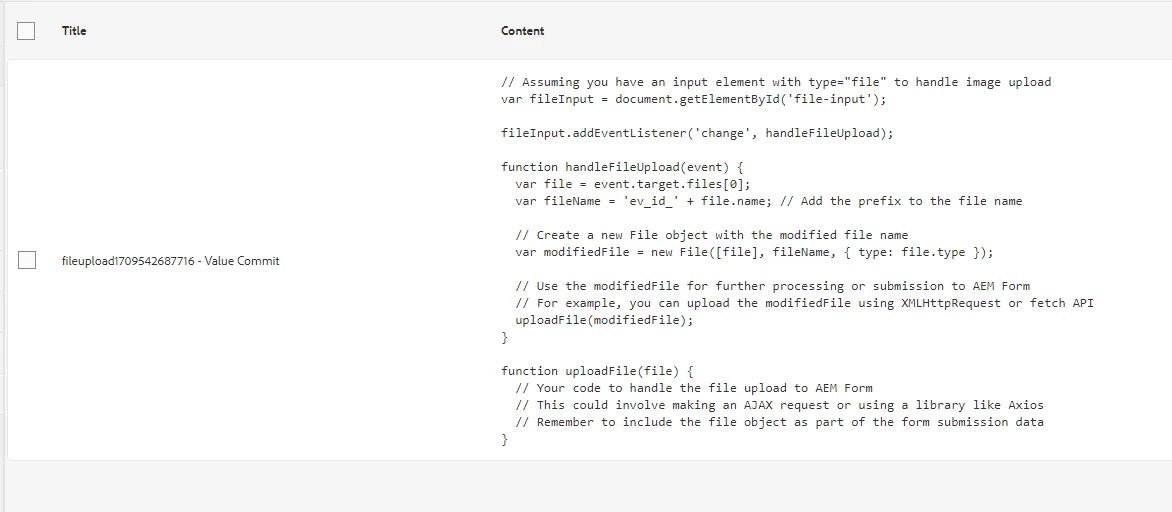
Submit action is send email. FYI

 

Huge thanks in advance!

This post is no longer active and is closed to new replies. Need help? Start a new post to ask your question.
Best answer by workflowuser

Here is the article 

https://experienceleague.adobe.com/docs/experience-manager-learn/forms/zipping-form-attachments/introduction.html


you will need to make changes to the code to rename the attachments as per your requirements 

2 replies

Adobe Employee
March 4, 2024

You will have to use custom code in your workflow to do that

searxh for emailing attachments in AEM forms

workflowuserAdobe EmployeeAccepted solution
Adobe Employee
March 4, 2024

Here is the article 

https://experienceleague.adobe.com/docs/experience-manager-learn/forms/zipping-form-attachments/introduction.html


you will need to make changes to the code to rename the attachments as per your requirements