Adaptive forms: Inline long description help text URLs not working | Community
Skip to main content
Level 4
February 20, 2018
Solved

Adaptive forms: Inline long description help text URLs not working

  • February 20, 2018
  • 9 replies
  • 2222 views

Hi all!  I'm testing some items in my forms setup, and am running into an issue.

In our Long Description, we want to include links to external sites.

When I try putting  a link into the Long Description, even if I use the Source Edit, the URL gets stripped out.

I put <p>This is my long description with <a href="http://www.google.com" alt="Google" target="_blank">Google!</a></p> into my Long Description.

But when I save and preview, the link disappears and it returns <p>This is my long description with <a target="_blank" alt="Google">Google!</a></p>. The href has been removed.

What is causing this?

As a secondary question, is there a way to embed images in the Long Description?

Thanks!
This post is no longer active and is closed to new replies. Need help? Start a new post to ask your question.
Best answer by smacdonald2008

On AEM 6.2 - i was able to reproduce your issue. There is a bug here (it works on 6.3).  Please log a support ticket as Eng needs to fix it.

9 replies

James_R_Green
Level 6
February 20, 2018

Hi ChrisPasquarette

What type of field are you putting this url into the long description of?

Which version of AEM forms are you using?

It seems to work when I tried it on a text box in 6.3

Perhaps you could include some screenshots of your setup so we can try to recreate

I the above image, I created the first link manually and your one was copy and pasted below it in  source edit mode

I was also able to add an image:

One thing I did notice is that it didn't save unless I went out of source edit mode and then closed the dialog, I doubt that is what your problem is but thought I would mention it

Thanks,

Jim

baronforoAuthor
Level 4
February 20, 2018

Hi Jim!

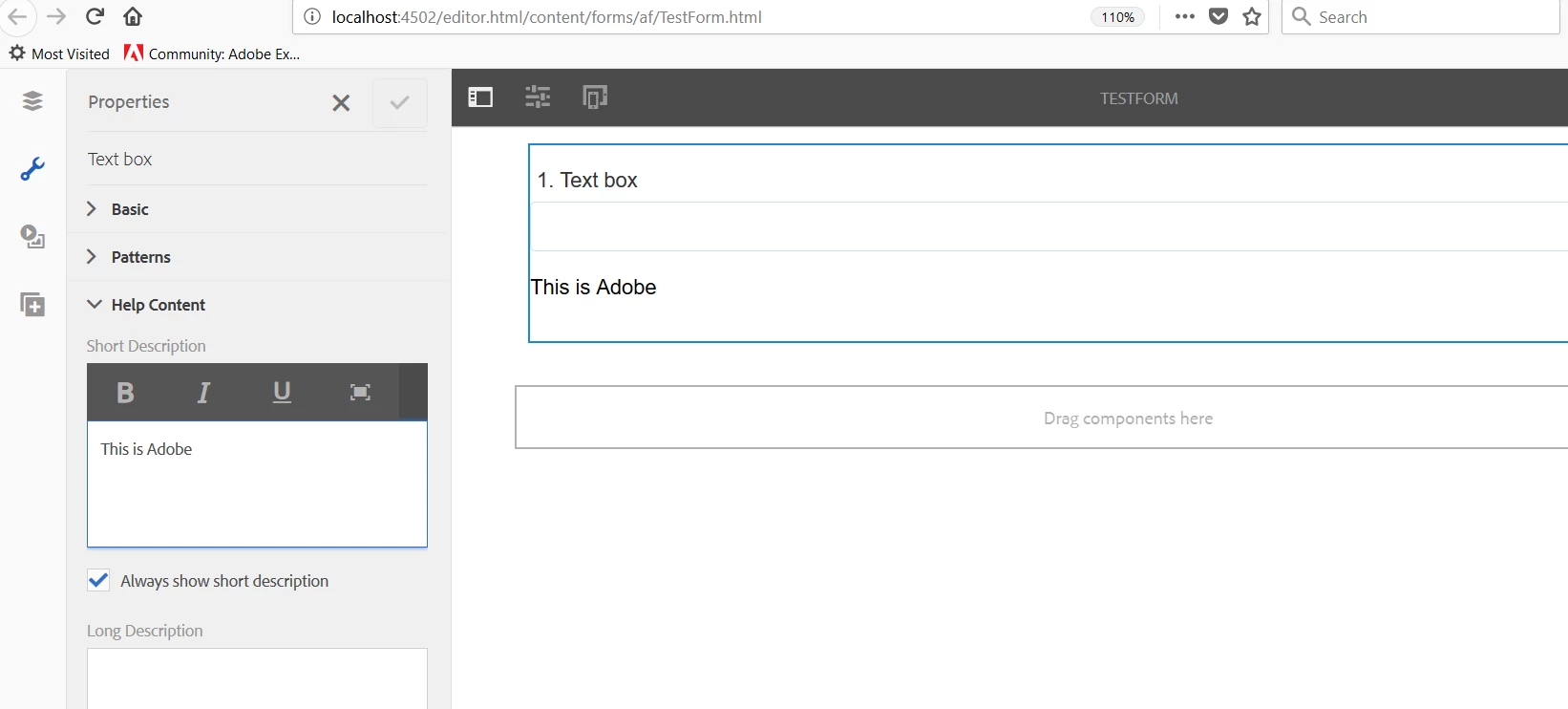
I am trying on a text field. I am using AEM Forms 6.2.

To make sure none of my template code may be interfering, I have set up on a blank default form.

When I first go out of source edit mode and close the full-screen page, it appears to be correct in the dialog,

but as soon as I click the checkbox to save it, the link href goes away.

I don't think it's the link checker, because I can put external links into a static text component. Very frustrating!

smacdonald2008
Level 10
February 20, 2018

Try Short Description - it works for me

baronforoAuthor
Level 4
February 20, 2018

Tried in Short Description, same result. As soon as I click the save button, the href goes away.

smacdonald2008
Level 10
February 20, 2018

Try on a fresh dev instance. This will let us know if issue is something in your instance or bug.

baronforoAuthor
Level 4
February 20, 2018

Tried in both my local sandbox, and in our Development environment. Same result both places.

smacdonald2008
smacdonald2008Accepted solution
Level 10
February 20, 2018

On AEM 6.2 - i was able to reproduce your issue. There is a bug here (it works on 6.3).  Please log a support ticket as Eng needs to fix it.

baronforoAuthor
Level 4
February 20, 2018

Will do! Thanks!!!

Is there any specific information I should include? Otherwise, I may have to go through all this again with support.

smacdonald2008
Level 10
February 20, 2018

Point them to this thread URL and say that on 6.2 - the HREF is removed and we confirmed it in the communtiy. Also mention we said it worked on AEM 6.3.