Could not edit dam asset workflow | Community
Skip to main content
sonalid49327489
Level 2
July 28, 2020
Solved

Could not edit dam asset workflow

  • July 28, 2020
  • 2 replies
  • 2494 views

Hi,


We are trying to create renditions for assets. Currently using aem 6.5 (service pack version -

6.5.0) .  We got to know that DAM update workflow will create renditions as per given measurements if we upload any image in dam.
 
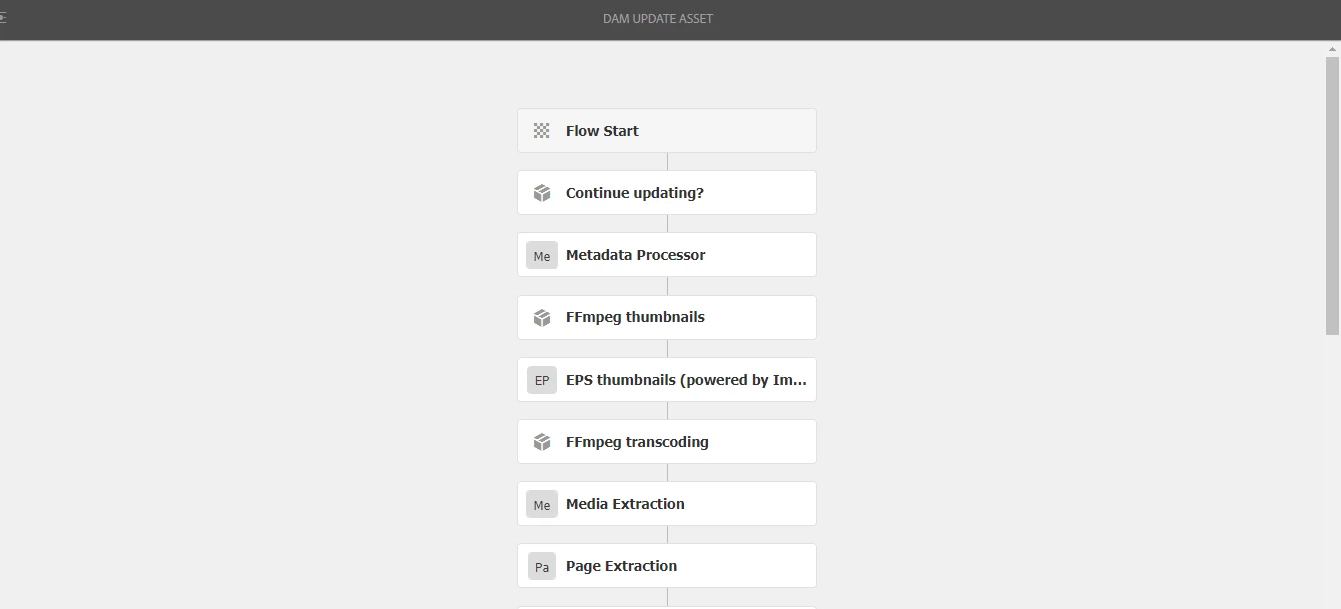
We could not edit or create a new workflow model in workflow models console. 
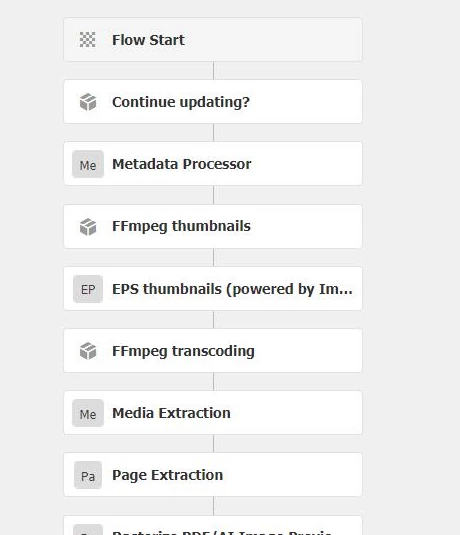
 Can someone please help me understand why we're not able to edit DAM update workflow. Do we need to add any permissions to the user to  edit and create.


Thanks,

Sonali.
 
This post is no longer active and is closed to new replies. Need help? Start a new post to ask your question.
Best answer by Nupur_Jain

Hi @sonalid49327489 


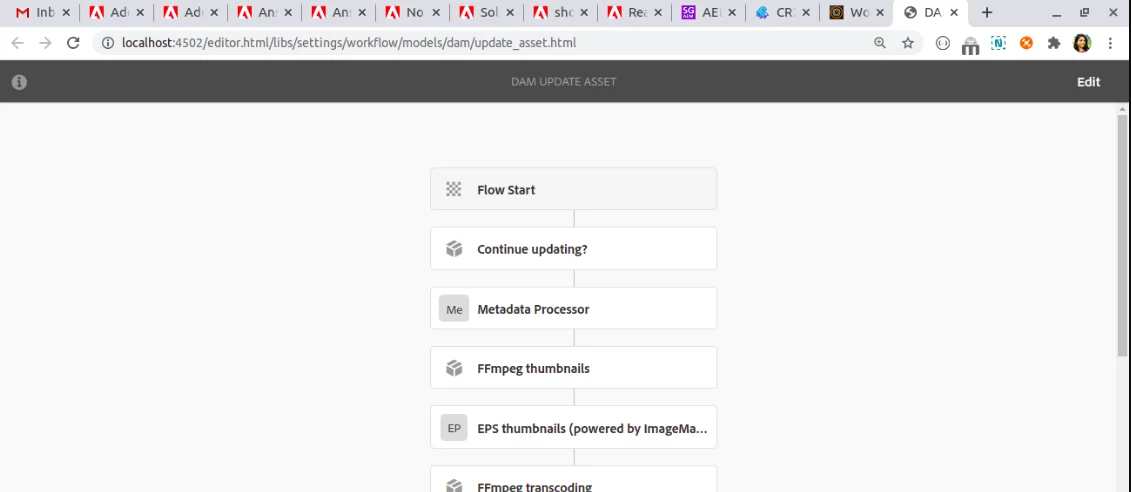
When you first open any OOTB workflow, the model is not openend in edit mode. I am hoping that you have clicked on edit button on right top corner first to change mode to edit.


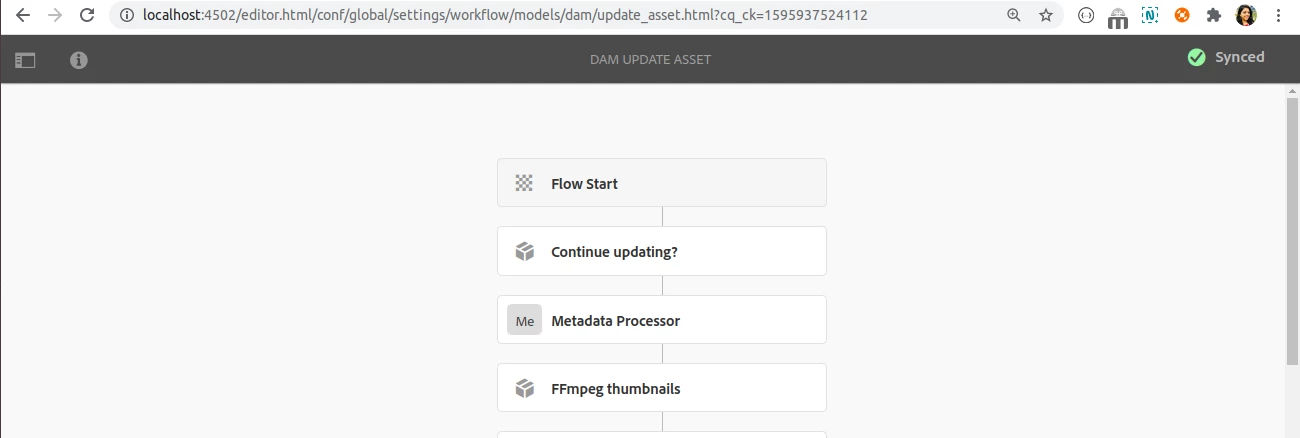
Click on edit button first and model will be synced(i.e been copied to /conf) so that it can be edited afterwards


Hope it helps!

Thanks!

Nupur

2 replies

Nupur_Jain
Adobe Employee
Nupur_JainAdobe EmployeeAccepted solution
Adobe Employee
July 28, 2020

Hi @sonalid49327489 


When you first open any OOTB workflow, the model is not openend in edit mode. I am hoping that you have clicked on edit button on right top corner first to change mode to edit.


Click on edit button first and model will be synced(i.e been copied to /conf) so that it can be edited afterwards


Hope it helps!

Thanks!

Nupur

sonalid49327489
Level 2
July 30, 2020

Hi, there is no edit button when i open the update asset workflow and I also can't create any new workflow models.

diksha_mishra
Community Advisor
Community Advisor
July 30, 2020

Please login as an admin to be able to edit workflows.