Changing default login page to a custom login page | Adobe Higher Education
Skip to main content
armanm32055672
Level 2
October 30, 2017
Répondu

Changing default login page to a custom login page

Hi,

I have a site: '/content/name/en/domain/home.html' and also have a custom login page '/content/name/login.html'.

I need to change the default aem login page for this custom site to my custom login page. I am slightly confused how to do this.

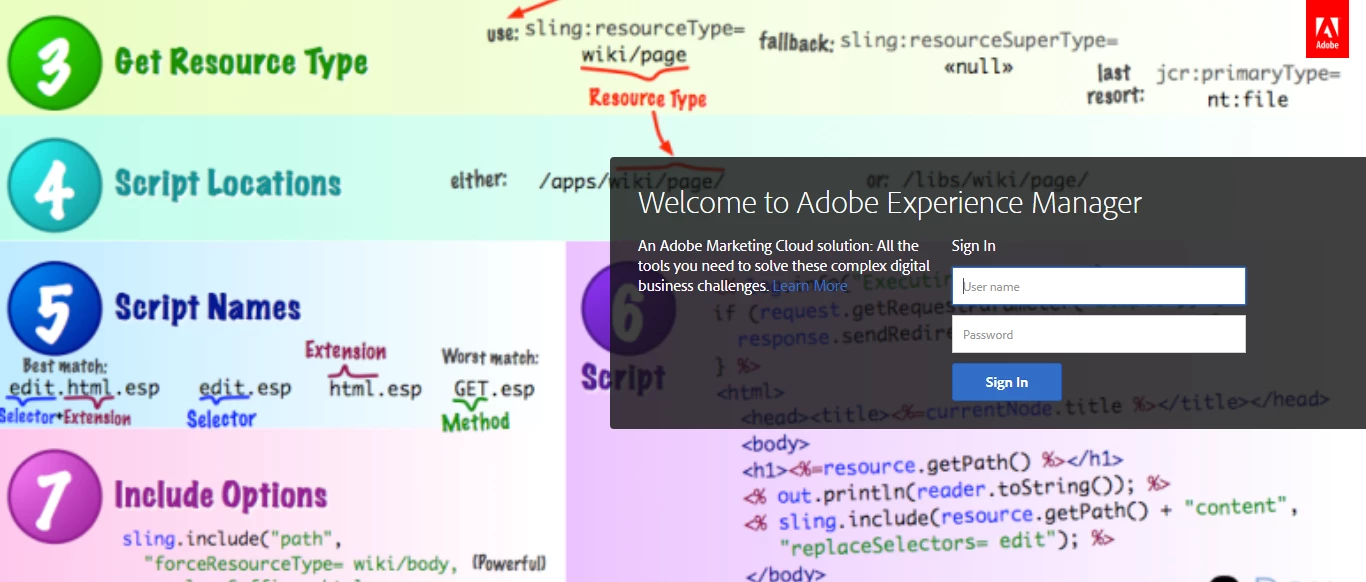
When a users tries to access home.html for the first time, I want them to login through my custom login.html page instead of this default page: '/libs/granite/core/content/login.html'

Any help would be appreciated. Thanks!
Meilleure réponse par Ricky99999

go to this path:

       /libs/granite/core/content/login/clientlib/resources/bg/default/bg.css 

and change all image url

   background-image: url('../../../../login/clientlib/resources/bg/default/Copy of 1024x710.jpg');

    }

}

@media only screen and (orientation: landscape) {

    /*#bg_default::after {*/

        /*content: "orientation landscape (1024x710)";*/

    /*}*/

    #bg_default {

        background-image: url('../../../../login/clientlib/resources/bg/default/Copy of 1024x710.jpg');

6 commentaires

smacdonald2008
Level 10
October 30, 2017

Are you talking about how to change the login page for the author instance?

armanm32055672
Level 2
October 30, 2017

Yes the author instance.

manoj_devapath
Level 5
October 30, 2017
kautuk_sahni
Community Manager
Community Manager
October 31, 2017

You can overlay the login component:- /libs/granite/core/components/login/login.jsp (AEM 6.3) as per your need.

~kautuk

Kautuk Sahni
Ricky99999
Ricky99999Réponse
Level 4
October 31, 2017

go to this path:

       /libs/granite/core/content/login/clientlib/resources/bg/default/bg.css 

and change all image url

   background-image: url('../../../../login/clientlib/resources/bg/default/Copy of 1024x710.jpg');

    }

}

@media only screen and (orientation: landscape) {

    /*#bg_default::after {*/

        /*content: "orientation landscape (1024x710)";*/

    /*}*/

    #bg_default {

        background-image: url('../../../../login/clientlib/resources/bg/default/Copy of 1024x710.jpg');

armanm32055672
Level 2
October 31, 2017

Not exactly what I am looking for but thanks