workflow notifications after delivery | Community
Skip to main content
Level 9
September 10, 2020
Solved

workflow notifications after delivery

  • September 10, 2020
  • 3 replies
  • 6780 views

Hi,


I want to schedule a single send delivery via a workflow and once that delivery completes, I am looking for getting an email notification with the delivery details, like total delivered, total bounces etc.


is this possible?

This post is no longer active and is closed to new replies. Need help? Start a new post to ask your question.
Best answer by shelly-goel
If you go with a workflow for the delivery as suggested by @bisswang, you may use Query on Delivery (extract info in Additonal data) > Extract File > Transfer File. This might simplify the workflow and there would be a single place for intended people to look at the report on demand

3 replies

Adobe Employee
September 10, 2020

You could solve this via a workflow:

  • Most KPIs are stored aggregated on the delivery
  • You could fetch them and enrich a profile (the one receiving the stats) with it
  • Then create a small mail template which sends the data
Adobe Employee
October 26, 2020

What you might be able to do:

* Use the workflow sending the delivery

* Enable outbound transition on the delivery

* Add a wait for e.g. 24 hours

* Add a fork

  * Branch 1 query for the people who shall receive the report (must be there as recipient)

. * Branch 2 fetch the deluvery information

* Use an enrichment on e.g. 1=1 to join both branches together with keeping the recipient as primary set

* Add another email task ans there you shall be able to include the KPIs fetched before


SatheeskannaK
Community Advisor
Community Advisor
September 11, 2020

Hi @mmbb110,


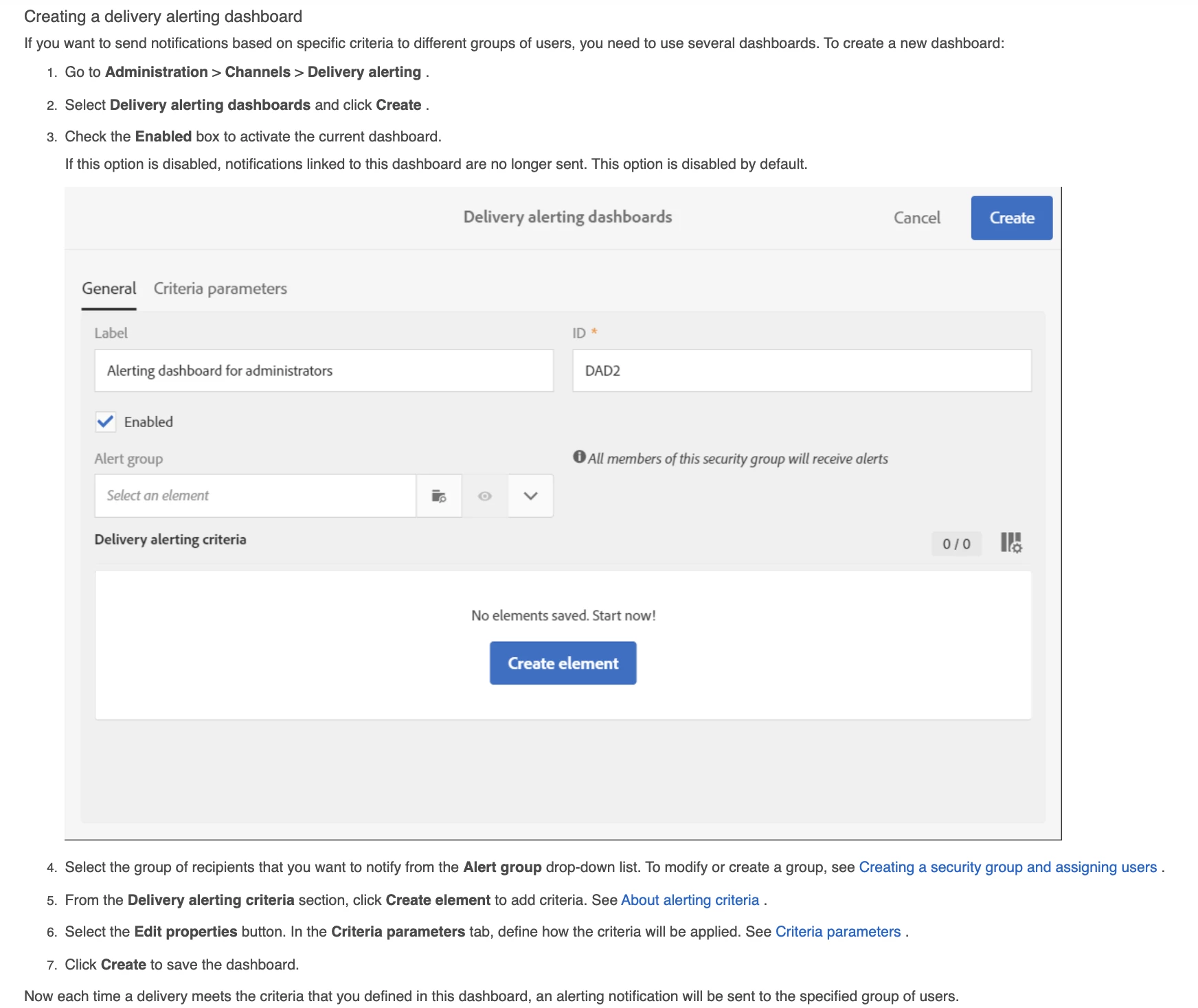
Once you setup delivery alerting criteria follow below to configure the delivery alerting dashboard and this will help to send the notifications when you meet the criteria defined.

Documentation link: Delivery Alerting Dashboard 


Thanks, Sathees

Thanks, Sathees
mmbb110Author
Level 9
September 13, 2020
Thanks, I did set up a delivery alerting criteria using delivery in progress filter and used 5 in the delivery target minimum size and in the criteria and for the min processed ratio required for the deliveries in progress criterion = 0.01. I scheduled a message and it finished immediately but I did not get any alert. Is that because the message had very less audience size?
SatheeskannaK
Community Advisor
Community Advisor
September 21, 2020

Hi @mmbb110,


Are you using workflow supervisors group? Can you verify "Alert group" under "General" tab on delivery alerting dashboard to make that's configured properly.


Thanks, Sathees

Thanks, Sathees
mmbb110Author
Level 9
September 23, 2020
@satheeskannak, I was able to get this working and received the delivery alerting report, Thanks for your assistance. the delivery alerting report is a consolidated one and shows all messages that meet the criteria defined. How can I filter this alerting for specific messages only? also If I have a re-occurring email how do I get the stats or alerting for those messages. .