Solved
How to hide 'View in browser' text in Adobe Campaign standard ?
Hi Team,
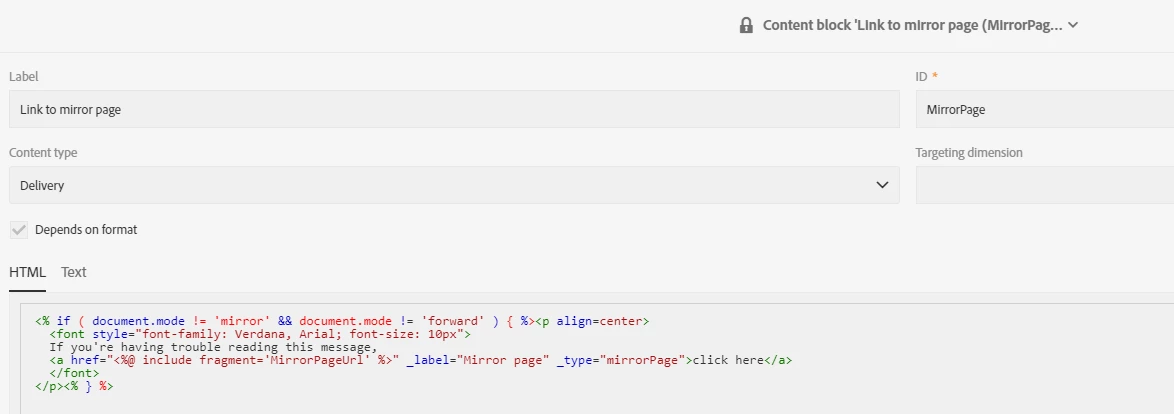
With AC V6 and v7, i used add the below code and hide the text, when we click on the View in browser link. I would like to know how is done in ACS. Please advise.
When clicked on the below link. (Email TEST proof screenshot)
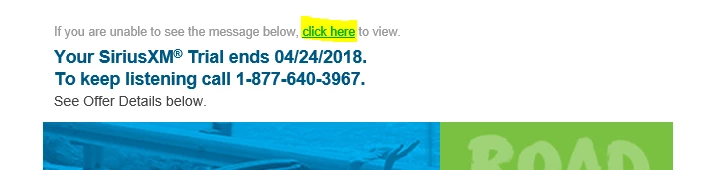
It hides the line of TEXT in the browser, when we view the email online ( View in browser screenshot )

This was done by adding the code - <% if ( document.mode != 'mirror' && document.mode != 'forward' ) { %> <a href="<%@ include view='MirrorPageUrl' %>" _label="Mirror Page" _type="mirrorPage" alias="Read Online" target="_blank" style="color:#666666;">click here</a> <% } %>
How is this achieved in Adobe campaign standard ?