How can I add Analytics segments to the Campaign/Neolane Genesis configuration?
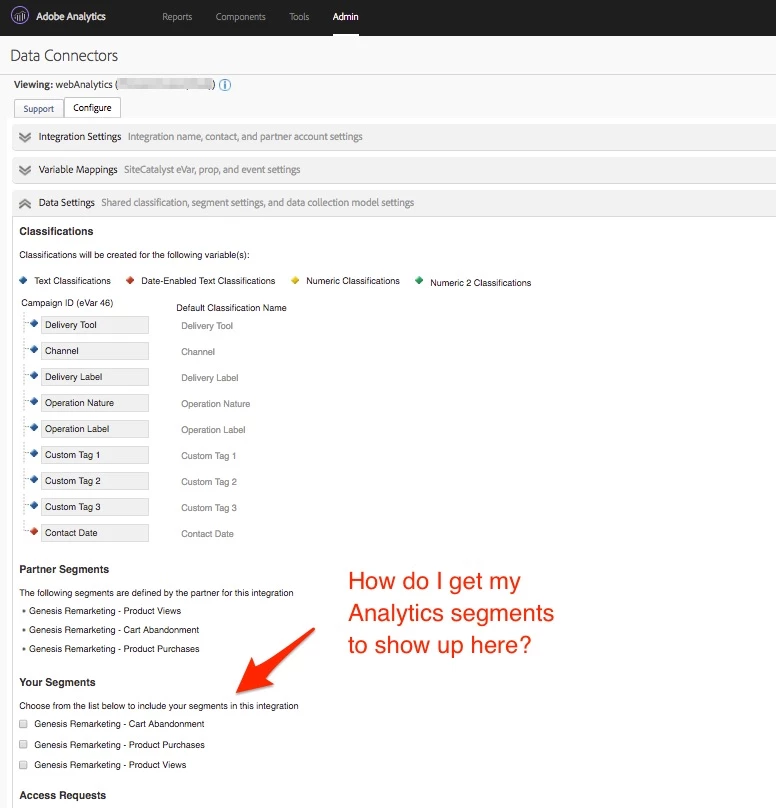
I have the Genesis connector up and running in Analytics, and it is passing event and classification data correctly from Campaign > Analytics. I also have the default remarketing analytics segments for the connector activated and available in Campaign. What I want to do is add additional custom analytics segments to the Genesis connector configuration as described here in step 7, but I don't see any of my analytics segments showing up in the Genesis configuration view (see screenshot below).
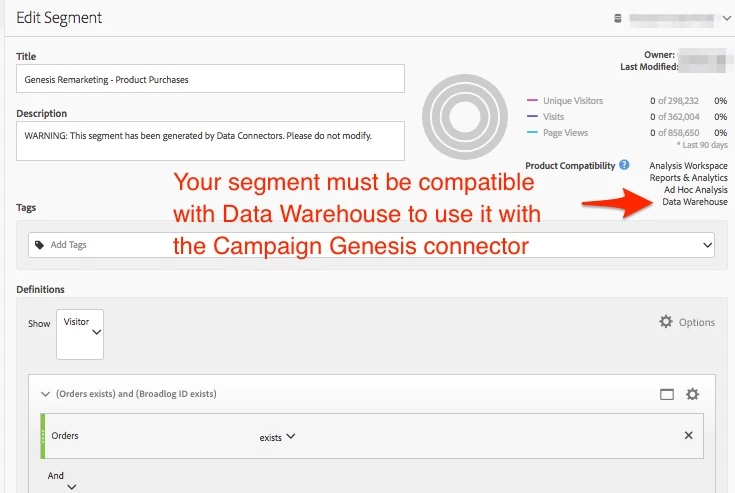
Are there any special requirements to get my custom segments to show up here (e.g. publish to Marketing Cloud, shared, scope, etc)? Do I need to be logged in as the user that originally configured the Genesis integration?
(note: This is for Campaign Manager (ACM), not Standard, so not cloud-connected and can't use core services)