Getting invalid 'Etc/UTC' time zone file | Adobe Higher Education
Skip to main content
February 2, 2018
해결됨

Getting invalid 'Etc/UTC' time zone file

  • February 2, 2018
  • 3 답변들
  • 5856 조회

Hi Team,

I'm getting this error, please suggest how can I resolve this.
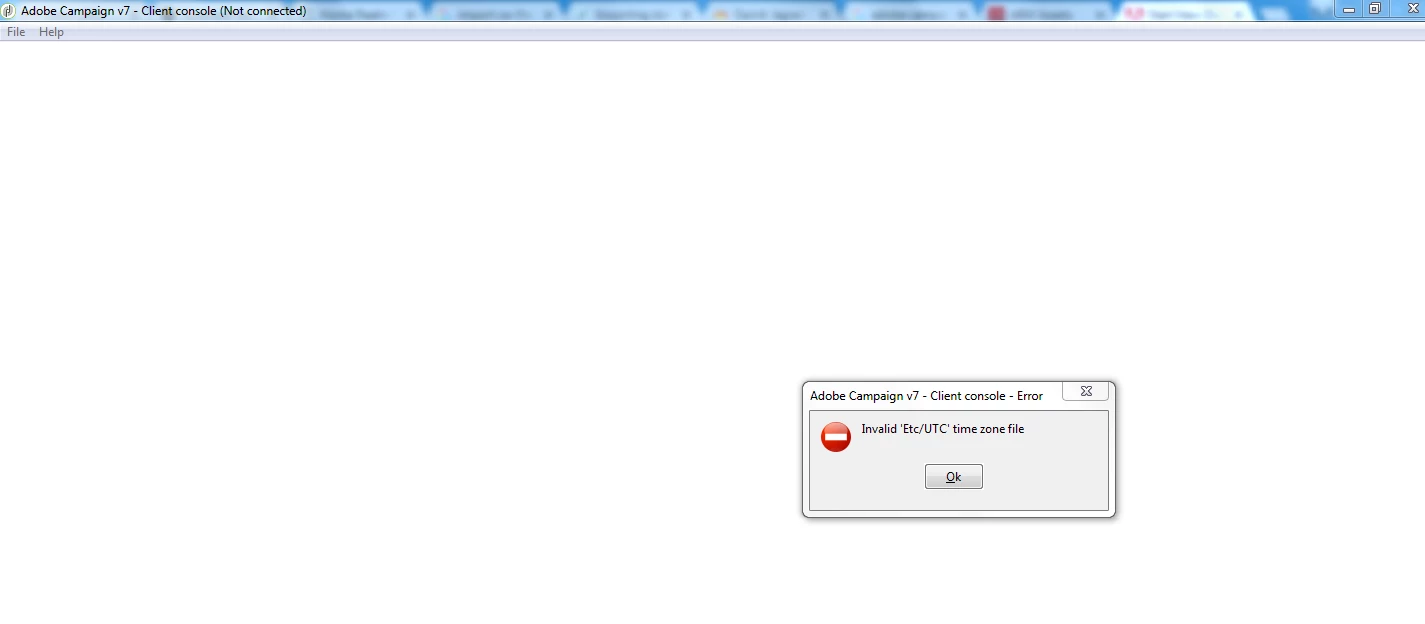
이 주제는 답변이 닫혔습니다.
최고의 답변: ShrawanSaxena-1

Hello,

It looks like the same issue. Please refer the below thread

Time zone error on log in

3 답변

ShrawanSaxena-1
Adobe Employee
Adobe Employee
February 2, 2018

Hello,

It looks like the same issue. Please refer the below thread

Time zone error on log in

florentlb
Level 10
February 20, 2018

Any update on your issue?

Florent

Level 2
August 17, 2018

Hi,

This happens when timezone or 'WdbcTimeZone' is not configured correctly. You can fix this error, by updating with correct UTC file in your system.

Steps:

  •     Goto the mentioned path : "C:\Users\<user_name>\AppData\Roaming\Neolane\NL_5\nlclient\cache-<id>\zoneinfo\Etc" then replace with proper "UTC File" and try connecting again.

I was facing same issue and it worked for me.

abhinav99
Level 4
June 28, 2020
There is a UTC file with no valid format. Any idea what to replace in place to that file or what to edit in the same file as it is empty.