File Listing in File Transer Activiy | Community
Skip to main content
Level 3
November 13, 2023
Solved

File Listing in File Transer Activiy

  • November 13, 2023
  • 1 reply
  • 2055 views

What exactly does File Listing do?


I can't see the file in the server. Even when I select 
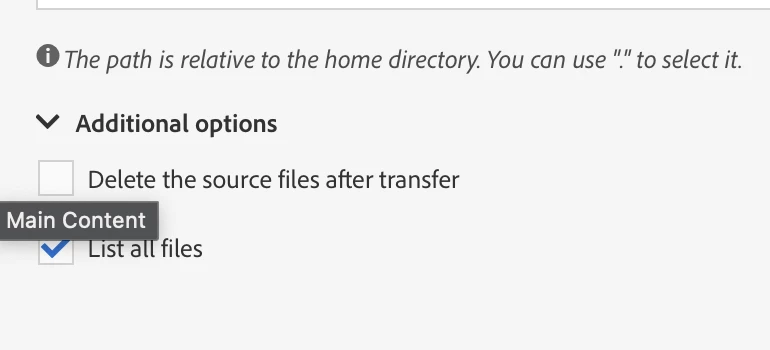
"List All Files" in the advance options in the protocol doesn't do anything.


Am I missing something?

This post is no longer active and is closed to new replies. Need help? Start a new post to ask your question.
Best answer by Anasso1337

What it means is that you can use the value $(vars/@filenames) in an enrichment to get all the file names from your file transfer (separated by '\n', as newline). 


Please note that if the total number of chars from your enrichment is above 255, it will trigger an error.

You can still use the function GetLine to extract a specific filename (for example : GetLine($(vars/@filenames),1) will get you the first filename listed.

1 reply

ParthaSarathy
Community Advisor
Community Advisor
November 15, 2023

Hi @derekw42533281 ,

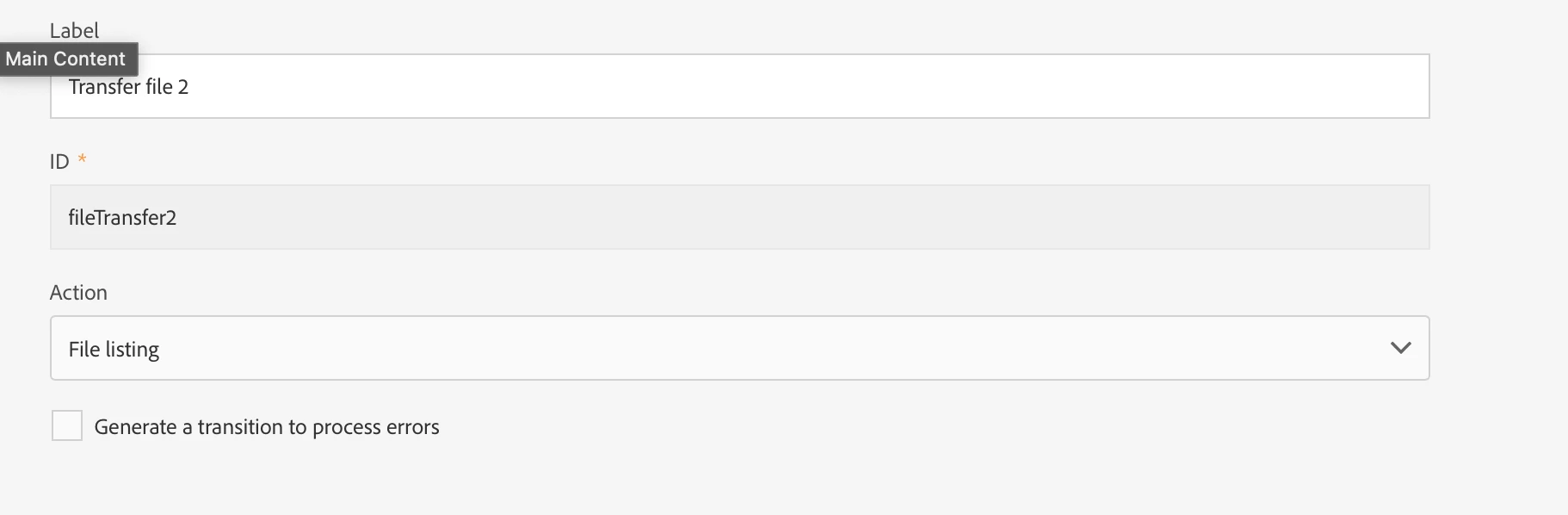
File listing: allows you to list the files present on the server defined in the Protocol tab. This action is mainly used for debugging purposes, to check if the activity is configured according to your needs before downloading the files from the remote server.

List all files: this option is available when selecting the File listing action in the General tab. It allows you to index all the files present on the server in the vars.filenames event variable in which the file names are separated by the ‘n’ characters.

~  ParthaSarathy S~  Click here to join ADOBE CAMPAIGN USER GROUP for Quarterly In-person | Hybrid | Virtual Meetups
Level 3
November 15, 2023

@parthasarathy 

That's what documentation says but the "List all files" needs to be clearer. That's what I'm having issues with understanding. 


What exactly does this mean? 

"files present on the server in the vars.filenames event variable in which the file names are separated by the ‘n’ characters."


Can you show and example of how this works?

Anasso1337Accepted solution
Level 2
November 15, 2023

What it means is that you can use the value $(vars/@filenames) in an enrichment to get all the file names from your file transfer (separated by '\n', as newline). 


Please note that if the total number of chars from your enrichment is above 255, it will trigger an error.

You can still use the function GetLine to extract a specific filename (for example : GetLine($(vars/@filenames),1) will get you the first filename listed.