[AC v8] New workflow activity: Change Data Source
In Adobe Campaign workflows, data is managed using working (or temporary) tables. As the workflow executes, working tables share data across workflow activities. By default, working tables are created on the same database as the source of the data we query on.
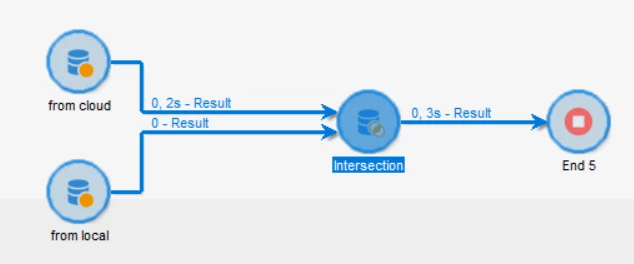
The new Change Data Source workflow activity allows you to change the data source of a workflow's working table. This provides enhanced flexibility in managing data across different data sources (FDA, FFDA & local database).
With Campaign v8, the main profiles table is stored on the cloud database directly. So querying on the Profiles table will create a working table on the cloud database as well. In certain cases, it can make sense to move the working table to another data source in order to perform specific operations.
Read here for more information: New workflow activity: Change Data Source
In case you have any questions, please feel free to post them below or reach out through the community Q and A section.
In case you have any ideas and/or suggestions regarding the Campaign product, then kindly submit them here.