Solved
Unwanted seed address added to the delivery
Hi All,
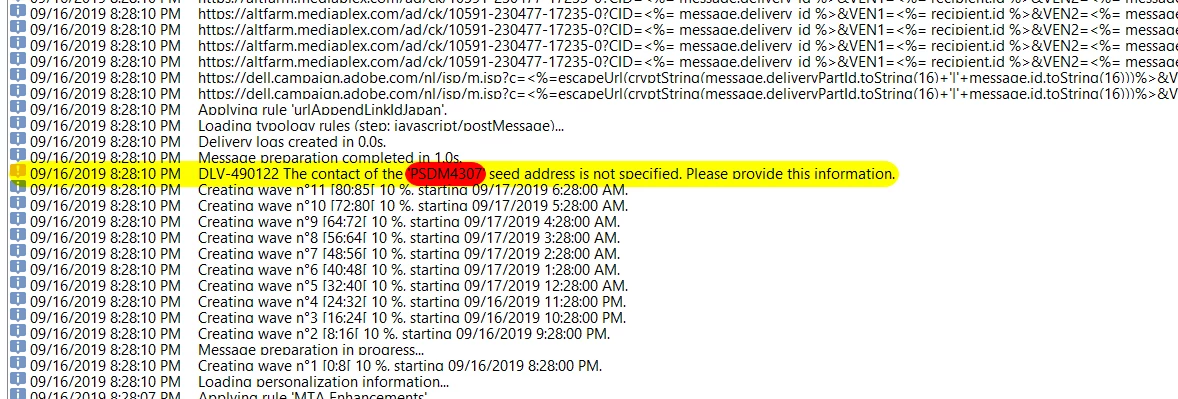
Empty seed list has been added to the delivery and i am not able to find the record in my seedlist also, can you help me to resolve this issue.
Hi All,
Empty seed list has been added to the delivery and i am not able to find the record in my seedlist also, can you help me to resolve this issue.
Hi Parthibanb,
Have you used one of the delivery template?
If yes, then check whether seed address is defined there.
Also, you can remove seed list, by right click in workflow an go to 'Edit XML Source'.
Remove the seed list added and save the XML.
This will permanently remove all your seeds from workflow.
Thanks,
Jyoti
Enter your E-mail address. We'll send you an e-mail with instructions to reset your password.