Solved
Trying to select the next row of a list as a variable.
Hi there,
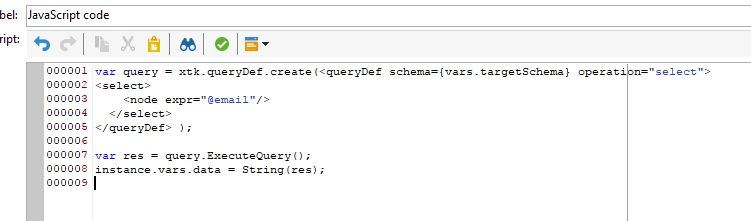
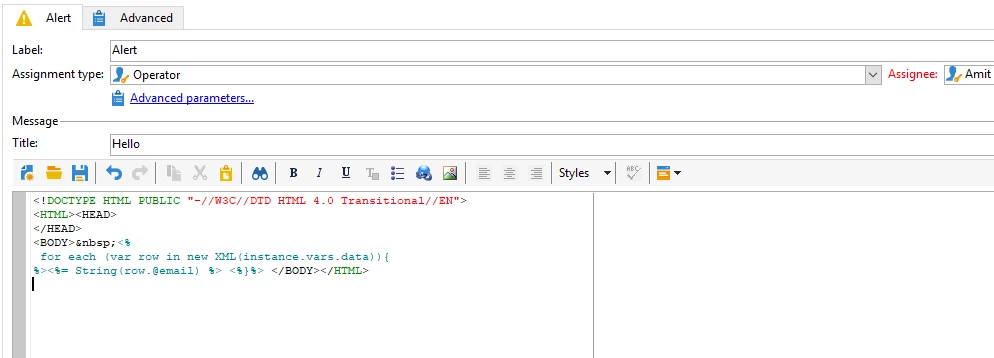
I have uploaded a list in a workflow and I am trying to query the value of the 1st for the 1st row as well as the value of the 1st column for the 2nd row, the whole thing to be used in dynamic content.
Is there any way to do it in Adobe Campaign?
For example:
In the table below, I would like to use the <%= targetdata.Value1 %> which correspond to 12 as well as the second row. The challenge we have is that each value corresponds to the primary key queried, therefore we would need to add a selection of the next row.
Is there any way to do it?
| Value 1 | Value 2 | Value 3 | Value 4 |
|---|---|---|---|
| 12 | 178 | 111 | 1234 |
| 13 | 179 | 112 | 1432 |