Tracking clicks on the web app (v8) | Community
Skip to main content
Level 3
February 21, 2024
Solved

Tracking clicks on the web app (v8)

  • February 21, 2024
  • 1 reply
  • 1001 views

Hi,

I need to set up the landing page that will contain a short text and the button. If an user clicks on the button, I need to register that fact along with his/her id. The link to this web app will be sent only for recipients from the database, adding encrypted recipient id (domain.adobe-campaign.com/webApp/name?id=encryptedString123). It sounds fairly simply but after several attempts I cannot make it running. What I have tried so far?


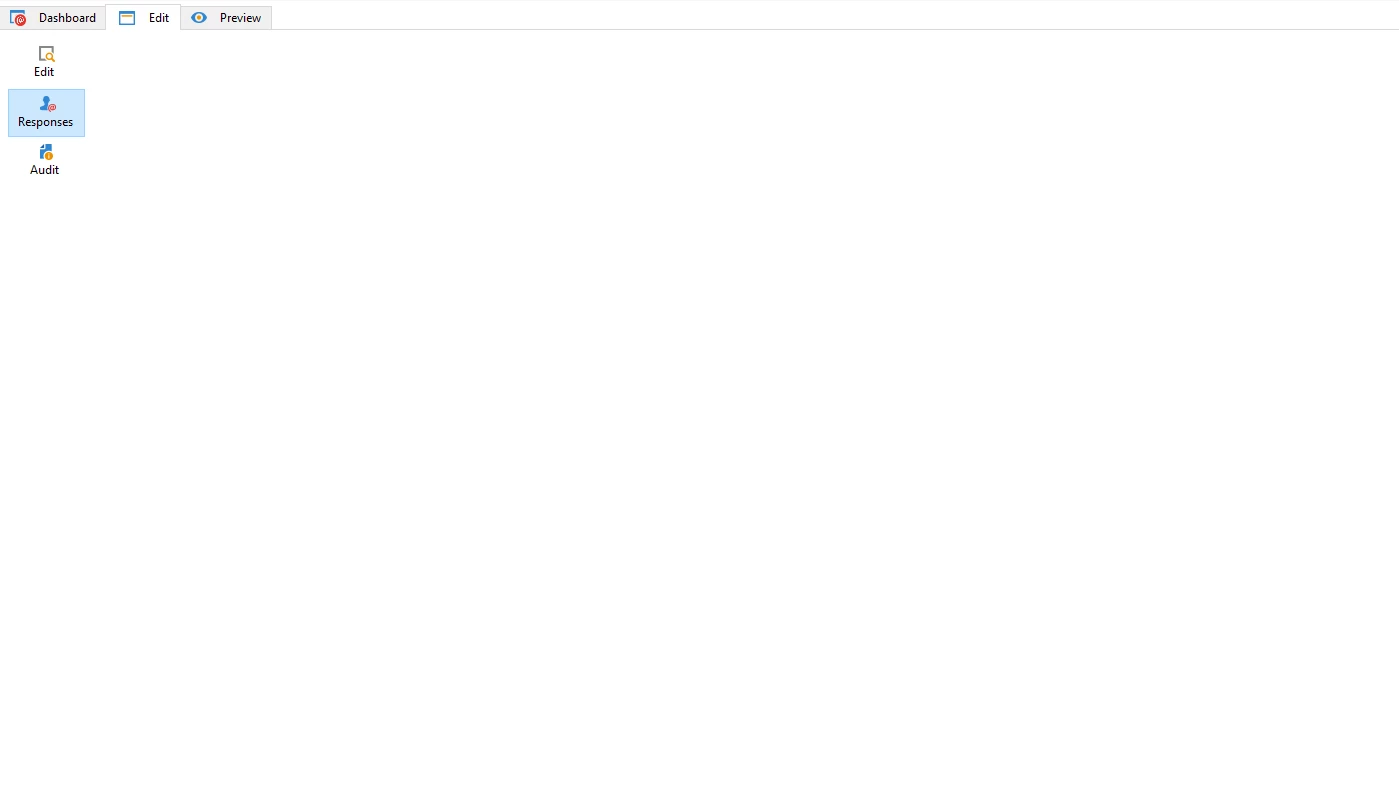
1. Logging responses for web app: In the web app properties > General tab > Advanced parameters... > I checked the option "Log responses", but the Responses tab is missing any input form:
 

2. Web tracking tags (Resources > Online > Web trackings tags😞 It is not possible, because I'm getting notification that: "Web tracking is not supported with Full FDA".

3. Collecting responses in a custom schema: I have set up the web app with the following activities:

- Preloading:

Auto-load data referenced in the form checked,

Load additional data checked,

Identification: Adobe Campaign encryption
- Page: with the content of landing page in html

- Script: with the following code


var activityLog = <activityLog _operation="insert" _key="@recipientId" xtkschema="np:activityLog"></activityLog>; activityLog.@recipientId = ctx.recipient.@id; activityLog.@value = "Click registered"; xtk.session.Write(activityLog);

None of the those attempts were successful. 

To summarize, I want to learn two things:

1. How make the whole web app running? It's worth to mention that the instance is running on version 8.

2. What is the best way to troubleshoot web apps? I am aware of debug mode in the Preview, however I don't find it useful. How can I log variables to some kind of equivalent of audit from the workflow? 


Thanks,

Dominik

This post is no longer active and is closed to new replies. Need help? Start a new post to ask your question.
Best answer by dwnuk

I found the solution for this issue. With the approach described above I was getting the error in browser console:

"uncaught typeerror cannot read properties of null" and it was pointing at the button. The button had added additional attribute:

onclick="return (document.controller.submit('next, '', 'next'))"

which was not working. The resolution for that was wrapping the whole html into:

<form method="post" name="page" id="page-form"></form>

Now the button redirects to the thank you page and the record is added to my custom schema.

1 reply

Manoj_Kumar
Community Advisor
Community Advisor
February 21, 2024

Hello @dwnuk 


One your landing page. The button should redirect the page to next page which will be a script to store the response in the schema.


Here is how it would look


Also, check if the value of recipient id is passed properly in the xtk session write code.


Manoj     Find me on LinkedIn
dwnukAuthor
Level 3
February 22, 2024

Hi @_manoj_kumar_ ,


That's the approach I have tried as well, but it gave even worse results because Thank You page wasn't displayed. When I click on the button on the landing page, it only adds additional "#" to the address but the page itself is not being changed. Please find below the code I am using for button on my landing page:


<table class="button-box" style="padding: 0px; height: 60px; border-collapse: collapse !important;" cellspacing="0" cellpadding="0" border="0"> <tbody> <tr> <td align="center" class="button-text three-col" valign="middle" style="border-collapse: collapse !important;"> <a role="button" style="font-size: 19px; text-transform: uppercase; font-style: normal; font-weight: 500; line-height: 21px;" href="#" data-nl-type="action" data-nl-transition="next" data-nl-action="next"> Click here </a></td> </tr> </tbody> </table>

How can I check if recipient id is passed properly? I am trying to print it using logInfo(), but I see only that the id is visible in debug mode, but I don't see any result in Console in Developer tools in my browser, neither in web app.

dwnukAuthorAccepted solution
Level 3
February 22, 2024

I found the solution for this issue. With the approach described above I was getting the error in browser console:

"uncaught typeerror cannot read properties of null" and it was pointing at the button. The button had added additional attribute:

onclick="return (document.controller.submit('next, '', 'next'))"

which was not working. The resolution for that was wrapping the whole html into:

<form method="post" name="page" id="page-form"></form>

Now the button redirects to the thank you page and the record is added to my custom schema.