Target Mapping Access Issue | Community
Skip to main content
nikhilgupta86
Level 2
March 25, 2019
Solved

Target Mapping Access Issue

  • March 25, 2019
  • 6 replies
  • 4078 views

Hi All,

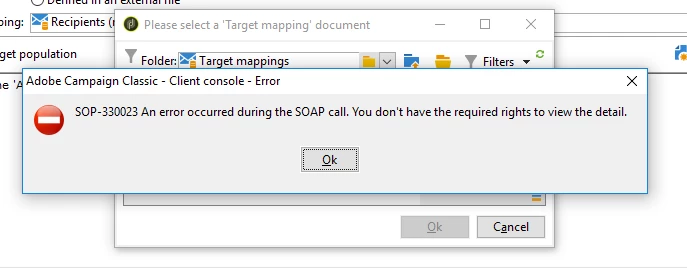
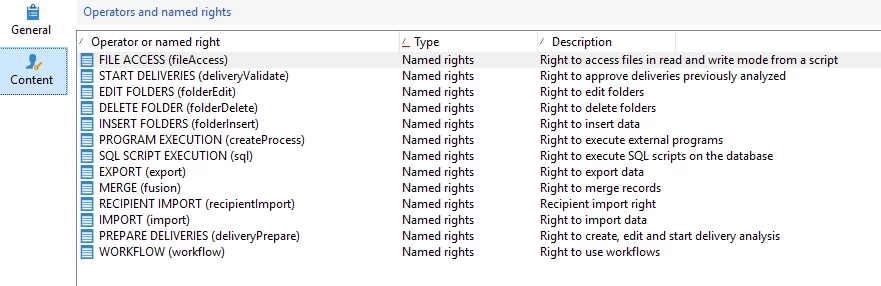
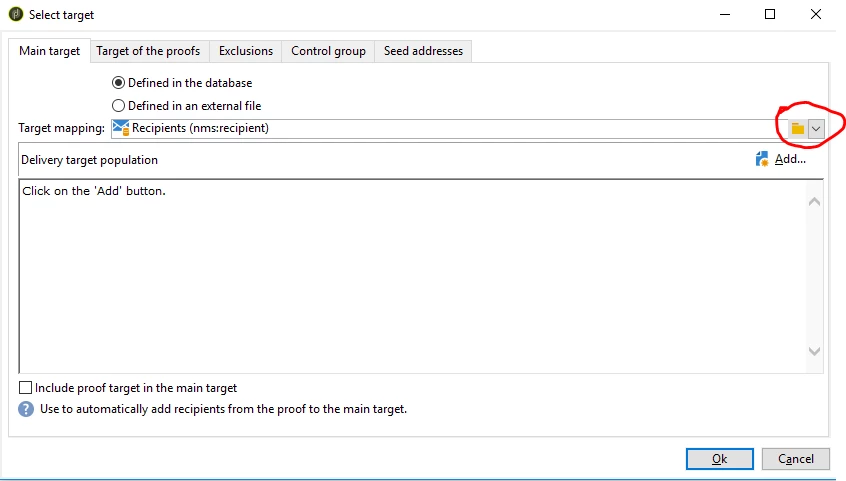
I have created an operator group with below-named rights, but when I created an operator with this group and tried to send a delivery. When I am trying to select the targeting mapping I am getting the below error, can you please suggest what other access is required to select the target mapping. Can someone please help.
This post is no longer active and is closed to new replies. Need help? Start a new post to ask your question.
Best answer by nikhilgupta86

I found the issue, there were some invalid entries in the Target Mapping folder which were causing the issue, I removed the invalid target mapping which resolved the issue. I can access the target mapping now.

6 replies

Adobe Employee
March 25, 2019

Target mappings are at following location:

System => Administration => Campaign Management => Target Mappings

The access to this folder is restricted, so you may have to give your group some permissions on this folder to get the listing done.

Venu_Reddy
Level 6
March 25, 2019

Hello,

Add the Delivery operator group and try it again.

Click here for more details: Access Rights Matrix

Regards,

Venu

nikhilgupta86
Level 2
March 25, 2019

Tried the same, but still getting the error.

nikhilgupta86
Level 2
March 25, 2019

Still getting the same error.

Venu_Reddy
Level 6
March 26, 2019

It will work post addition of the DELIVERY OPERATOR security group. I tried in my instance and it is working fine.

Delivery operator is available under Operator groups (in Administration Folder).

Regards,

venu

nikhilgupta86
nikhilgupta86AuthorAccepted solution
Level 2
March 28, 2019

I found the issue, there were some invalid entries in the Target Mapping folder which were causing the issue, I removed the invalid target mapping which resolved the issue. I can access the target mapping now.