Read list activity | Adobe Higher Education
Skip to main content
Level 3
January 5, 2025
Resuelto

Read list activity

  • January 5, 2025
  • 1 respuesta
  • 717 visualizaciones

Hi Adobe team,

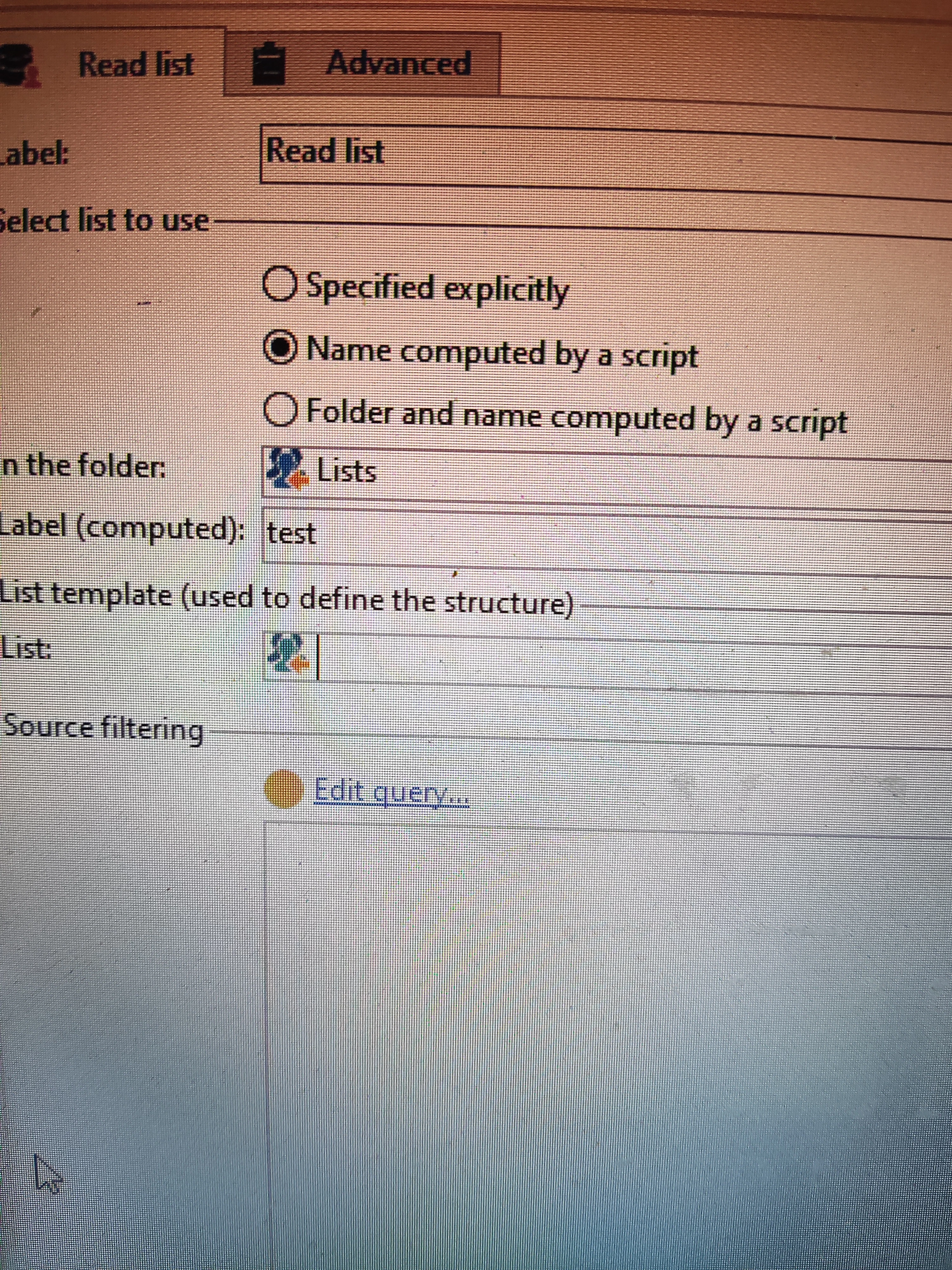
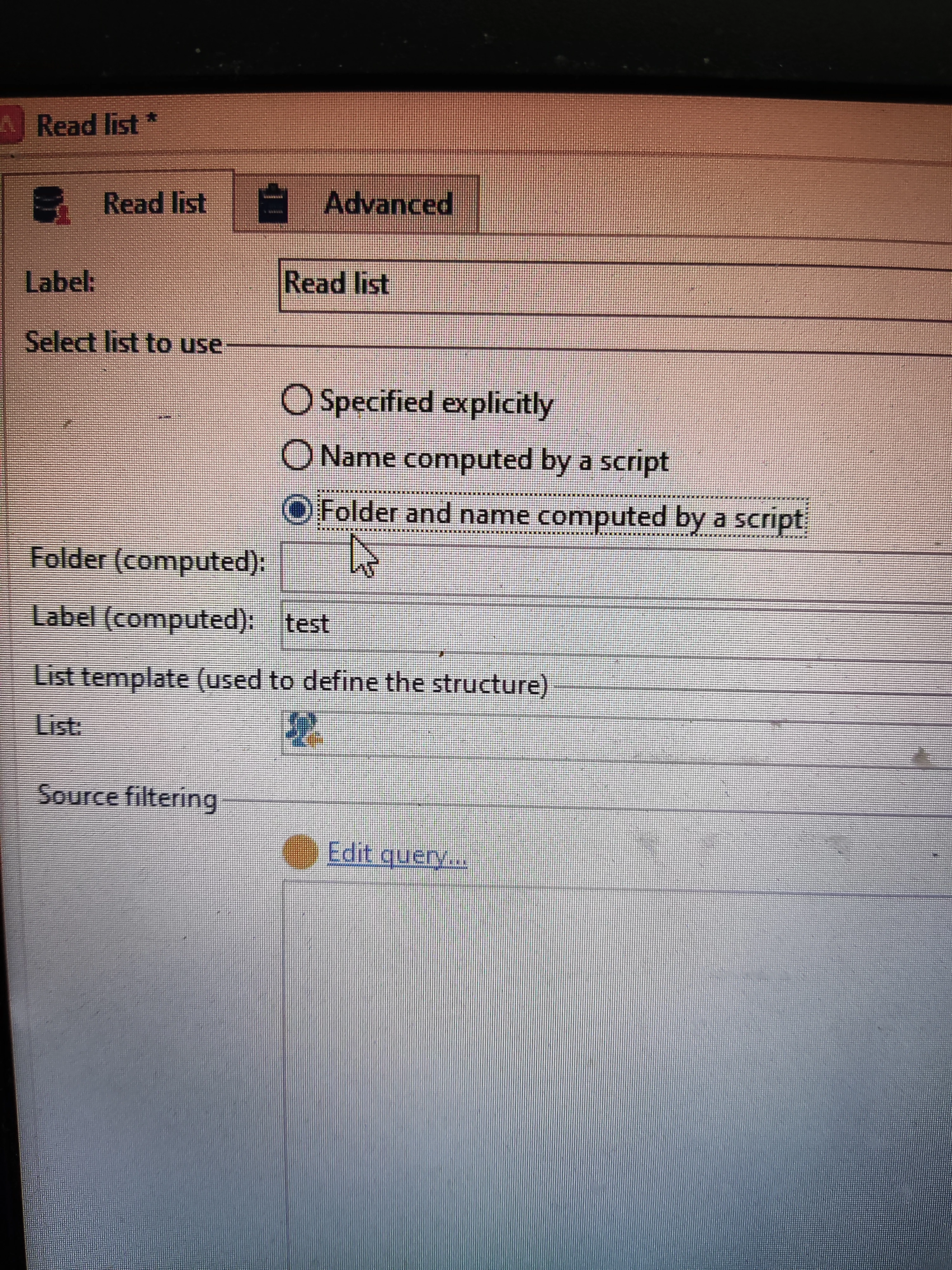
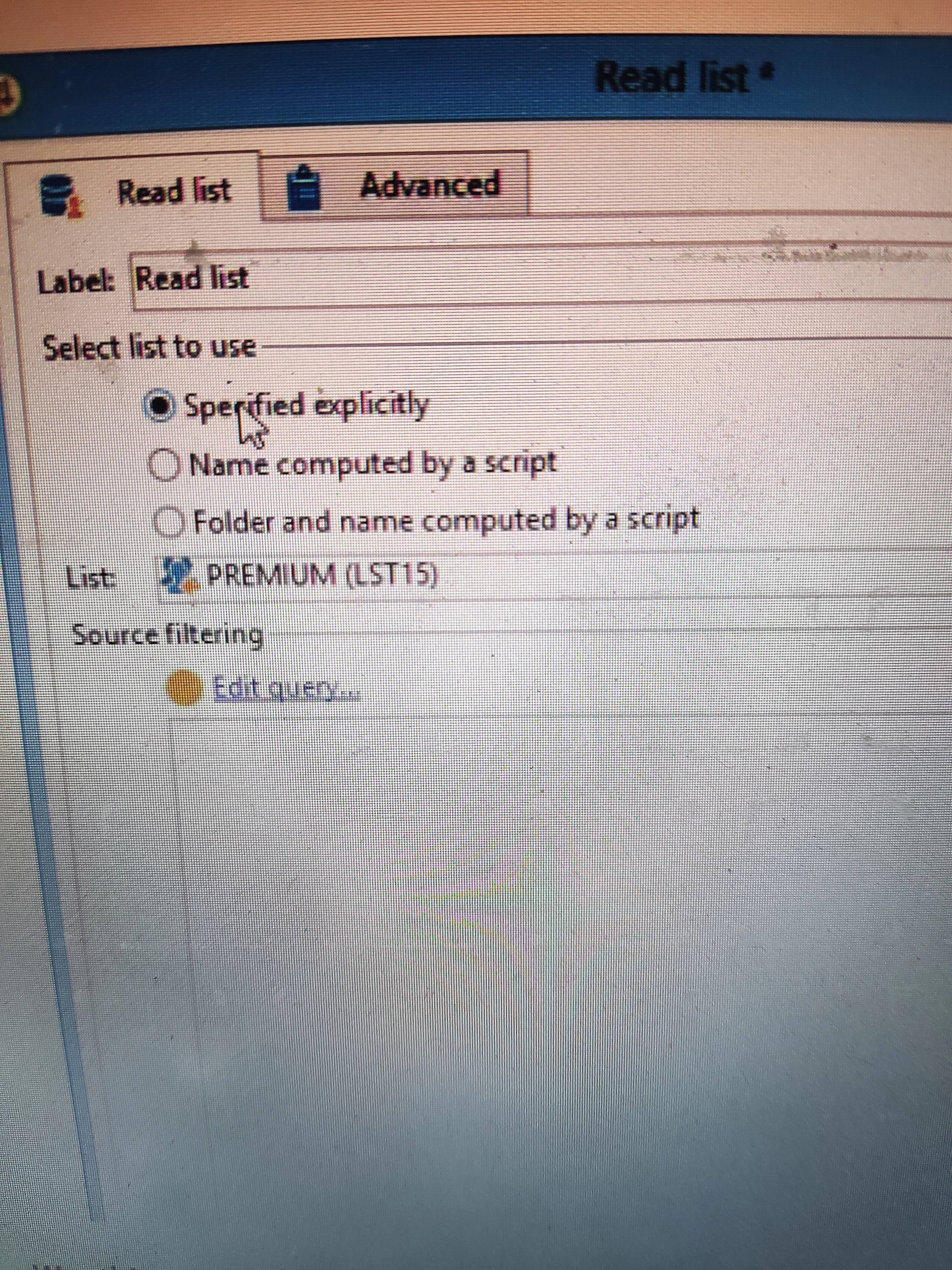
In read list activity, select list to use tab I can see three options

1.Specified explicitly

2.Name computed by a script

3.Folder and name computed by a script 


After clicking on Name computed by a script, not able to understand below options

1.In  the folder

2.Label (computed)

3.List template- 

Similarly for folder and name computed by a script.


I understand list update activity, but not able to understand what option 2 and 3 does in read list. I read the document but didn't understand.

Kindly help 

Thank you.


Mejor respuesta de ParthaSarathy

Hi @kd1-1 ,

Name computed by a script

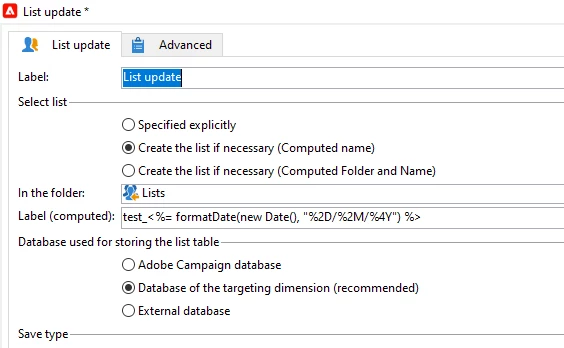
Consider a daily running workflow creates a List using List Update activity 'Name computed by a script' option enabled. Example, test_<%= formatDate(new Date(), "%2D/%2M/%4Y") %>

This will create a list with dynamic label each time the workflow runs.

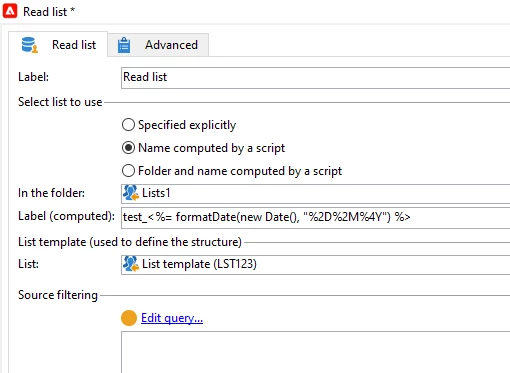
And if you want to call the same list in another workflow, Create Read List activity and need to call this list dynamically, select 'Name computed by a script' option and give the same list label script test_<%= formatDate(new Date(), "%2D/%2M/%4Y") .

Before this, Using the same workflow create a List having all the attributes which you plan to store in the list and name it as myList_template and call this template in 'List template' in read list activity

Same with the other option 'Folder and name computed by a script' . If you create a folder and list label to store the list with dynamic names using 'List update' activity, and if you want to call the list in another workflow dynamically, you can use this option.

1 respuesta

ParthaSarathy
Community Advisor
ParthaSarathyCommunity AdvisorRespuesta
Community Advisor
January 8, 2025

Hi @kd1-1 ,

Name computed by a script

Consider a daily running workflow creates a List using List Update activity 'Name computed by a script' option enabled. Example, test_<%= formatDate(new Date(), "%2D/%2M/%4Y") %>

This will create a list with dynamic label each time the workflow runs.

And if you want to call the same list in another workflow, Create Read List activity and need to call this list dynamically, select 'Name computed by a script' option and give the same list label script test_<%= formatDate(new Date(), "%2D/%2M/%4Y") .

Before this, Using the same workflow create a List having all the attributes which you plan to store in the list and name it as myList_template and call this template in 'List template' in read list activity

Same with the other option 'Folder and name computed by a script' . If you create a folder and list label to store the list with dynamic names using 'List update' activity, and if you want to call the list in another workflow dynamically, you can use this option.

~  ParthaSarathy S~  Click here to join ADOBE CAMPAIGN USER GROUP for Quarterly In-person | Hybrid | Virtual Meetups
KD1-1Autor
Level 3
January 9, 2025

Hi @parthasarathy 

Thank you, that really helped.

Can you explain what is

1.Save type 

2.Database use for storing the list table


Best practice for above to keep option tick