Properties in Query | Community
Skip to main content
October 20, 2024
Question

Properties in Query
  • October 20, 2024
  • 1 reply
  • 575 views


Hi team
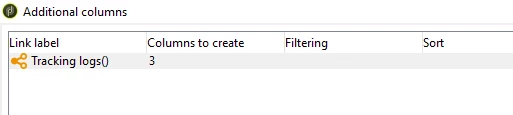
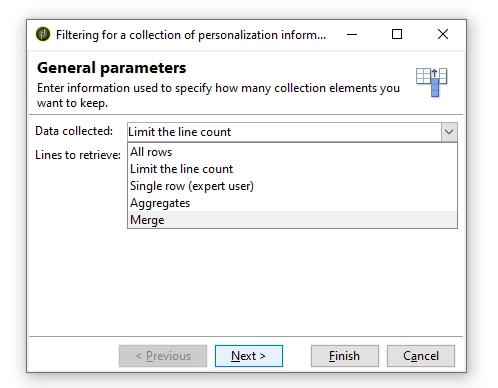
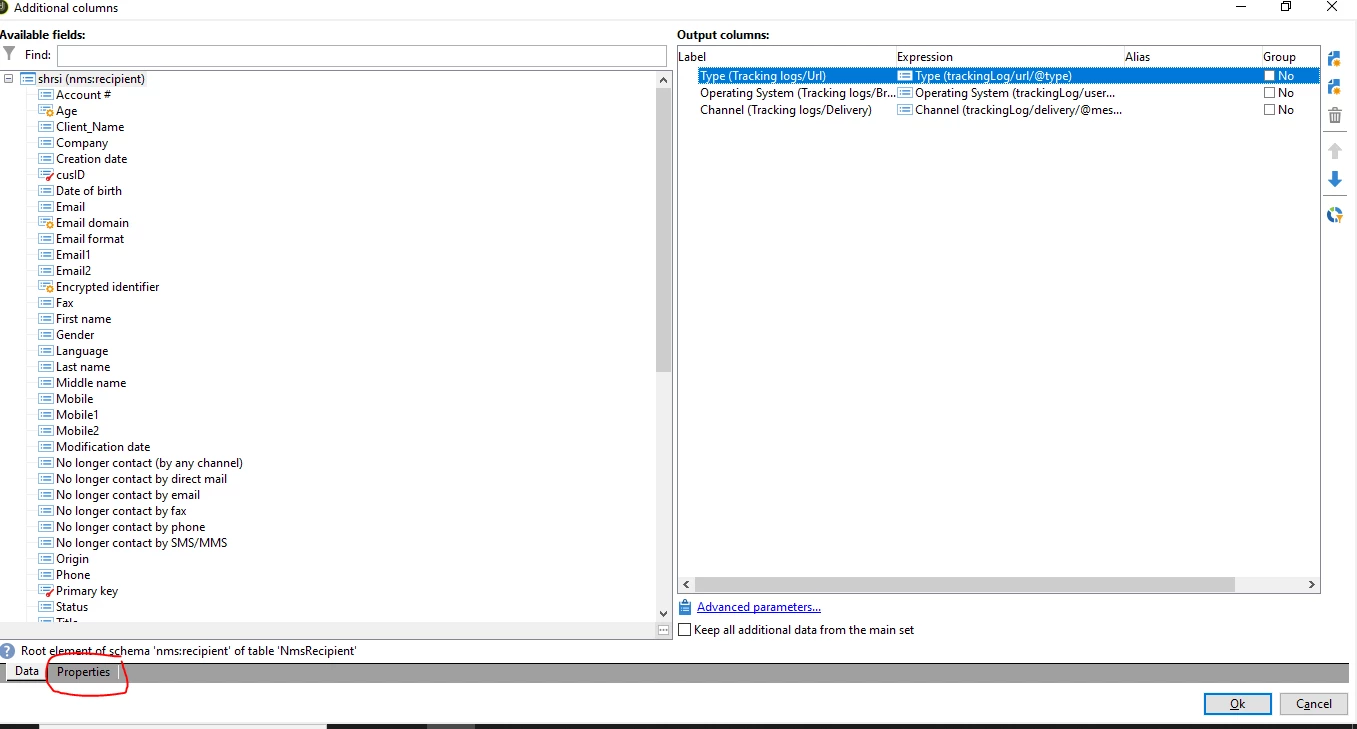
In a query, there is a properties tab, and after clicking on it, an Additional Column window appears. Can you advise how it works? The General Parameters section shows Data Collected and Lines to Retrieve, and the output result also changes after making changes there. Also, when I open, I can see columns to create as 3 when I change it query result changes.

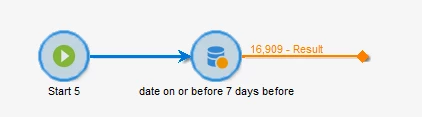
I am trying to query below - Recipients who did not open any delivery in the last 7 days. I want to filter recipients who didn’t open an email in the last 7 days.

Kindly help me understand how it works, preferably with an example. and what is the best practice to follow with use cases.

This post is no longer active and is closed to new replies. Need help? Start a new post to ask your question.

1 reply

ParthaSarathy
Community Advisor
Community Advisor
October 21, 2024

Hi @kunal_babasahebde ,

In Query, select targeting and filtering dimension as recipient and have the below filtering condition:

trackingLog do not exist such as

DateOnly(@logDate) on or after DateOnly(DaysAgo(7))

You can refer this document for details regarding 'Add data'

~  ParthaSarathy S~  Click here to join ADOBE CAMPAIGN USER GROUP for Quarterly In-person | Hybrid | Virtual Meetups
October 21, 2024

Hi @parthasarathy 

Thank you for helping with my query. However, my doubt concerns the Properties tab. After clicking on it, an Additional Column window appears. Can you advise how it works? The General Parameters section shows "Data Collected" and "Lines to Retrieve," and the output result changes after making adjustments there. Additionally, when I open it, I can see that the number of columns to create is three, and when I change it, the query result also changes.

Kindly help me with an eg.


October 25, 2024

Hi @parthasarathy ,

Kindly help for above question.