Passing context variable values from javacript activity to page acitivity in web app | Community
Skip to main content
Level 4
February 6, 2024
Solved

Passing context variable values from javacript activity to page acitivity in web app

  • February 6, 2024
  • 1 reply
  • 2364 views


Hi ,


Im trying to display the values from context variable called res thats having table attributes values for image and comment 
but i couldnt able to display context variable  values 

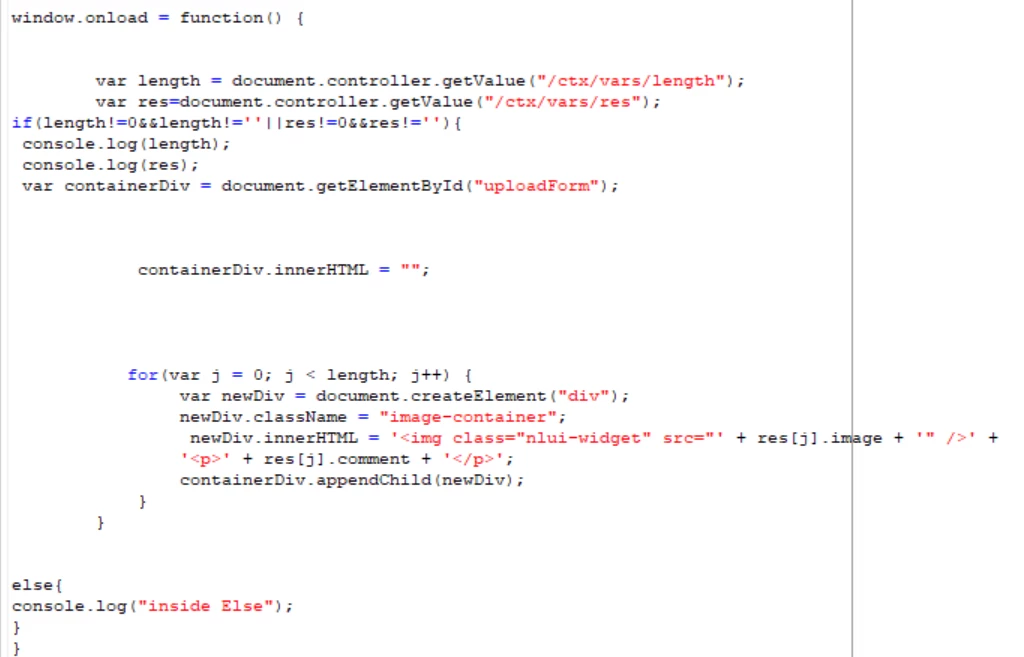
This is the code that i have tried

window.onload = function() {


var length = document.controller.getValue("/ctx/vars/length");
var res=document.controller.getValue("/ctx/vars/res");
if(length!=0&&length!=''||res!=0&&res!=''){
console.log(length);
console.log(res);
var containerDiv = document.getElementById("uploadForm");


containerDiv.innerHTML = "";


for(var j = 0; j < length; j++) {
var newDiv = document.createElement("div");
newDiv.className = "image-container";
newDiv.innerHTML = '<img class="nlui-widget" src="' + res[j].image + '" />' +
'<p>' + res[j].comment + '</p>';
containerDiv.appendChild(newDiv);
}
}


What i have got through above code 
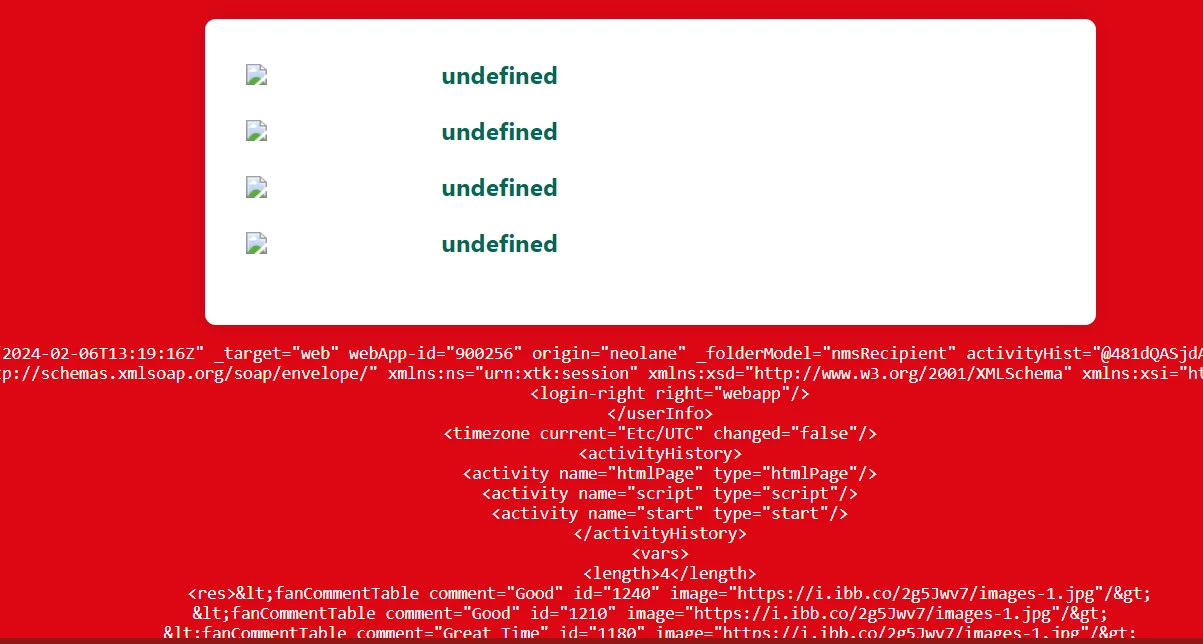
in javascript activity 
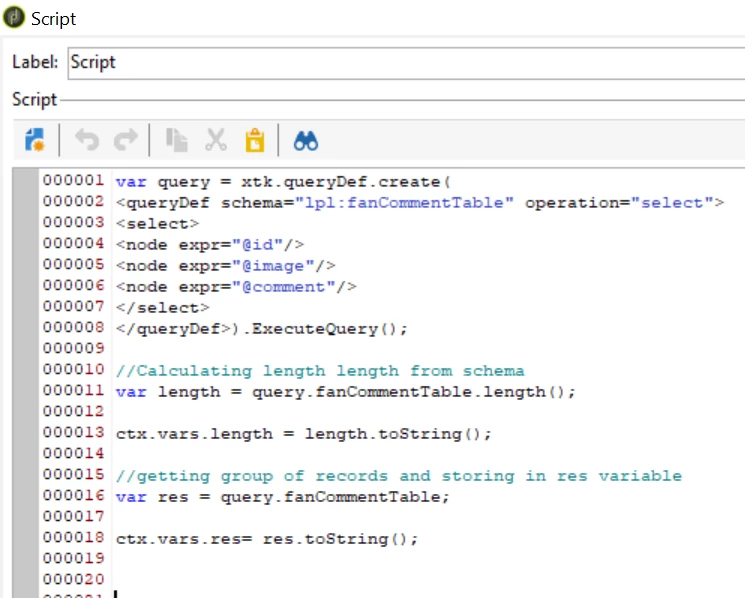
 

in page activity
 

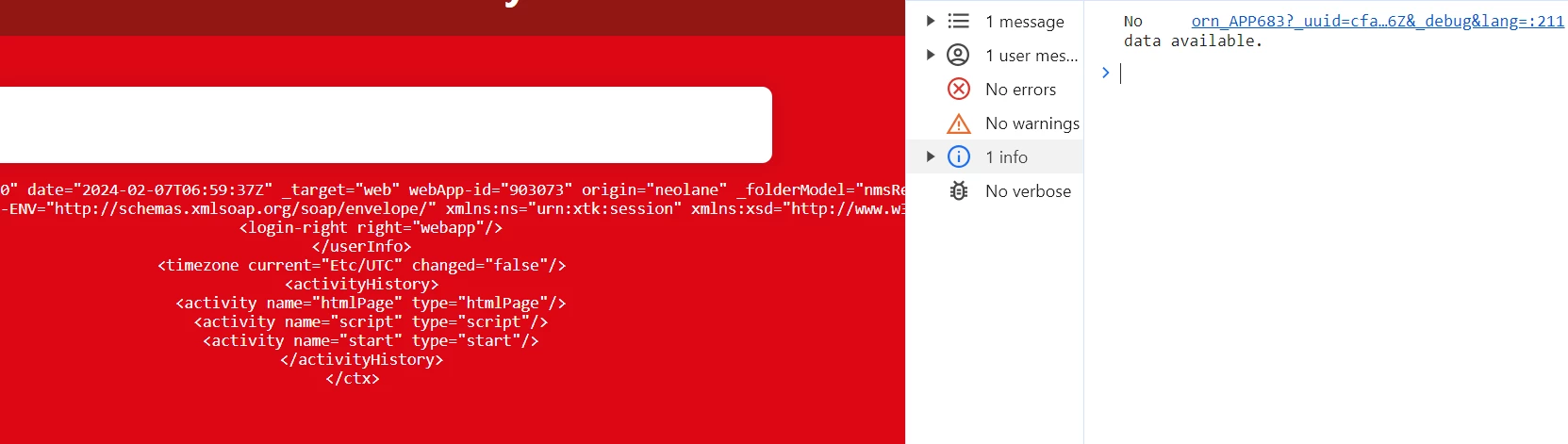
in console also the values getting log 
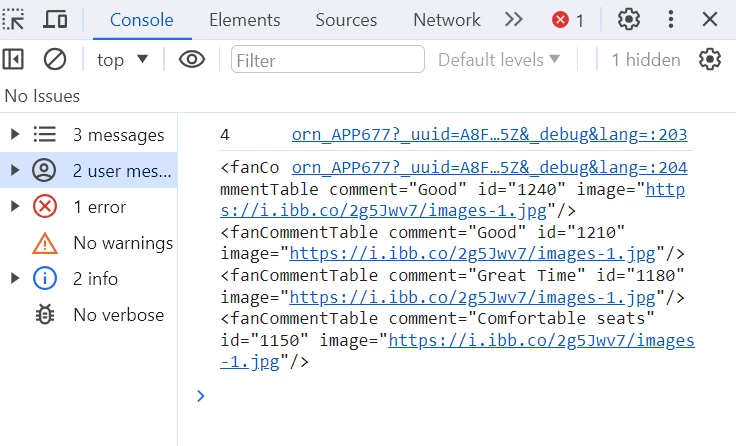
 

Can anyone help on this ?


This post is no longer active and is closed to new replies. Need help? Start a new post to ask your question.
Best answer by _Manoj_Kumar_

Hi @_manoj_kumar_ 

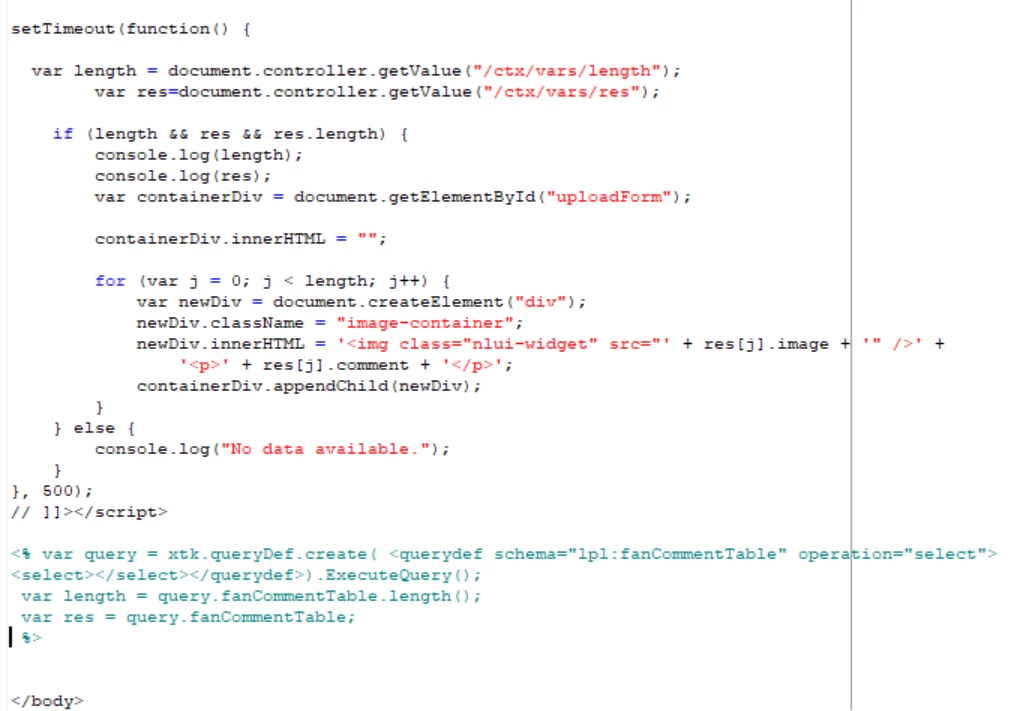
I have placed outside of the script 

But  in console no available data getting logged  its seems like no value is passing


Hello @vani97 


You can remove everything within the script tab and just use the JSP code to print the values like this:


<% var query = xtk.queryDef.create( <queryDef schema="lpl:fanCommentTable" operation="select"> <select> <node expr="@id"/> <node expr="@image"/> <node expr="@comment"/> </select> </queryDef>).ExecuteQuery(); var length = query.fanCommentTable.length(); //ctx.vars.length = length.toString(); var res = query.fanCommentTable; for each(var r in res) { %> <%= r.@name %> <%= r.@image%> <% } %>

1 reply

_Manoj_Kumar_
Community Advisor
Community Advisor
February 6, 2024

Hello @vani97 


Do not call the function on window.load.


Use a timeout and call the function after 500ms and that should work. Once this is working then you can try reducing the time intererval to a lower number. 

     Manoj     Find me on LinkedIn
vani97Author
Level 4
February 7, 2024

Hi @_manoj_kumar_ 

I used time out function here still the image and comment were not displaying !
This is the code which i hv tried

setTimeout(function() {
var length = document.controller.getValue("/ctx/vars/length");
var res = document.controller.getValue("/ctx/vars/res");

if (length != 0 && length != '' || res != 0 && res != '') {
console.log(length);
console.log(res);
var containerDiv = document.getElementById("uploadForm");

containerDiv.innerHTML = "";

for (var j = 0; j < length; j++) {
var newDiv = document.createElement("div");
newDiv.className = "image-container";
newDiv.innerHTML = '<img class="nlui-widget" src="' + res[j].image + '" />' +
'<p>' + res[j].comment + '</p>';
containerDiv.appendChild(newDiv);
}
} else {
console.log("inside Else");
}
}, 500);

_Manoj_Kumar_
Community Advisor
_Manoj_Kumar_Community AdvisorAccepted solution
Community Advisor
February 7, 2024

Hi @_manoj_kumar_ 

I have placed outside of the script 

But  in console no available data getting logged  its seems like no value is passing


Hello @vani97 


You can remove everything within the script tab and just use the JSP code to print the values like this:


<% var query = xtk.queryDef.create( <queryDef schema="lpl:fanCommentTable" operation="select"> <select> <node expr="@id"/> <node expr="@image"/> <node expr="@comment"/> </select> </queryDef>).ExecuteQuery(); var length = query.fanCommentTable.length(); //ctx.vars.length = length.toString(); var res = query.fanCommentTable; for each(var r in res) { %> <%= r.@name %> <%= r.@image%> <% } %>
     Manoj     Find me on LinkedIn