One Click Implementation issue | Community
Skip to main content
Level 3
May 28, 2024
Solved

One Click Implementation issue

  • May 28, 2024
  • 3 replies
  • 962 views

Hello 

We trying to implement One-Click List-Unsubscribe to be compliant with major ISPs.

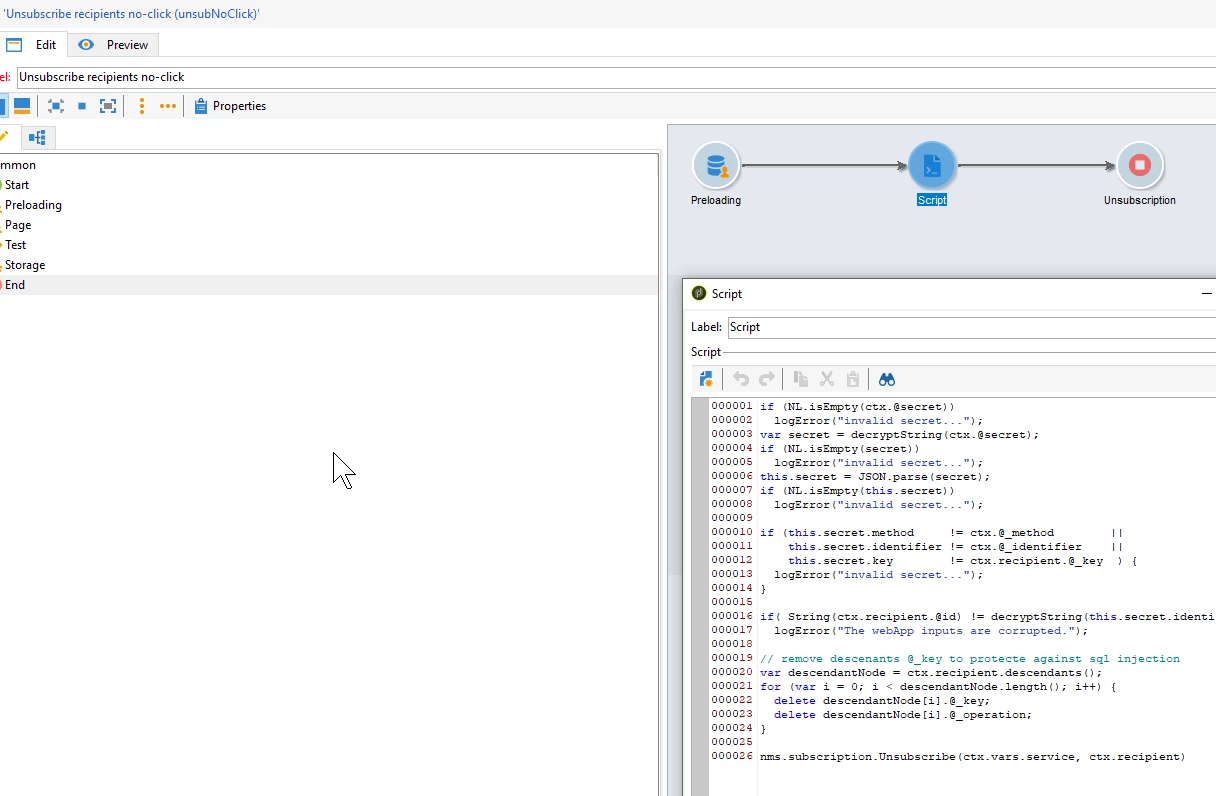
We followed the documentation provided here: https://experienceleague.adobe.com/en/docs/deliverability-learn/deliverability-best-practice-guide/additional-resources/campaign/acc-technical-recommendations#one-click-list-unsubscribe

We imported the webapp package(had to change manually the build cause our was different in xml)
We tried both approach:

  • Configure One ClickList Unsubscribe in the delivery 
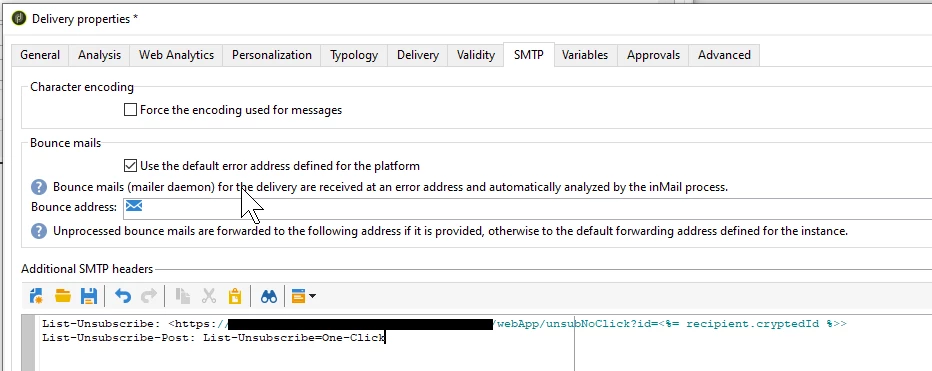
     

    • No Results in header
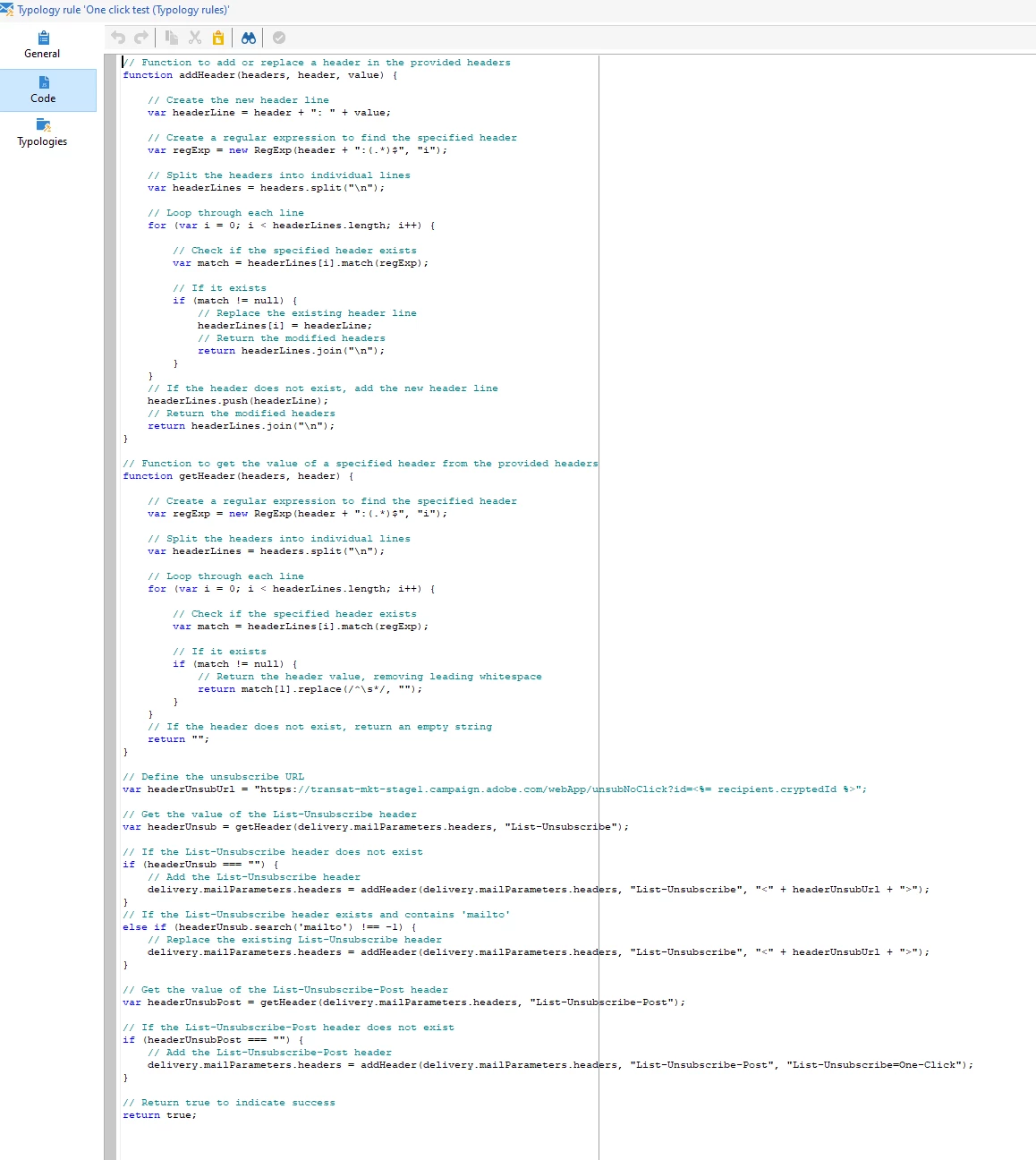
  • Creating a typology rule to support One-Click List-Unsubscribe

    • attached to Default typologies
      • No result either

    • We have tested in Stage and Prod

Any ideas what are we missing?


Regards

This post is no longer active and is closed to new replies. Need help? Start a new post to ask your question.
Best answer by ALangridge

Hey mate, sorry to be a bummer but I got mine off the ground in about 24 hours and it's plugging away like a champ. 

I uploaded the web app file that Adobe has online and this is my email SMTP header:

List-Unsubscribe-Post: List-Unsubscribe=One-Click List-Unsubscribe: <https://--webappurl--?id=<%= recipient.cryptedId %> >, <mailto:--bounceaddress--?subject=unsubscribe<%= escape(message.mimeMessageId) %>>


Have you considered adding some debugging activities to the script activity in the web app? My verification method was updating a generic text field on the recipient record so I could prove it was all going through via the post event and not the email method. 

3 replies

_Manoj_Kumar_
Community Advisor
Community Advisor
May 28, 2024

Hello @rbiri 


The headers also depends on the engagement and reputation of the sender. If your sender does not have a good reputation then you won't see them.

     Manoj     Find me on LinkedIn
May 29, 2024

Hi,

I think the post method is not working at all.

I've tried everything but adding post alone never works.


If you add following then you can at least see unsubscribe button in Gmail, but web app never gets called.

List-Unsubscribe:<mailto:<%@ include option='NmsEmail_DefaultErrorAddr' %>?subject=unsubscribe<%=escape(message.mimeMessageId) %>>,<https://domain/webApp/unsubNoClick?id=<%= recipient.cryptedId %>>
List-Unsubscribe-Post: List-Unsubscribe=One-Click


Use this and run a script on nms:address where error text = 'Email_Client_Unsubscribe' and then unsubscribe recipients from a specific service or send post to external system via JS.


For this i am reading service internal name from optout URL in delivery.


I highly doubt that anyone has cracked the post method.


Best

Vedant


ALangridge
ALangridgeAccepted solution
Level 4
May 30, 2024

Hey mate, sorry to be a bummer but I got mine off the ground in about 24 hours and it's plugging away like a champ. 

I uploaded the web app file that Adobe has online and this is my email SMTP header:

List-Unsubscribe-Post: List-Unsubscribe=One-Click List-Unsubscribe: <https://--webappurl--?id=<%= recipient.cryptedId %> >, <mailto:--bounceaddress--?subject=unsubscribe<%= escape(message.mimeMessageId) %>>


Have you considered adding some debugging activities to the script activity in the web app? My verification method was updating a generic text field on the recipient record so I could prove it was all going through via the post event and not the email method. 

Sukrity_Wadhwa
Community Manager
Community Manager
June 13, 2024

Hi @rbiri,

Were you able to resolve this query with the help of the given solutions or do you still need more help here? Do let us know. In case the given solutions were helpful, then kindly choose the one that helped you the most as the 'Correct Reply'.
Thanks!

Sukrity Wadhwa