List all files, but only load 1 | Community
Skip to main content
Level 6
September 11, 2024
Question

List all files, but only load 1

  • September 11, 2024
  • 1 reply
  • 548 views

Another team is leaving any of these 3 files in our SFTP: a) DTI_AAA.csv.gz, b) DTI_BBB.csv.gz, c) DTI_CCC.csv.gz. 

However, there are other files in there already, so I need to list all files and only load "a", "b" or "c".  They will not coexist at the same time in the SFTP, once loaded in it's data inserted/updated in their schema, the file should be deleted.

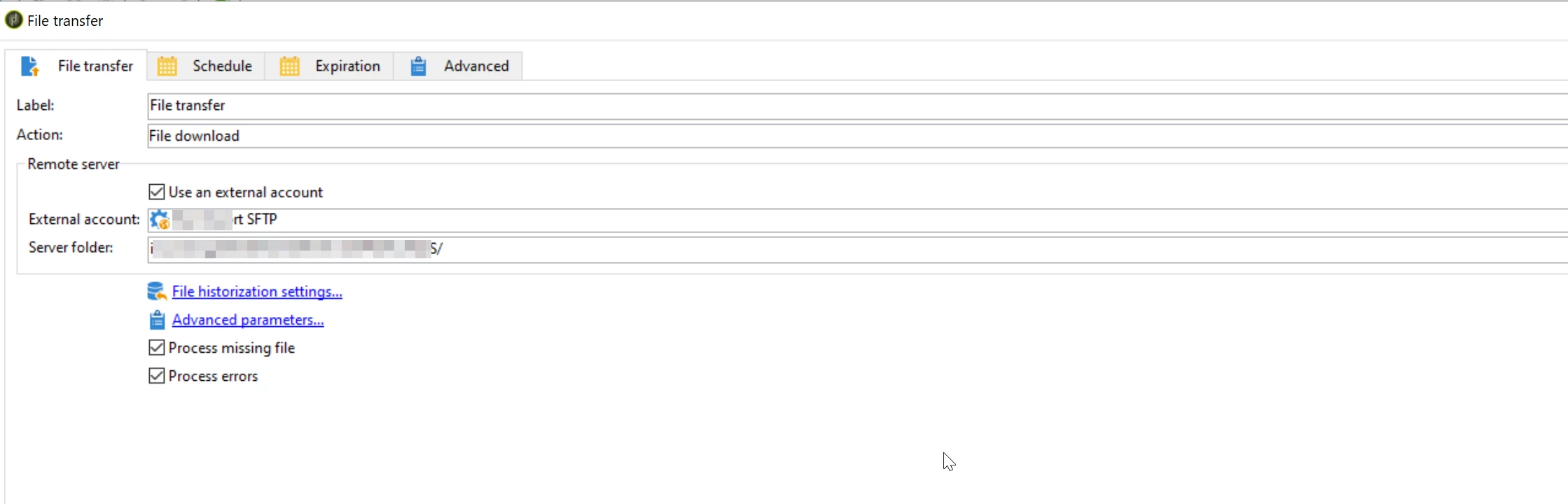
File Transfer activity docsshow the option "list files", and all files would be stored in "vars.filenames".

The List all files option, available when selecting the File listing action, allows you to store all files present on the server in the event variable vars.filenames wherein the file names are separated by \n characters.

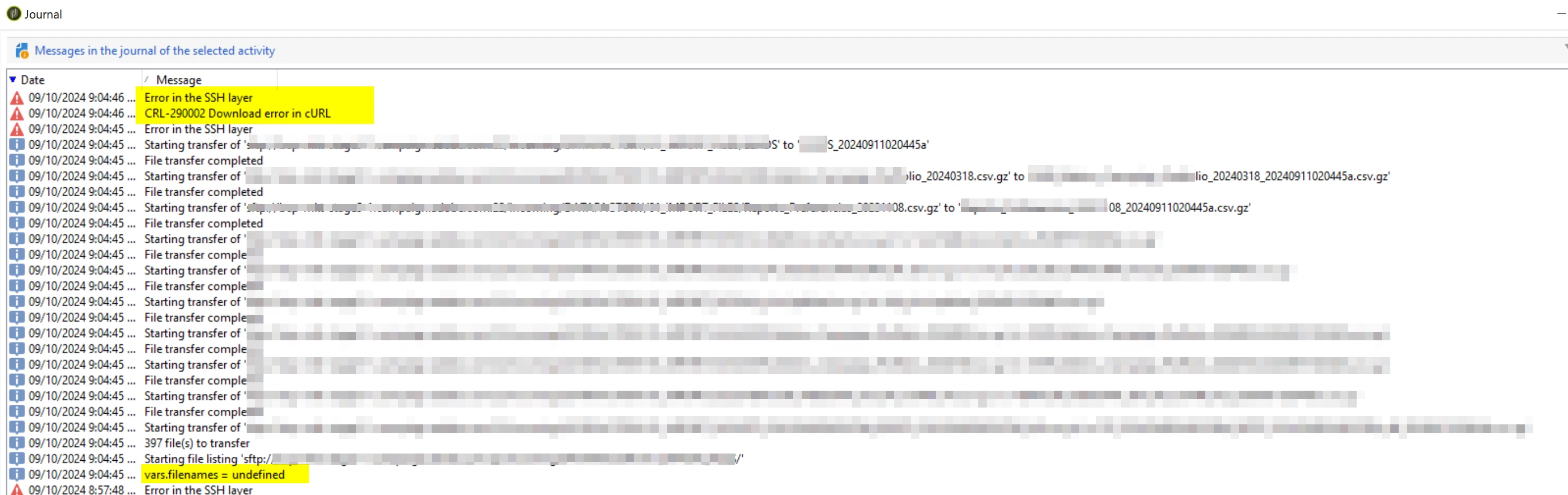
I'm currently getting: 
09/10/2024 9:04:46 PM Error in the SSH layer
09/10/2024 9:04:46 PM CRL-290002 Download error in cURL
09/10/2024 9:04:45 PM Error in the SSH layer

And also vars.filenames is undefined. - logInfo("vars.filenames = " + vars.filenames)


How do I access those file names and use regular expressions to match only any of these: a) DTI_AAA.csv.gz, b) DTI_BBB.csv.gz, c) DTI_CCC.csv.gz. ?

Regex could be something like: DTI_.*\\.csv\\.gz

This post is no longer active and is closed to new replies. Need help? Start a new post to ask your question.

1 reply

Manoj_Kumar
Community Advisor
Community Advisor
September 12, 2024

Hello @ogonzalesdia  Move logInfo logic to next activity. If you are adding this logic to file transfer activity then it will not print anything because that code will be executing before pulling the file metadata from SFTP.

Manoj     Find me on LinkedIn
Level 6
September 12, 2024

Hi Manoj, I've. But for this: logInfo("files: " + instance.vars.filenames);

I get:

09/12/2024 5:10:14 PM files: undefined
09/12/2024 5:10:13 PM files: undefined


Maybe I have to loop over this variable vars.filenames? 

  1. Listing of files

    To list the files, select the File listing option from the Action field. Configuration of the remote server is the same as for receiving files. For more information, refer to this section.

    The List all files option, available when selecting the File listing action, allows you to store all files present on the server in the event variable vars.filenames wherein the file names are separated by \n characters.