Installation of Adobe Client | Community
Skip to main content
tristanr1339829
Level 2
June 12, 2017
Solved

Installation of Adobe Client

  • June 12, 2017
  • 3 replies
  • 2455 views

Hi all,

Windows 10, 64 bit.

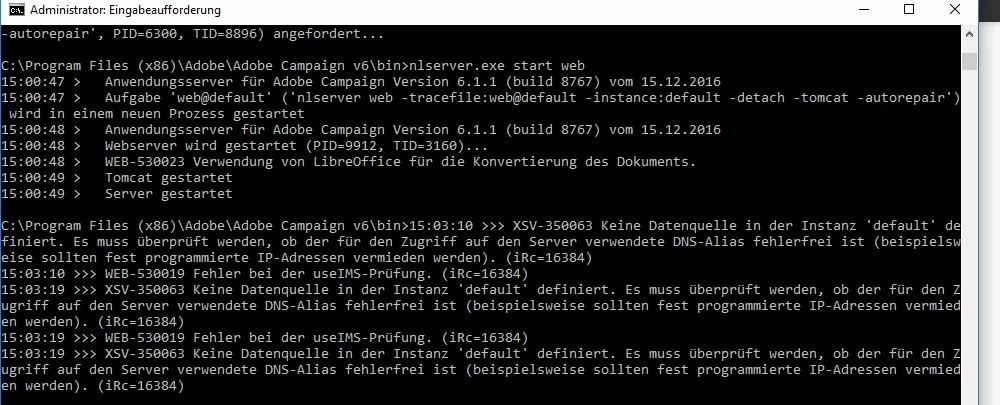
I have alredy installed the Adobe Application server successfully, with nlserver pdump I can see, that all components are installed fine.

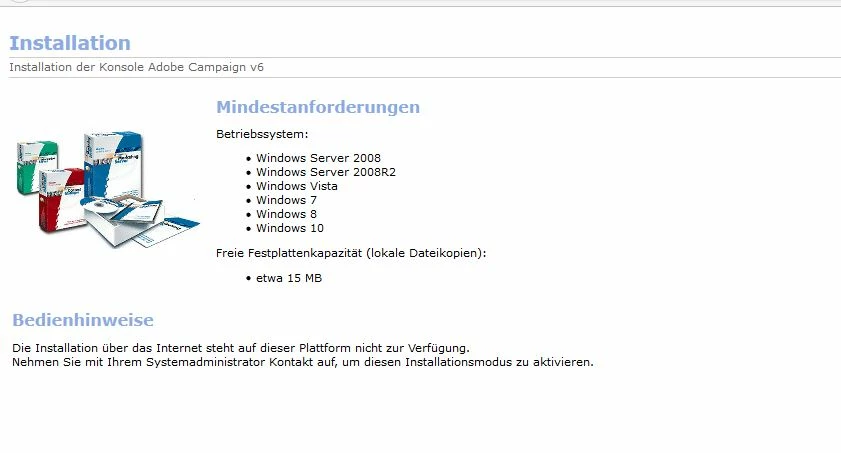
But if I try to get a client connection, I get this error message.

I don't know, what to do !
This post is no longer active and is closed to new replies. Need help? Start a new post to ask your question.
Best answer by tristanr1339829

Sorry, it does't work, something went wrong with the useIMS certification.

3 replies

malarrajans8868
Level 2
June 12, 2017

Hi tristanr13398296,

Have you installed the Adobe campaign client console. If yes Add a sever connection in the client console and login into the Adobe Campaign using the internal account for the first time.

By

Malarrajan Sundar

Kishore_Padamata
Adobe Employee
Adobe Employee
June 12, 2017

instead starting only web, start all by using below command

nlserver watchdog

tristanr1339829
tristanr1339829AuthorAccepted solution
Level 2
June 13, 2017

Sorry, it does't work, something went wrong with the useIMS certification.