
Répondu
Inavlid "ETC/UTC" Time Zone FIle
Hi Team, I am facing this error every time try to login. Can someone help.
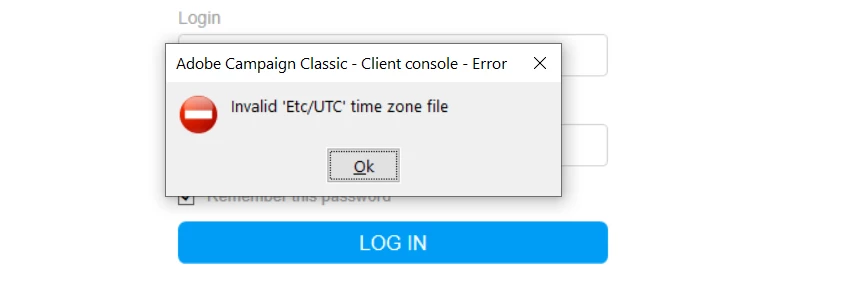
Hi Team, I am facing this error every time try to login. Can someone help.
Hi @abhinav99
your timezone file is corrupted. Please, do the hard cache clean and try again.
a. Closing the adobe campaign console
b. Opening the local folder “C:\Users\your_user\AppData\Roaming\Neolane\NL_5”
c. Deleting all the xml files except nlclient_cnx.xml (and delete the “nlclient” sub-folder too).
d. Log in again.
Regards,
Milan
Enter your E-mail address. We'll send you an e-mail with instructions to reset your password.