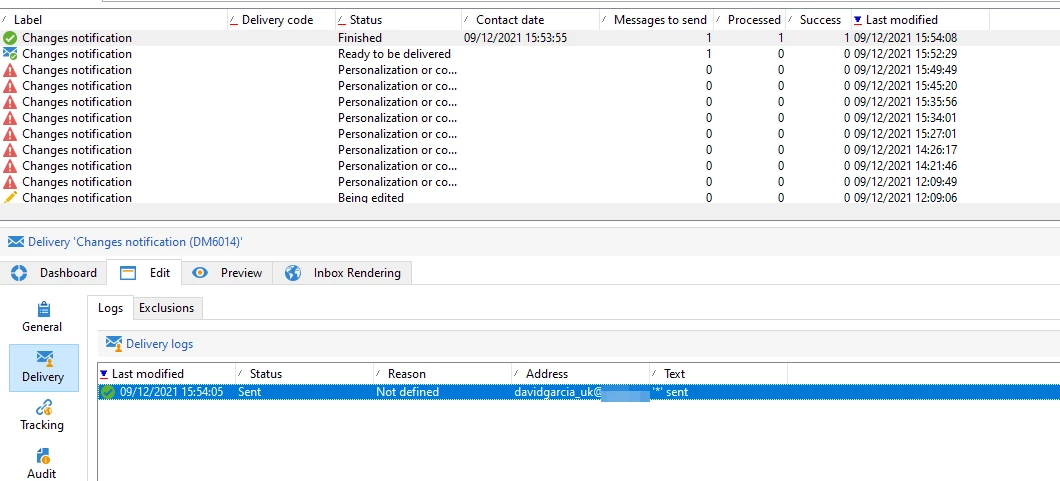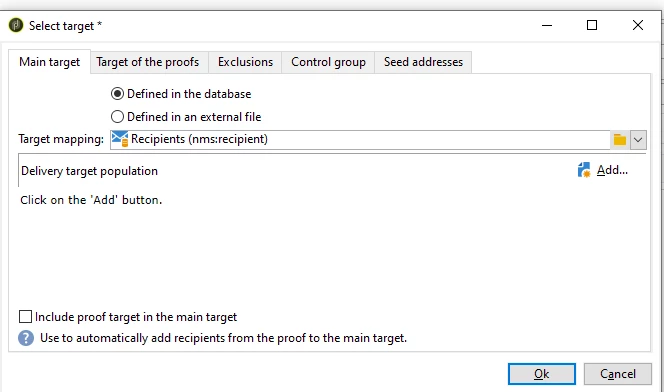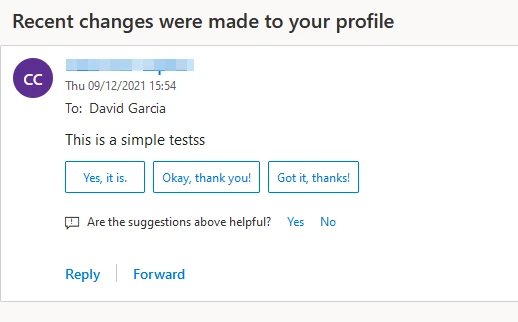
How to create and trigger a delivery using js activity webapp / workflow CreateFromModel, PrepareFromId
Hi All,
I am working on a preference centre with the aim of notifying users on profile changes so that these can then be approved or cancelled, normally, I would trigger a command from the webapp to start a workflow and submit a few variables to personalize a delivery and execute it, however, I want to test out an alternative way of triggering the notification but I am short in time to go deep into testing and finding out how it works.
How do you personalize, and execute a delivery on the fly using js activity? my goal is to execute it from the webapp, (under other circumstances if the client had a message centre, I would construct and trigger a real time event to message centre, but the client does not have this)
Here is what I have so far, but to put it sumply, I want to have a delivery template with some html and variables in it, then trigger the delivery from within the webapp.
var delivery = nms.delivery.create();

delivery.label="Delivery Test"
delivery.scheduling.validationMode = "automatic"
delivery.scheduling.delayed = 0
delivery.save()
vars.deliveryId = delivery.id
Update 1
I have the following script, but I am facing an issue
var recipientId = 13241267;
var template    = "changesNotification";

var x = <delivery>
					<targets>
						<deliveryTarget>
							<targetPart exclusion='false' ignoreDeleteStatus='false'>
								<where>
									<condition expr={'@id=' + recipientId}/>
								</where>
							</targetPart>
						</deliveryTarget>
					</targets>
				</delivery>;

	var y = nms.delivery.CreateFromModel(template, x);
	var z = nms.delivery.create(y);

	z.scheduling.delayed = 0;
	z.scheduling.validationMode = "auto";
	z.save();
	nms.delivery.PrepareFromId(z.id);
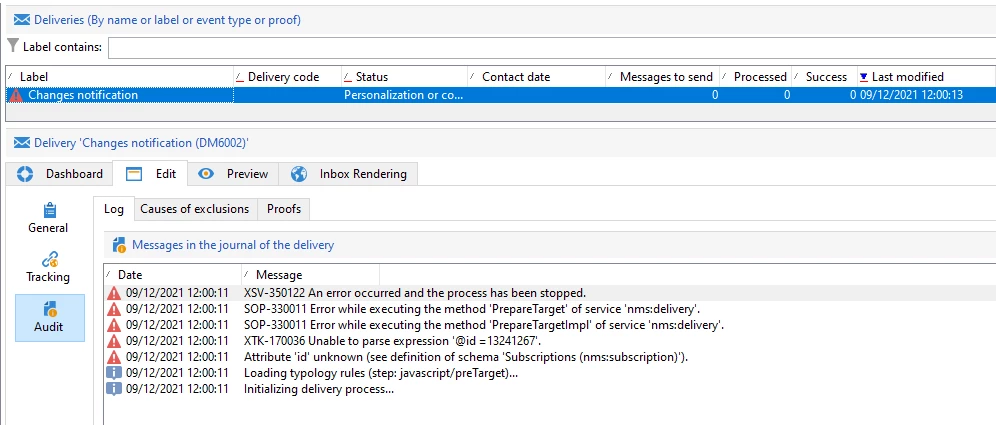
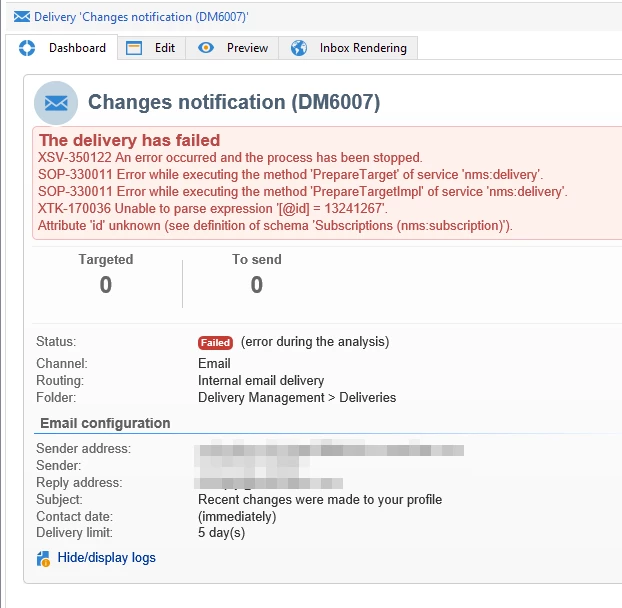
Update 2
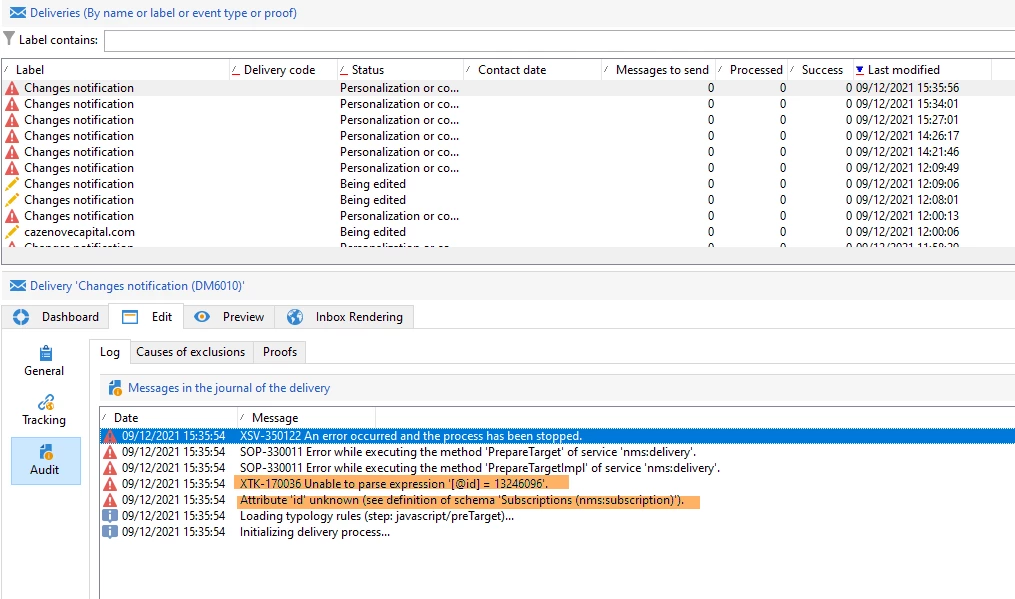
I've used the SubmitDelivery method and I still get the same error
var deliveryId = nms.delivery.SubmitDelivery("changesNotification",
<delivery>
  <targets>
    <deliveryTarget>
      <targetPart exclusion='false' ignoreDeleteStatus='false'>
        <where>
          <condition expr="[@id] = 13246096"/>
        </where>
      </targetPart>
    </deliveryTarget>
  </targets>
  </delivery>);
Thanks