How to add offer codes to delivery form Java script code. | Community
Skip to main content
Sathyam_Chandan
December 6, 2023
Solved

How to add offer codes to delivery form Java script code.

  • December 6, 2023
  • 3 replies
  • 1422 views

Dear Community Leaders:


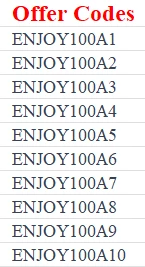
I have some offer codes like those below; they are unique (exp: 100 targeted customers, 100 unique coupons). I want to add these offer codes to delivery through a Java script. Is it possible to add these codes to delivery? Can you please help me with this?


Regards

Sathyam



This post is no longer active and is closed to new replies. Need help? Start a new post to ask your question.
Best answer by _Manoj_Kumar_

Hello @sathyam_chandan 


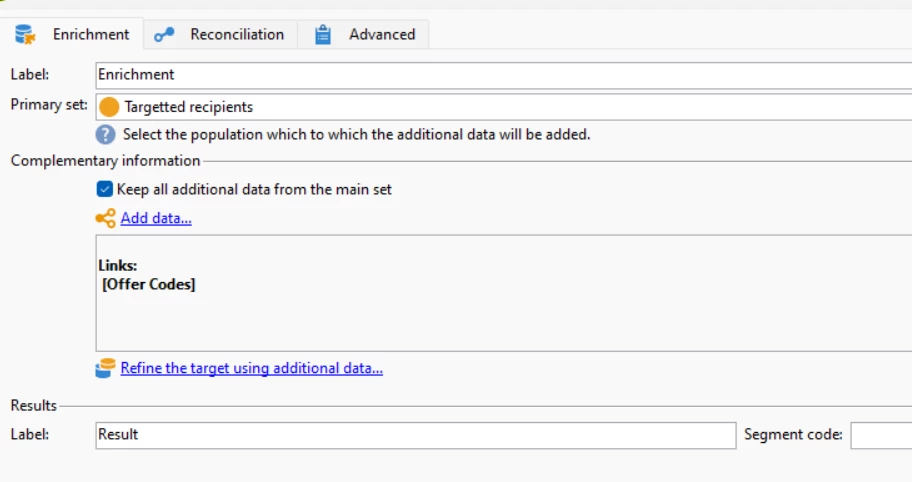
You can assign these coupons to targeted customers via enrichment activity. No JavaScript is required.


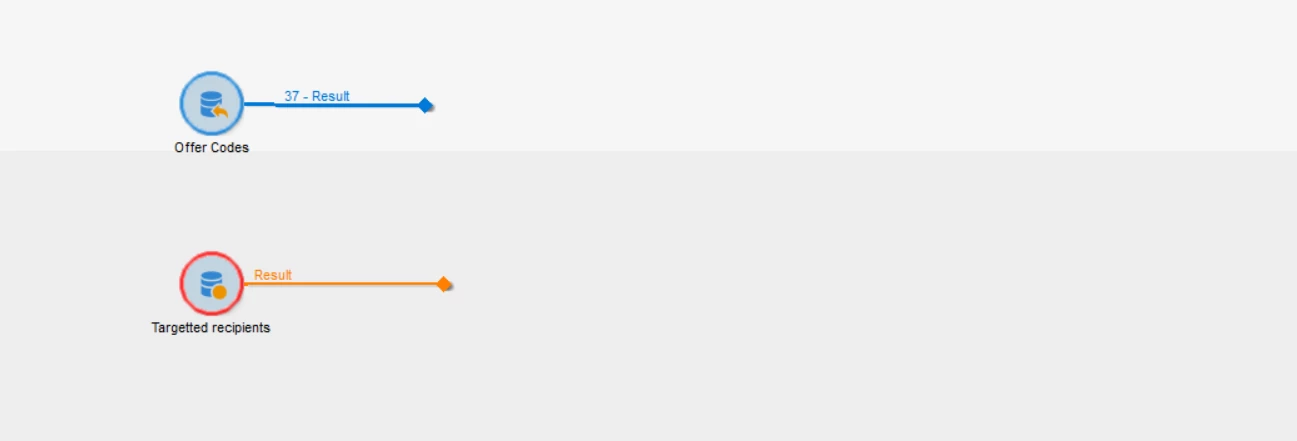
I am assuming you have these coupons in a file. If that is the case then you can upload the file via file upload activity and keep the line number in both activities for linking.


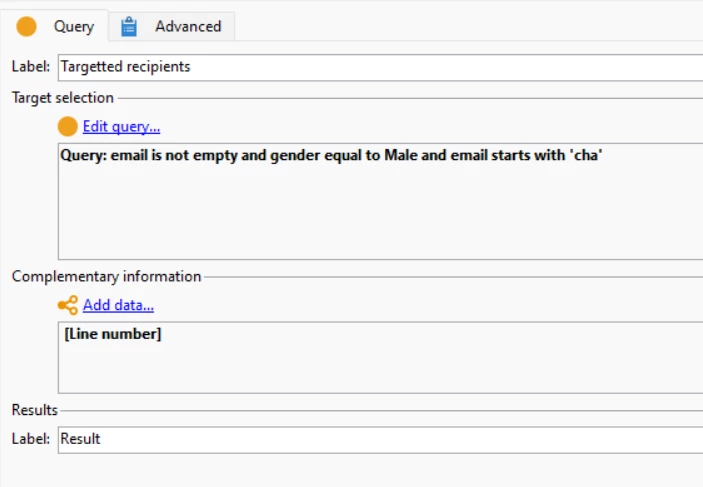
Add this to query activity:


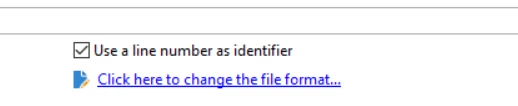
and in the data loading activity check the checkbox


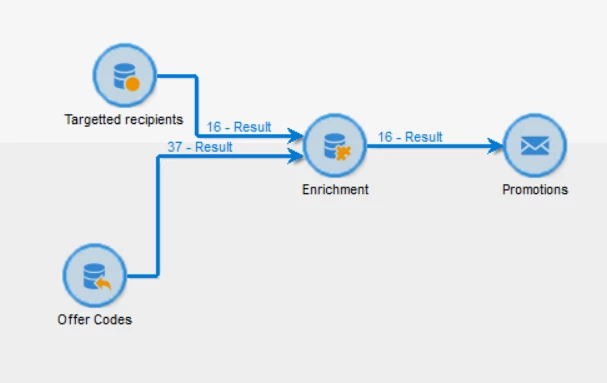
Then use these columns to create 1:1 join via enrichment.


3 replies

_Manoj_Kumar_
Community Advisor
_Manoj_Kumar_Community AdvisorAccepted solution
Community Advisor
December 6, 2023

Hello @sathyam_chandan 


You can assign these coupons to targeted customers via enrichment activity. No JavaScript is required.


I am assuming you have these coupons in a file. If that is the case then you can upload the file via file upload activity and keep the line number in both activities for linking.


Add this to query activity:


and in the data loading activity check the checkbox


Then use these columns to create 1:1 join via enrichment.


     Manoj     Find me on LinkedIn
ParthaSarathy
Community Advisor
Community Advisor
December 7, 2023

Hi @sathyam_chandan ,

You can also utilize coupon management to solve this.

Refer coupon management document

Create a 'Individual' type coupon and import the coupon values in it using a import workflow and configure this coupon in delivery (configuration steps mentioned in above document).

 ~  ParthaSarathy S~  Click here to join ADOBE CAMPAIGN USER GROUP for Quarterly In-person | Hybrid | Virtual Meetups
Sathyam_Chandan
December 7, 2023

HI @parthasarathy 


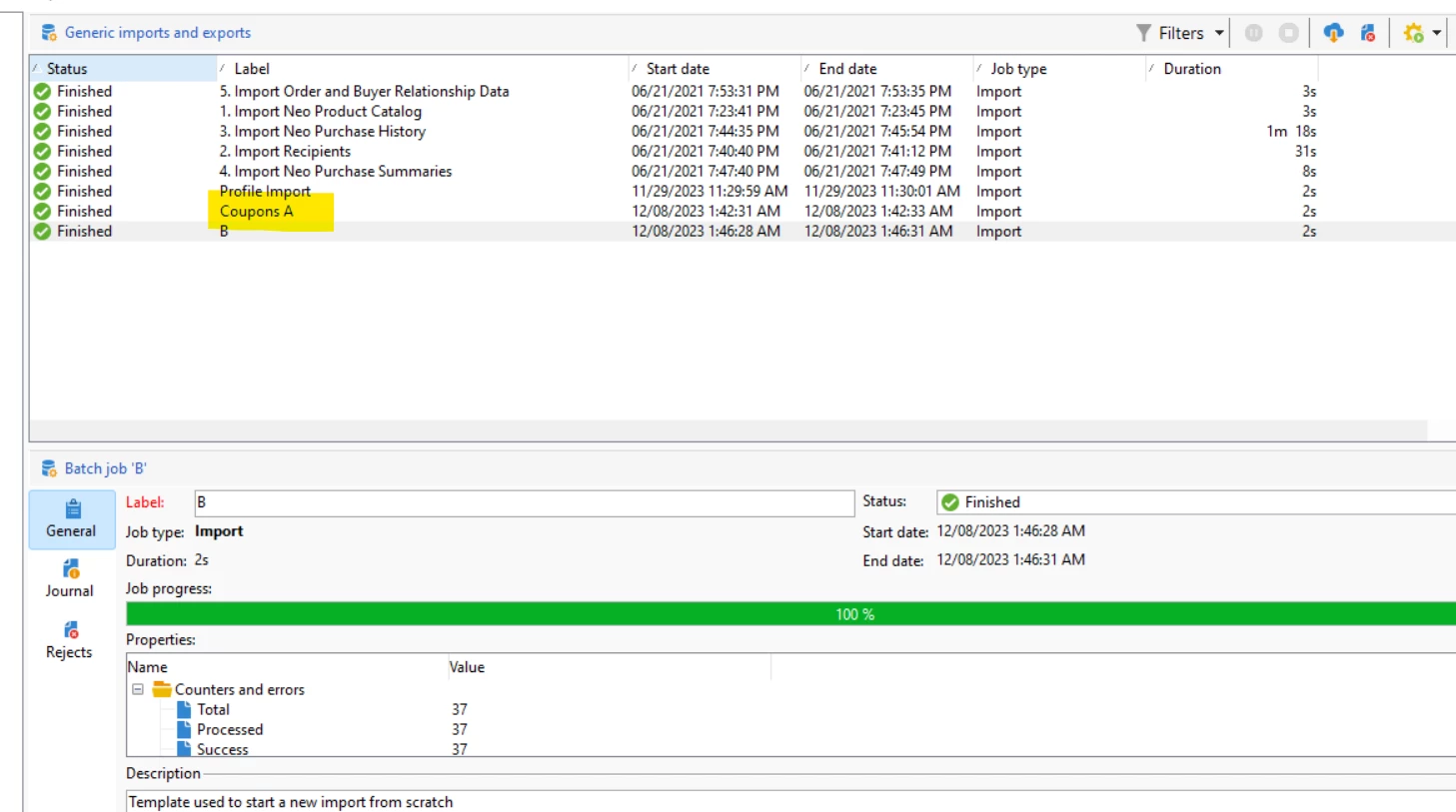
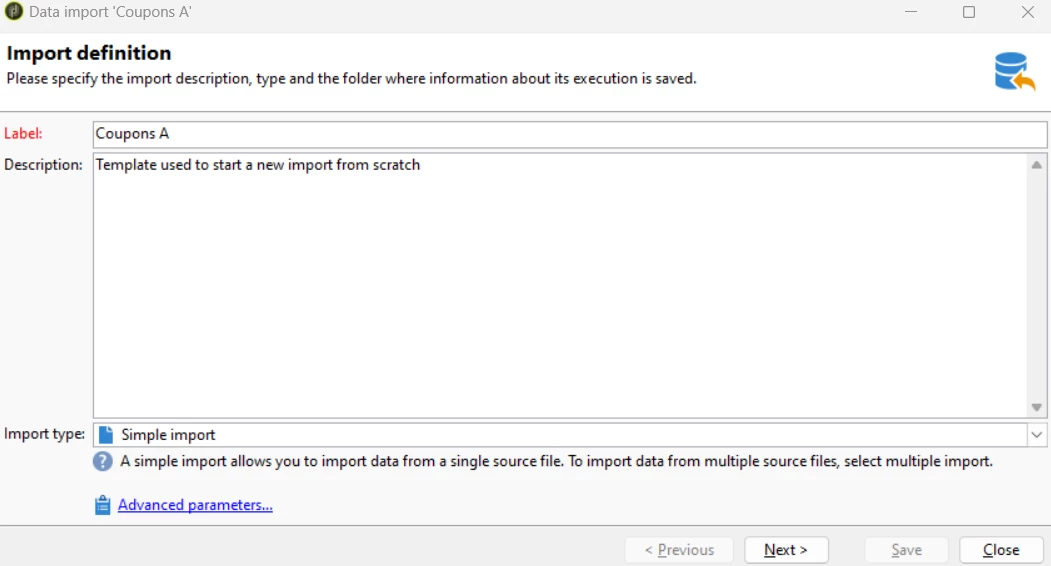
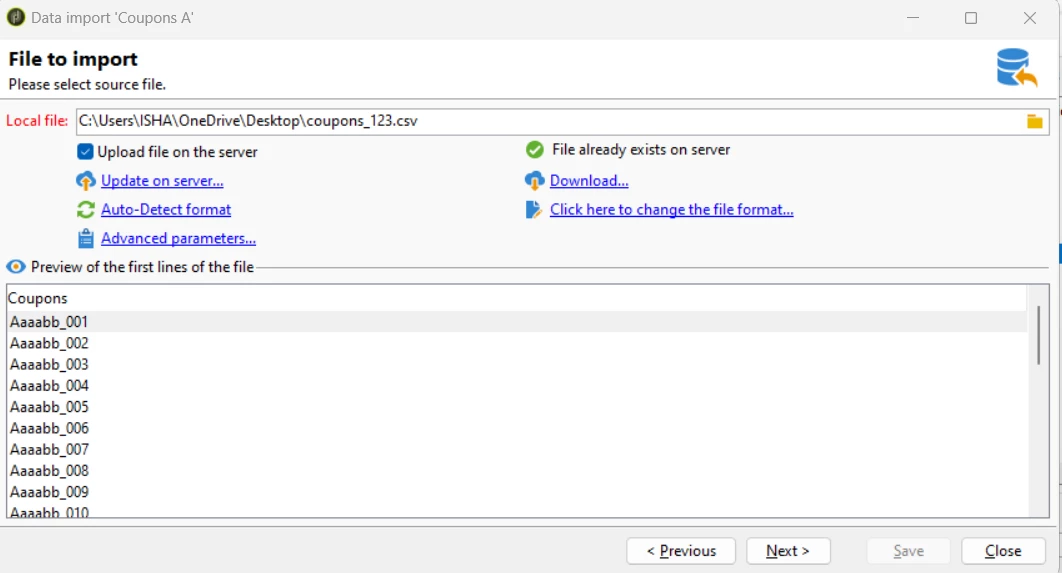
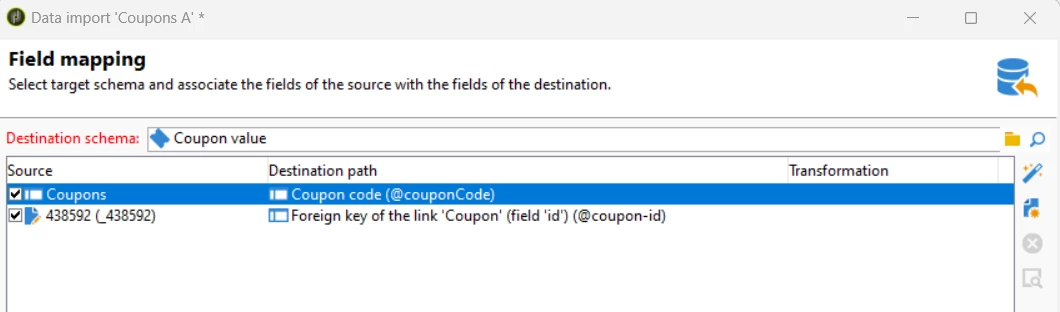
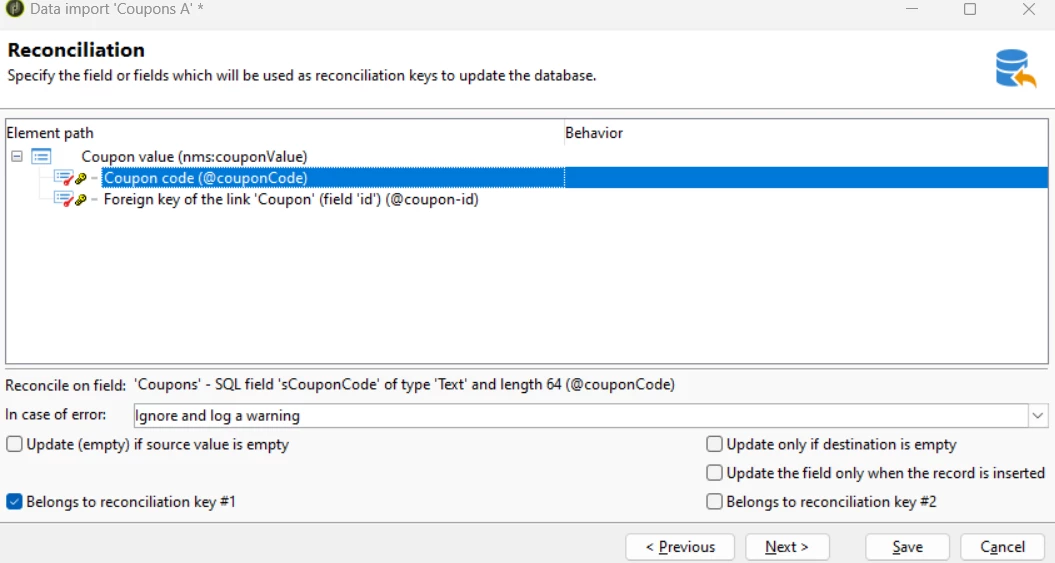
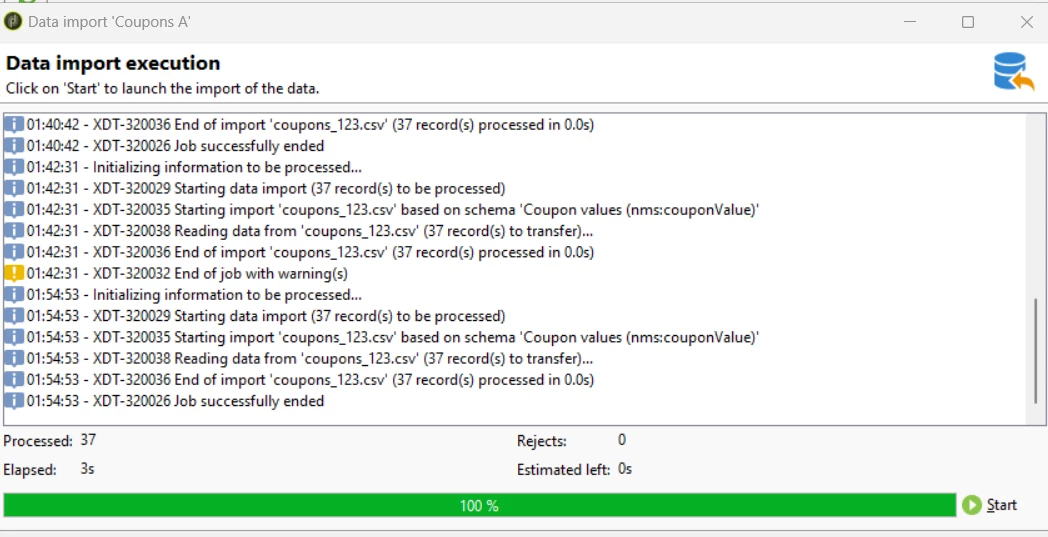
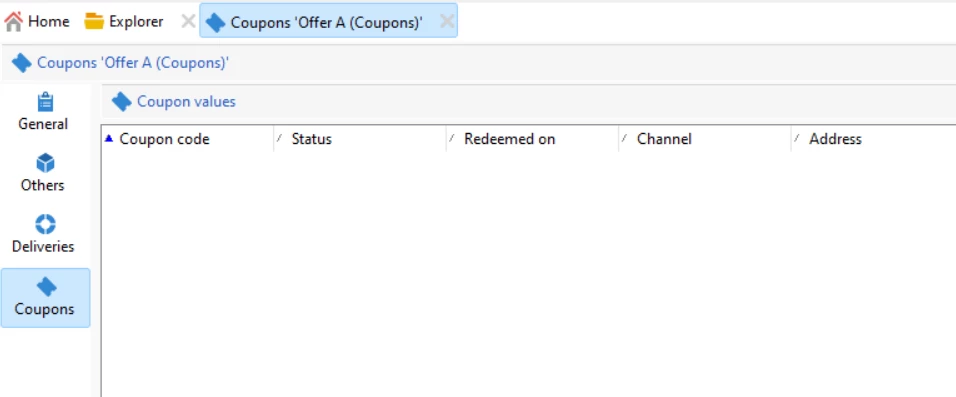
I have also tried through coupon management. but codes are not updated in the coupon values.


1) 


2)


3)


4)


5)


6)


7)


😎


Regards

Satyam


Sathyam_Chandan
December 7, 2023

Hi @_manoj_kumar_ ,


Can you please help with the workflow setup?


1. I have uploaded all the coupons to the file upload activity and selected line number

2. I have selected the target from the query activity and add RowNum() in the complementary information section.


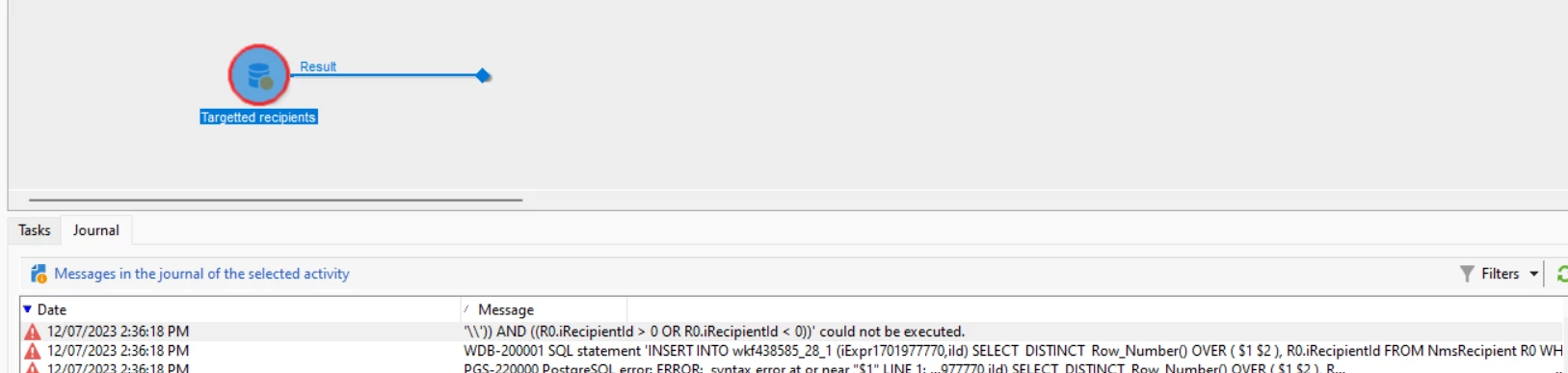
But I am getting the below error.


Please help me how to setup workflow.


Regards

@sathyam_chandan 


_Manoj_Kumar_
Community Advisor
Community Advisor
December 8, 2023

Hello @sathyam_chandan 


Try replacing RowNum() with RowId() and it should work.

     Manoj     Find me on LinkedIn
Sathyam_Chandan
December 8, 2023

Hi @_manoj_kumar_ ,


Thank you for your help. It is working fine, but I am having some issues with enrichment.


Reconciliation 


Personalization field in the delivery.


Regards

@sathyam_chandan