Form preview is not working in Adobe campaign classic | Community
Skip to main content
Level 5
March 11, 2024
Solved

Form preview is not working in Adobe campaign classic

  • March 11, 2024
  • 2 replies
  • 1735 views

Hi there, 


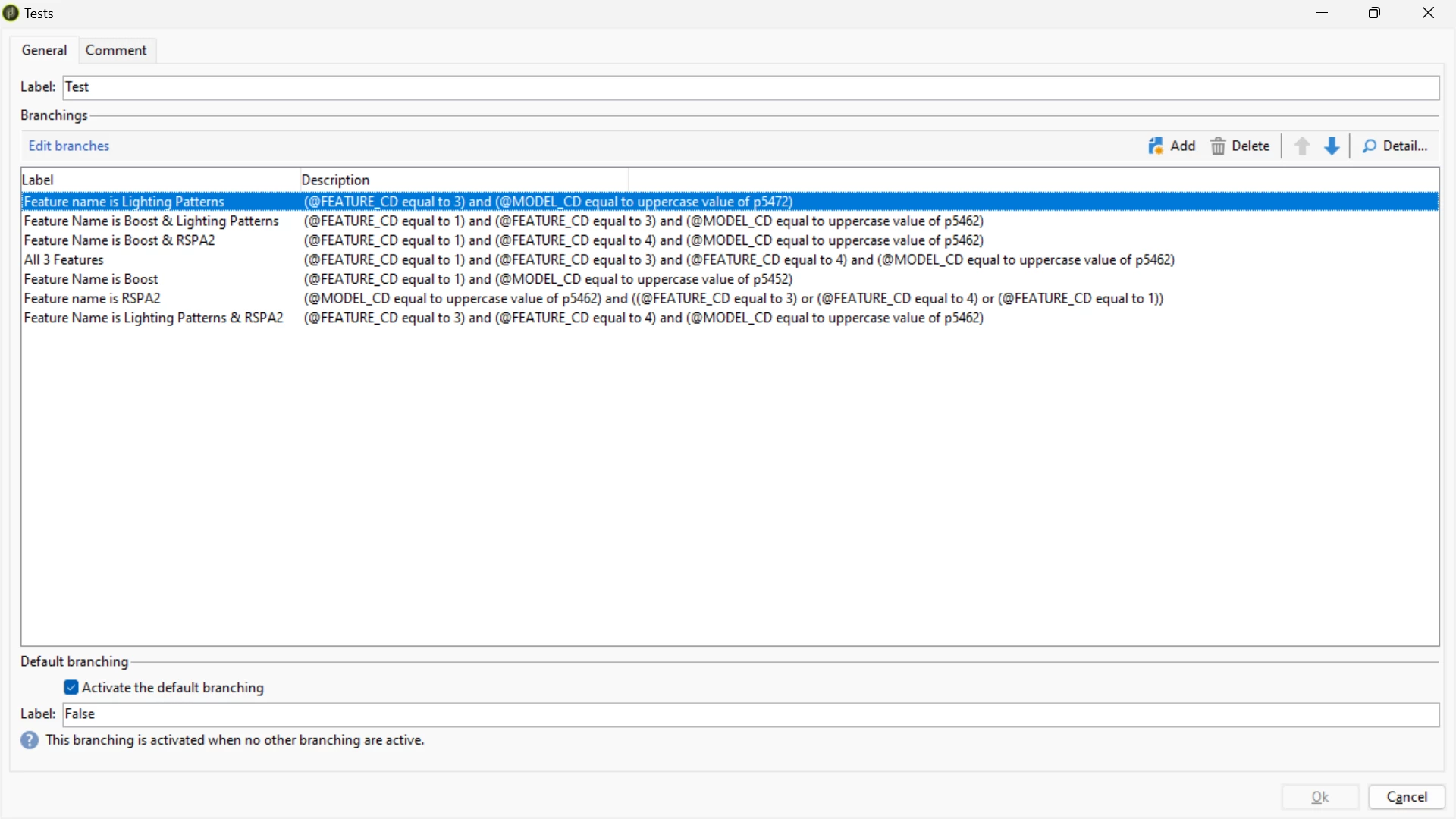
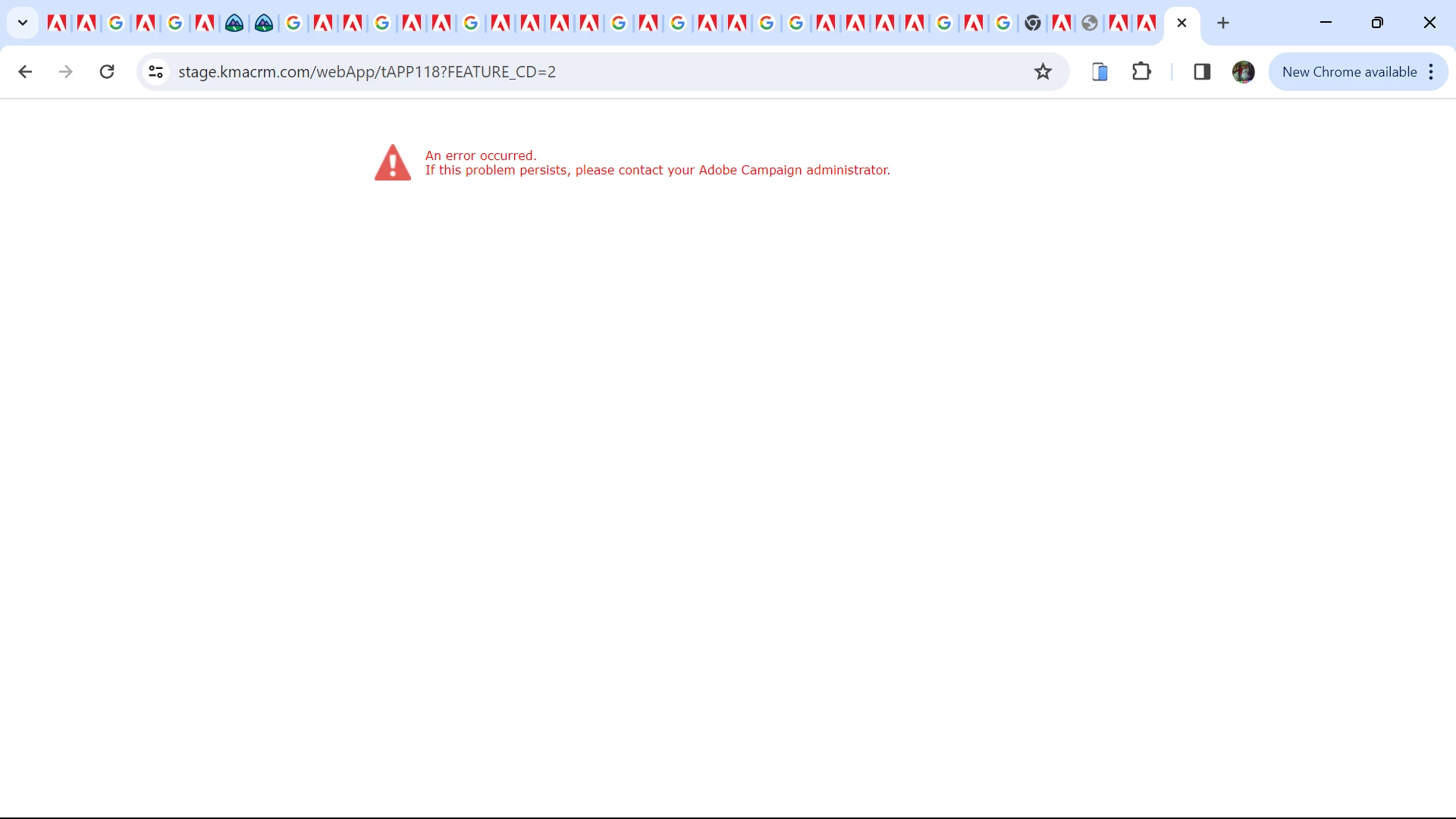
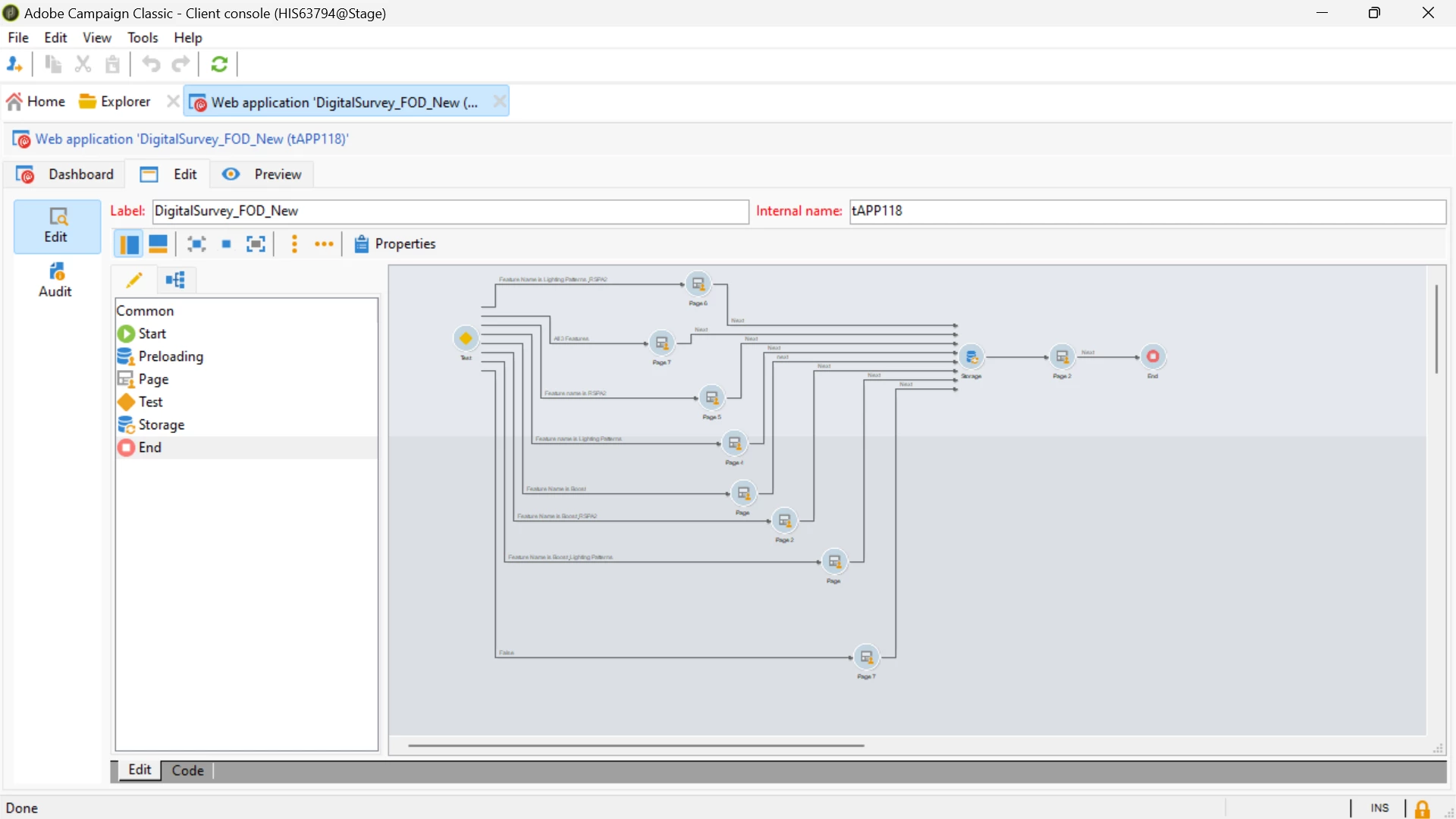
I have used test activity in my forms and based up on the feature_cd value and model value it has to render that particular form but I am getting the below error when I try to preview the form itself, Please suggest.

Test activity:
Error preview screenshot:
workflow:


Thank you in advance.

This post is no longer active and is closed to new replies. Need help? Start a new post to ask your question.
Best answer by rvnth

Thank you @lakshmipravallika . The issue has been resolved after enabling the debug mode. 

2 replies

LakshmiPravallika
Community Advisor
Community Advisor
March 11, 2024

Hi @rvnth ,


Please check if there are any Mandatory variables defined in your Webapp Properties by going to the Webapp's Properties --> Parameters and check the Mandatory field as "No" there for all your variables.


If they are mandatory , then please add those parameters into the Webapps Url for previewing the Form,


Regards,

Pravallika.


rvnthAuthorAccepted solution
Level 5
March 15, 2024

Thank you @lakshmipravallika . The issue has been resolved after enabling the debug mode. 

AkshayAnand
Community Advisor
Community Advisor
March 11, 2024

Hi @rvnth 


In the preview tab of your WebApps, you can check debug mode check box and you will be able to see the error. Could you kindly paste that screenshot so that it would help us understand the problem better and I guess then we can help you out.


Thanks

Akshay

rvnthAuthor
Level 5
March 15, 2024

Hi @akshayanand , 


I appreciate your help. After enabling debug mode, I identified and resolved the error. However, I encountered an issue while attempting to personalize the survey based on the features users purchased. When I try to preview the form with additional parameters in the URL, it still shows the default form. Could you please confirm if I can view the personalized form by including the additional parameters in the URL, or if I can only see it by sending the link within an email with the appended parameters?

Thank you in advance

AkshayAnand
Community Advisor
Community Advisor
March 15, 2024

Hi @rvnth 


If you include your necessary parameters and append it to the preview URL, I hope you should be able to see the preview. Although to test it's working end to end an Email trigger is always the best option.


Thanks

Akshay