custom filter on the list
Hi Team,
i have a list which is going to update daily through a workflow. Now i want to add a custom filter on this list such as a user can enter a month and year to filter the respondents based on month and year.
This is my list :
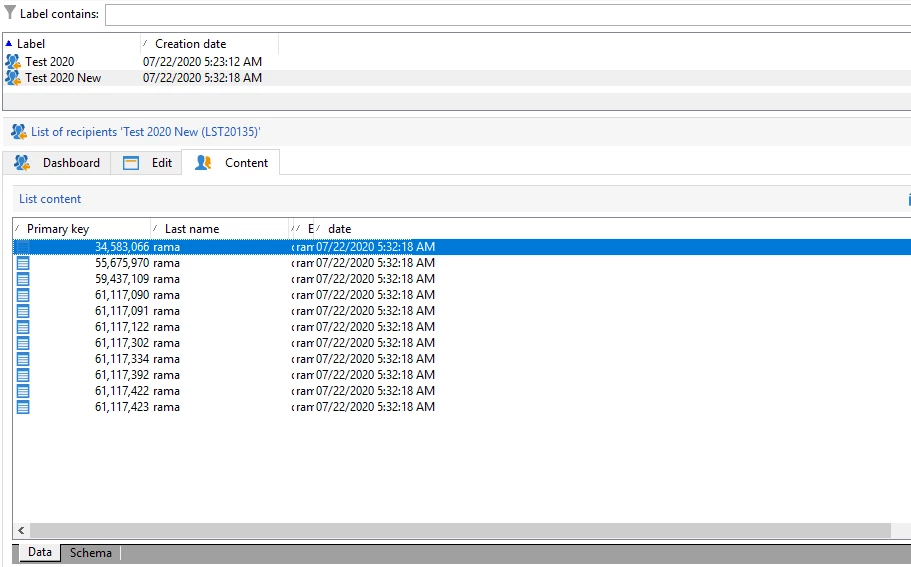
So i want to add a filter on the "date" column so based on month and year of that date we need to show the results in the list.
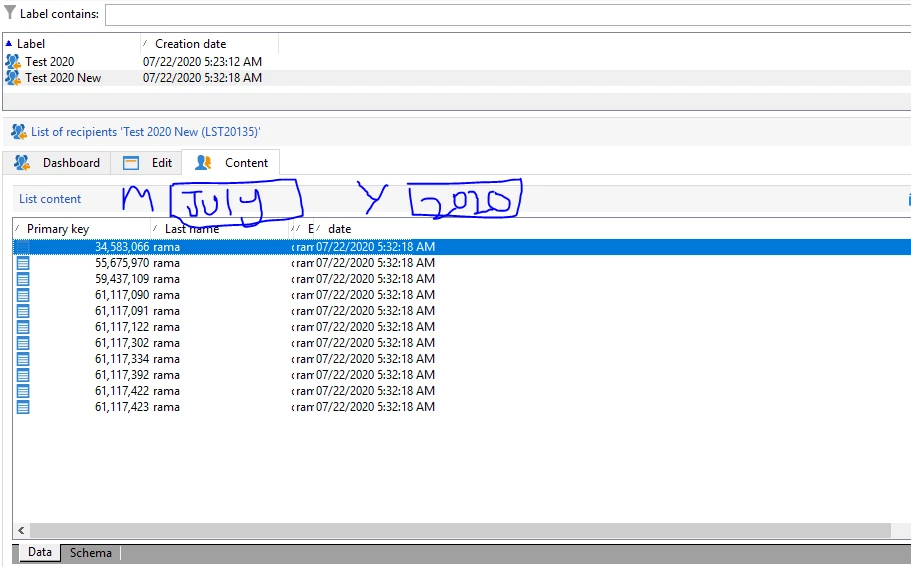
For example : Like in the screenshot below there should be a month drop down and year input box where a user can enter and based on the month and year of the date column we need to filter the results of list.
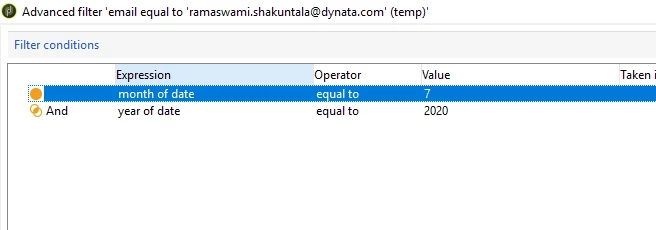
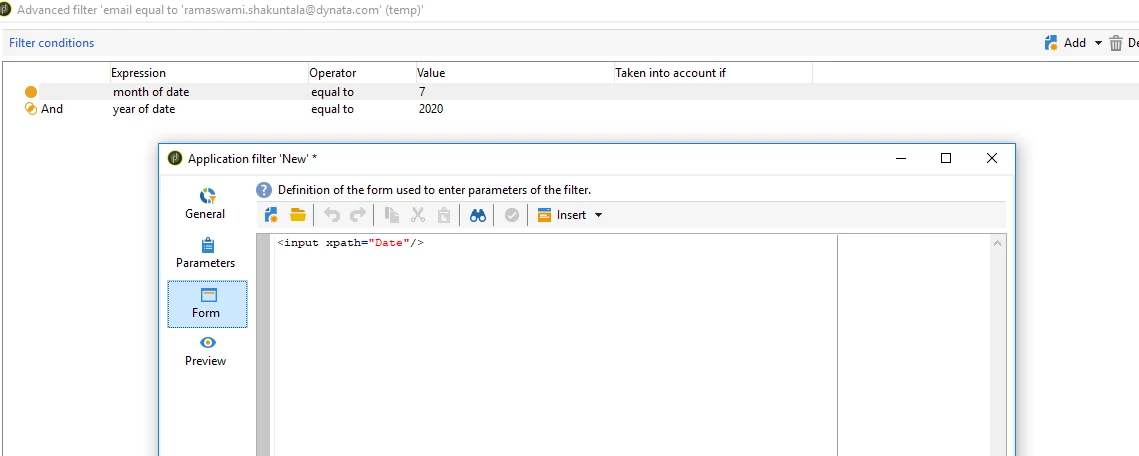
I have clicked advanced filter on the list and this is the query i am taking :
i have clicked on save button on the right and it gave me below :
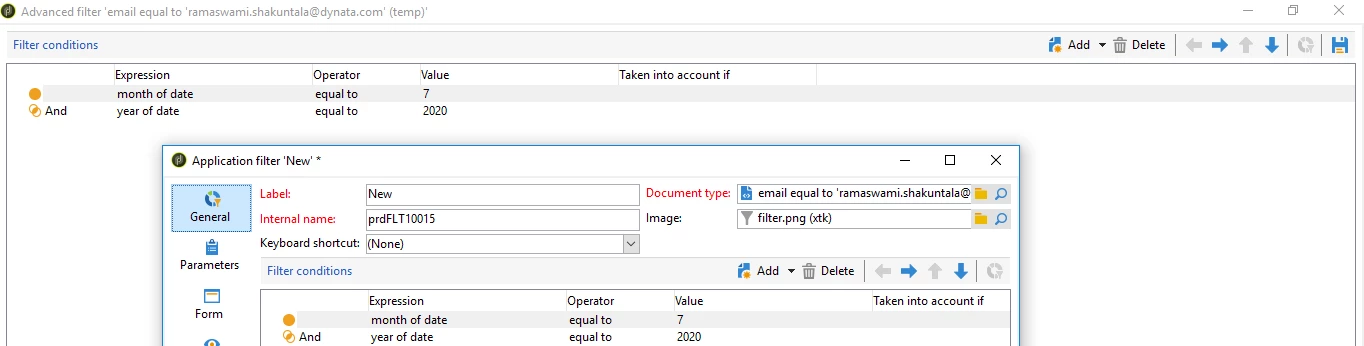
i clicked on form : It seems the code here should be written in xml or html so what code i need to write here for displaying month field with month dropdown and year feild input box.
When i click on preview i am getting some error :
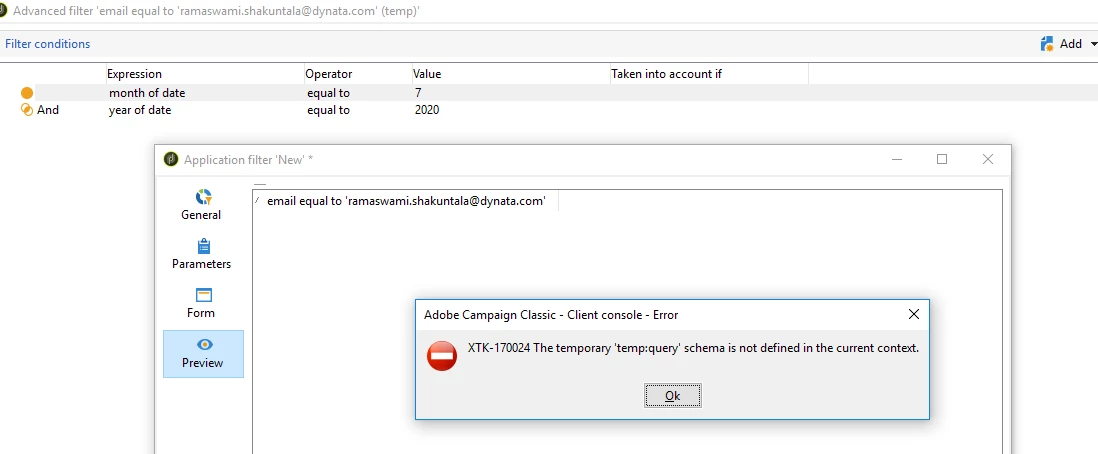
Can anyone help on this.